Answered
Premiere Mask from Photoshop
Can I use a black and white png made in photoshop to mask video in Premiere. Like a track matte in After effects.
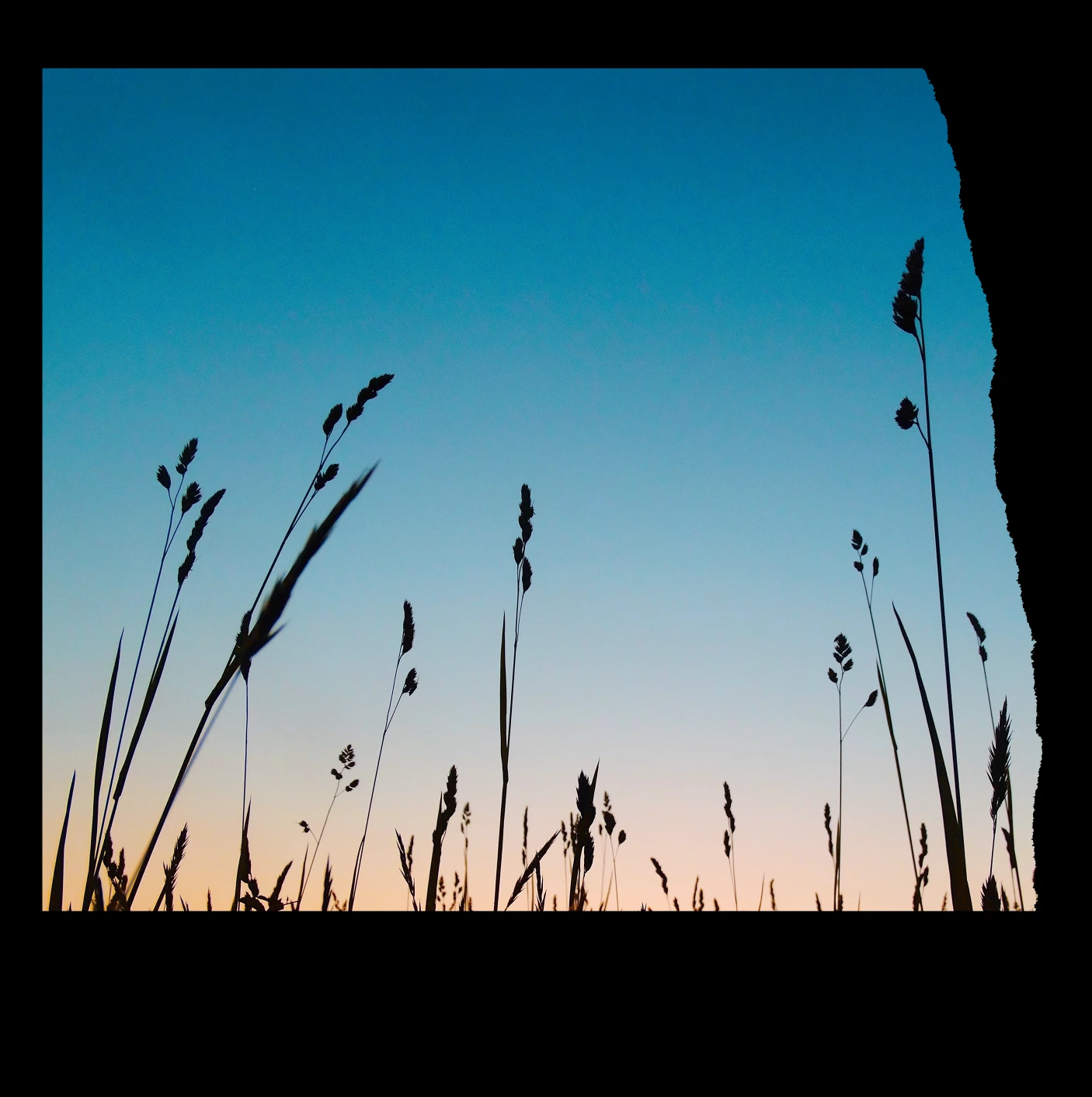
So something like this black and white image to create the masked video effect below?


Can I use a black and white png made in photoshop to mask video in Premiere. Like a track matte in After effects.
So something like this black and white image to create the masked video effect below?
Yes, you can do this in Premiere - but there is a little trick to it.
Place the image of the reeds on one track. If you can, create your animation (even though you won't see it constrained by the matte).
Once you have that, Nest the clip (right click on the clip on the timeline and from the drop down menu choose Nest).
Now place the matte clip on a track above the clip with the reeds.
Apply the Track Matte Key effect to the Nest (Effects > Video Effects > Keying > Track Matte Key) and set the Matte to the track with the matte clip on it.
If you need to adjust the animation, double click on the nest to open it and then return to your sequence to view the effect.
MtD
Already have an account? Login
Enter your E-mail address. We'll send you an e-mail with instructions to reset your password.
 AdChoices