
Premiere Mobile App Export to Desktop App - Broken
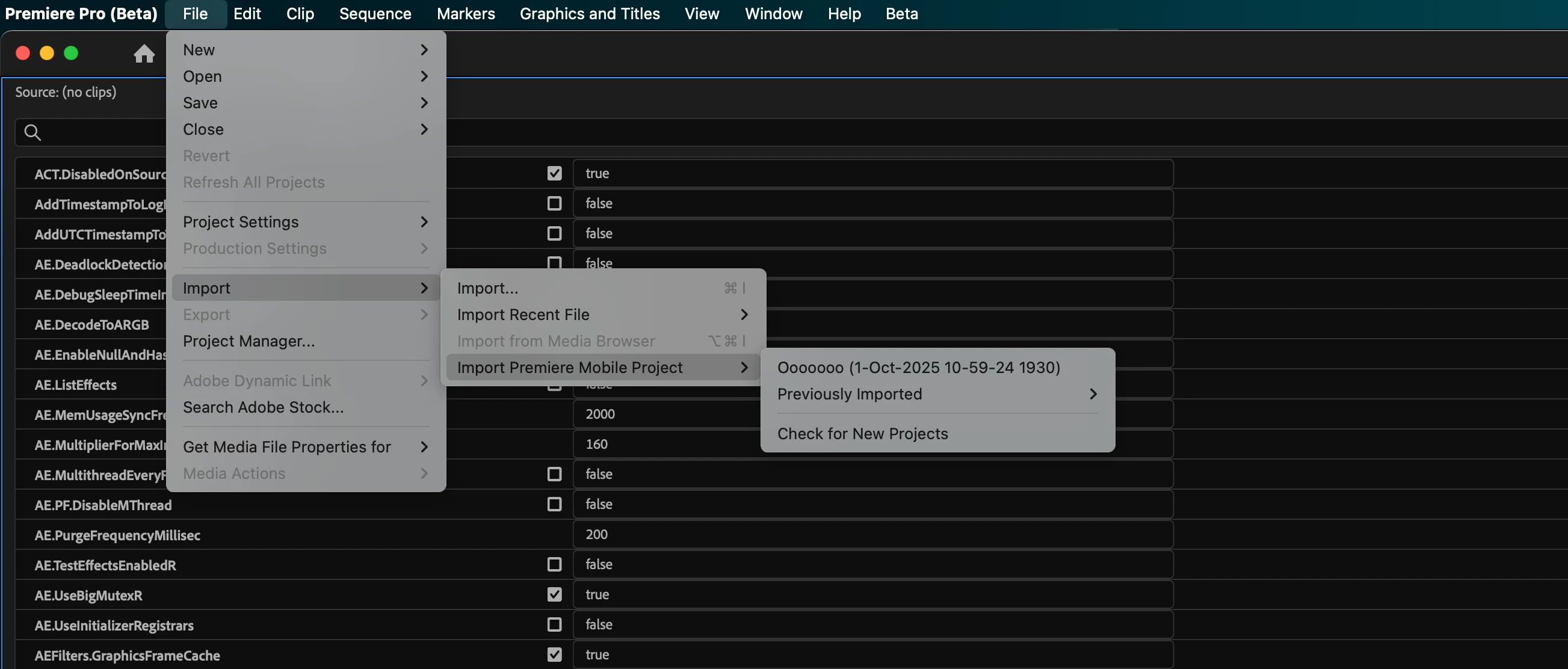
I am thrilled to start playing with the Premiere mobile app, but can find ZERO support on how to open an exported project from the mobile app on the desktop app.
1. In the mobile app, I have a project with 5 clips. I've done some basic trimming to the clips, that is all. I hit Export to "Premiere desktop (beta)" and get a success.
2. I go to my Creative Cloud app, files tab > projects, and sure enough I see the project! 5 clips and a project file. Mission success.
3. When I open Premiere Pro (beta) and select "open project" and navigate to the "cloud media" folder (Adobe > Premiere Pro (beta) > 25.5 > Cloud Media) no files show up whatsoever.
4. Back in Creative Cloud app, files tab > projects I download all the clips and project files (a painstaking process in itself — first have to "move" all of the files from the "projects" folder into the "files" folder because no download options exist in "projects").
5. Premiere Pro (beta) nor any other version of premiere is able to open the .otio files
All the videos I see simply showcase the mobile app side of things, and call it successful after the export. I can find no documentation for how to get the project open on the desktop app, and have spent several hours today trying to figure it out to no avail.
Is anyone experiencing the same issue? Without the ability to send a mobile project to desktop for finishing, I see no way Premiere (mobile) has any differentiation whatsoever from any other mobile editing solution.
 AdChoices