Participant
December 21, 2018
Answered

Premiere only exporting a small section of edited captions as SRT

  • December 21, 2018
  • 3 replies
  • 2525 views

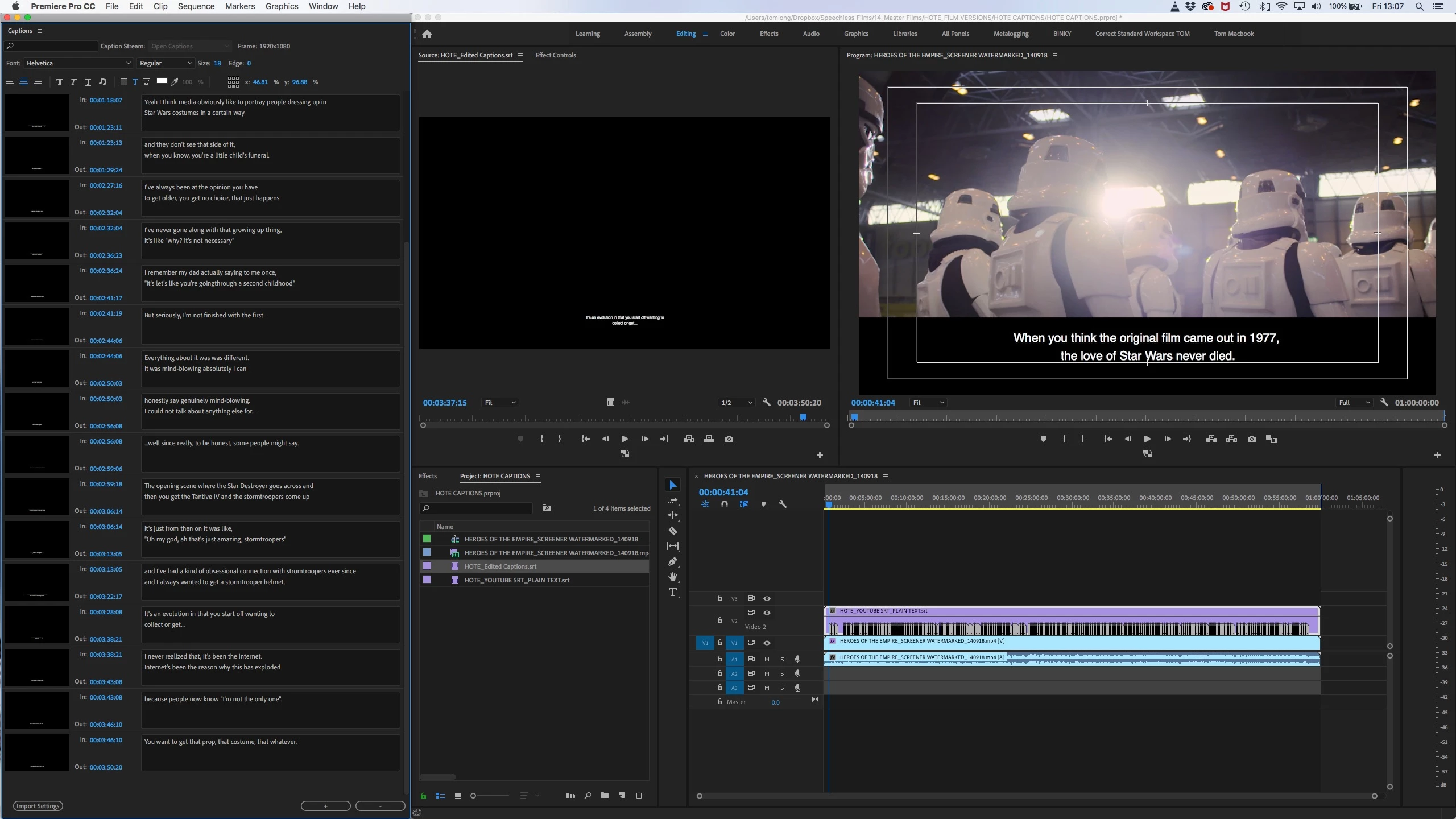
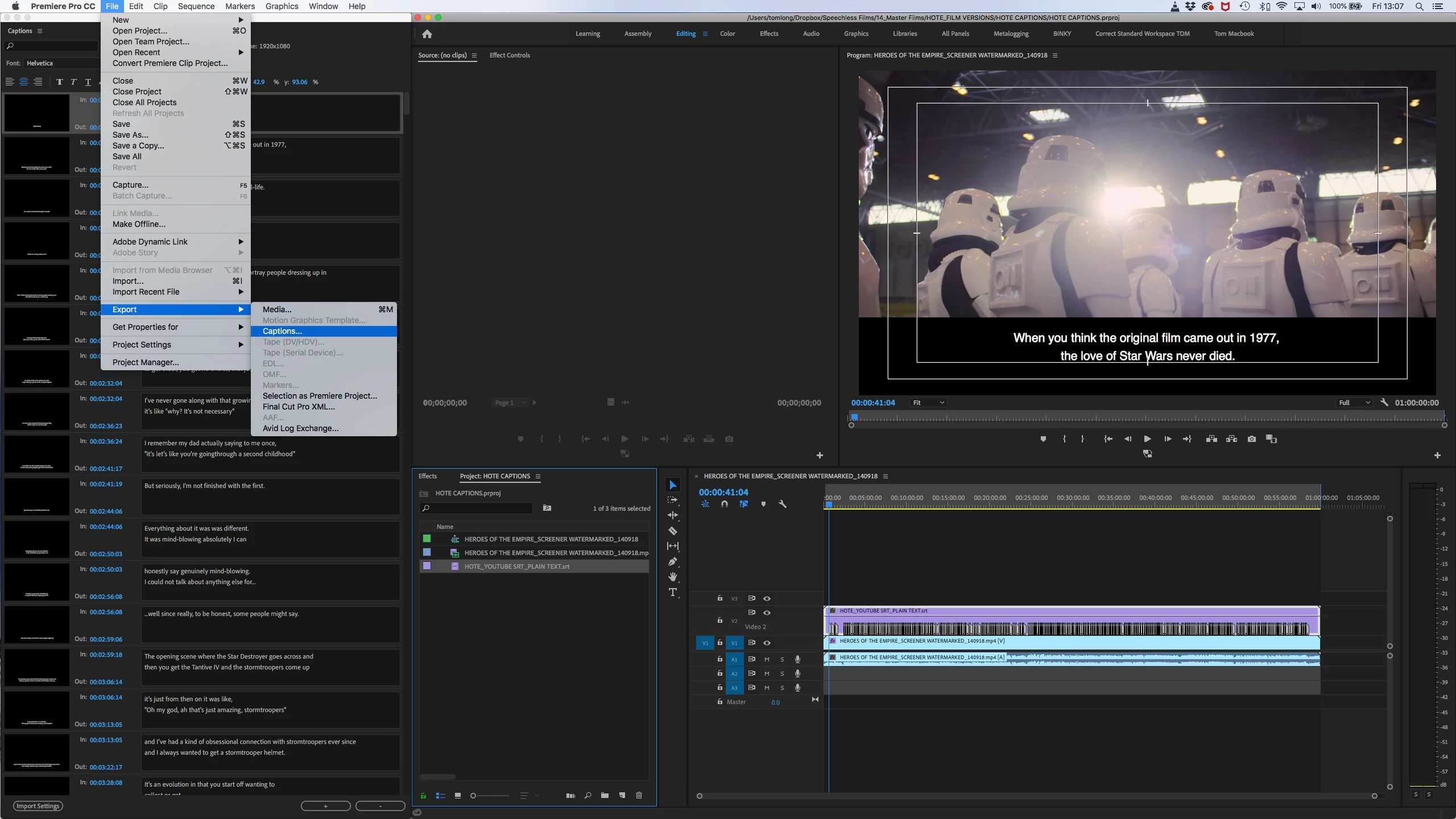
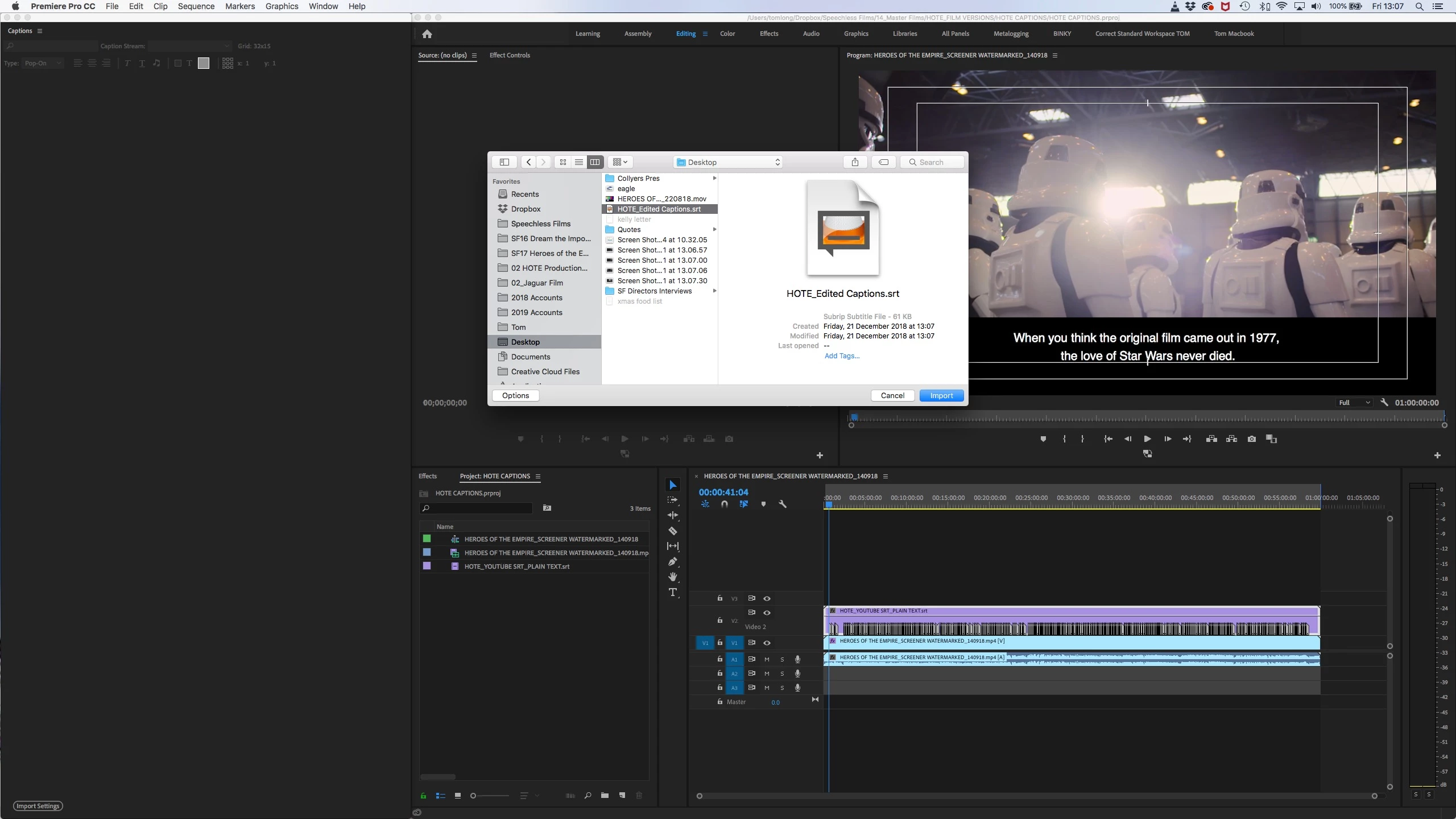
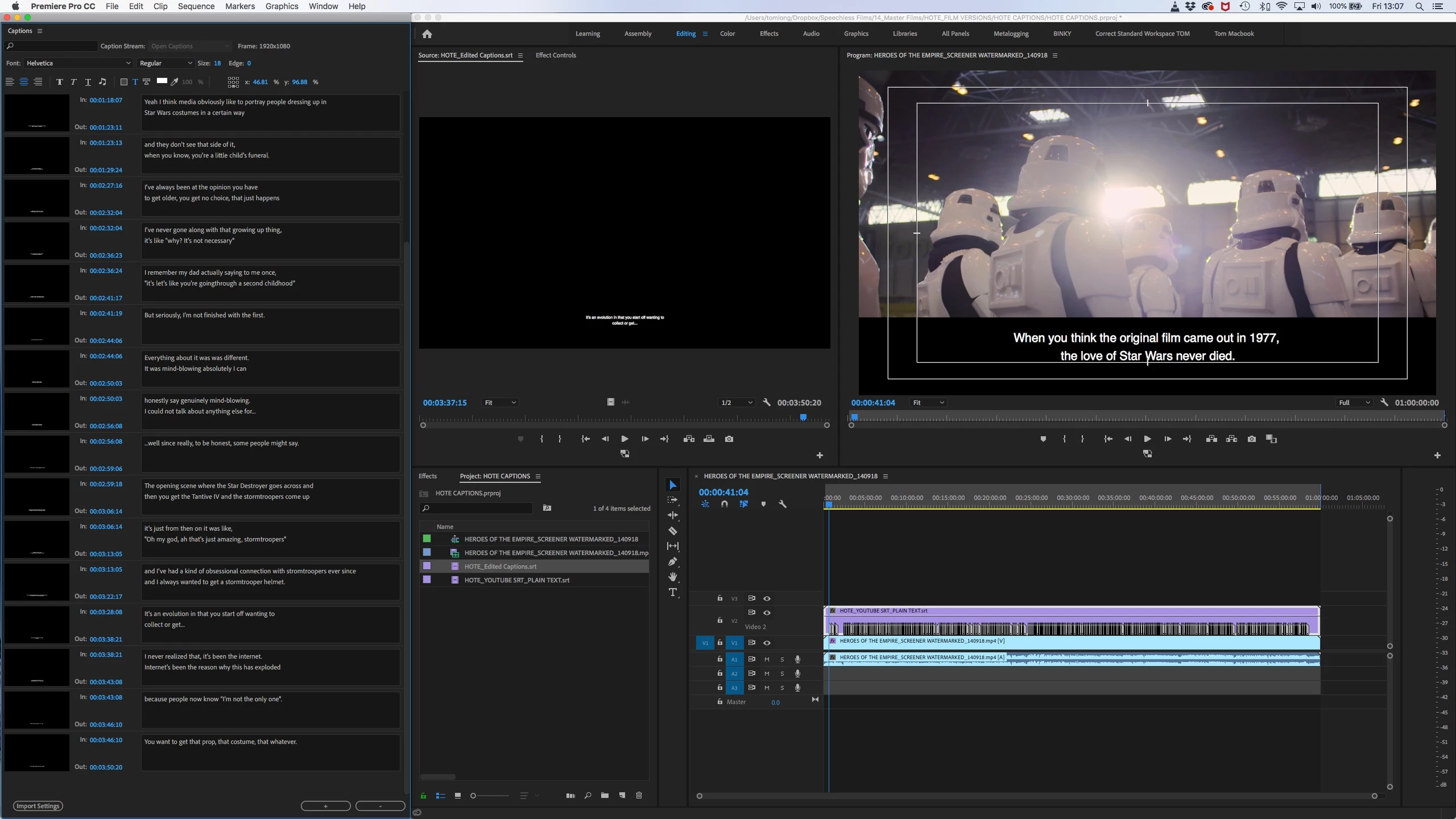
I've spent about 3 days editing a captions file in Premiere for a 60 minute film. Now the captions are complete, I've exported the captions (select in project finder>export captions etc), but when I bring them back in to project (or a new project), only 3mins 50secs of the captions have exported to the new SRT file? Anyone know what could be causing it? Adobe phone support had no idea.

On import again, the SRT only has 3'50 NOT 60'00 of captions

    This topic has been closed for replies.
    Correct answer toml2061776

    When I export from this project, they are all there.

    So probably something in your main project.

    Look around the area where the export is truncated. Special character, extra long line, something?

    Another possibility is that you cannot split an srt stream and get what is on the timeline. But I don't think that is likely to be your problem. You'd just get what is in the project panel.


    Yay - I have a resolution.

    Although there were no special characters or lines etc (everything is exactly as it should be), there must be a corruption in that individual caption.

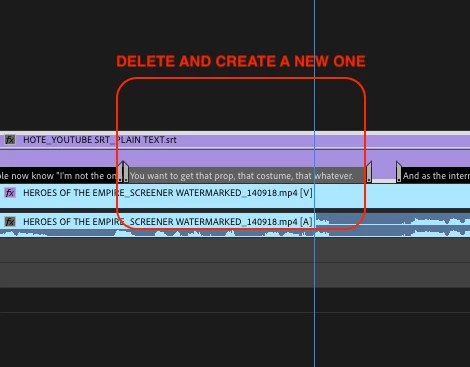
    To fix the issue, I had to delete the caption at the timecode that the .srt kept failing to export beyond (3'50), then create a new caption at this point on the captions and paste the same text. Fixed the export issue.

    Had to repeat this at another two different points that it then subsequently wouldn't save beyond on another two .srt files.

    So resolution - delete the caption that it won't export beyond, then create a new one and paste text. Even though the text formatting was fine, the caption itself must have been corrupt at the point the .srt failed to export beyond.

    Why this happened is an utter mystery, and beyond me. Hope this helps other Adobe users. Thanks for your help today Stan.

    3 replies

    Stan Jones
    Community Expert
    Community Expert
    October 12, 2020

    eka, the PR programmatic "fix" would be for PR to be able to detect certain problems - such as having an extra return typed in the caption. I don't know if that will ever happen. Yes, there have been many fixes since 2018, but I suspect they do not address the problems here.


    Are you looking at the exported file in a text editor?


    Also, the caption here was all being exported; but all of it was not being reimported. Are you sure your whole stream is not being exported?


    Stan

    Known Participant
    October 12, 2020

    Hi Stan, 

    Thanks for the answer. 
    Yes, I'm looking at the file in text editor. 

    I'm sure the whole stream is not even exported.

    Stan Jones
    Community Expert
    Community Expert
    October 12, 2020

    Got it. Did you import the original stream? Or create a new caption stream and add the captions in PR?


    Stan

    Known Participant
    October 12, 2020

    Sadly, this didn't work for me. 

    Did anyone found a solution to this problem ever since?

    I have feature film captions on my timeline and only first 10 minutes get exported:/ Help.

    Working on Pr.Pro 2018 right now.

    Do you know if Premiere Pro 2019 fixed this issue?

    Stan Jones
    Community Expert
    Community Expert
    December 21, 2018

    If you open the exported .srt in a text editor, are all the captions there?

    Sometimes the export has a glitch or there is an editing error that creates a flaw in the file. This then prevents PR from reading the reimported file.

    If all of the captions exported, look at the point in the file where it stops importing.

    Post a link to the exported .srt, and I'll take a look.

    Participant
    December 21, 2018

    I've checked - no it doesn't export them. If you open the exported text with text edit, it only has the ones that we reimport (up to 3'50min).

    Here is a link to the PP project and original SRT file. If you open the project, all the edited captions should be there.

    https://www.dropbox.com/sh/vpzgfzgmg5ft160/AAAManByGf30tL00gAULo8Upa?dl=0

    toml2061776AuthorCorrect answer
    Participant
    December 21, 2018

    When I export from this project, they are all there.

    So probably something in your main project.

    Look around the area where the export is truncated. Special character, extra long line, something?

    Another possibility is that you cannot split an srt stream and get what is on the timeline. But I don't think that is likely to be your problem. You'd just get what is in the project panel.


    Yay - I have a resolution.

    Although there were no special characters or lines etc (everything is exactly as it should be), there must be a corruption in that individual caption.

    To fix the issue, I had to delete the caption at the timecode that the .srt kept failing to export beyond (3'50), then create a new caption at this point on the captions and paste the same text. Fixed the export issue.

    Had to repeat this at another two different points that it then subsequently wouldn't save beyond on another two .srt files.

    So resolution - delete the caption that it won't export beyond, then create a new one and paste text. Even though the text formatting was fine, the caption itself must have been corrupt at the point the .srt failed to export beyond.

    Why this happened is an utter mystery, and beyond me. Hope this helps other Adobe users. Thanks for your help today Stan.