Participating Frequently
June 22, 2025
Question

Premiere only insets one audio track

  • June 22, 2025
  • 1 reply
  • 773 views

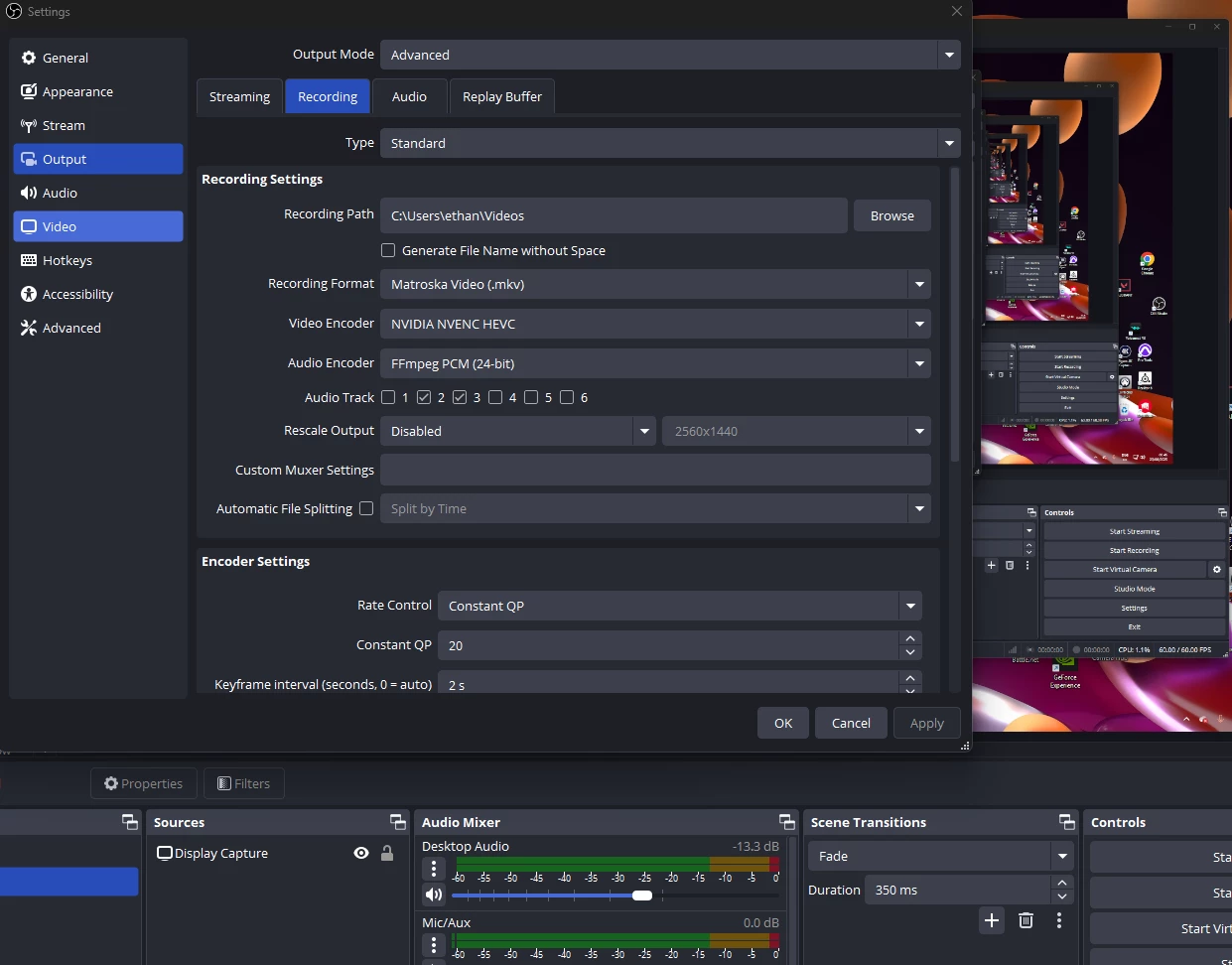
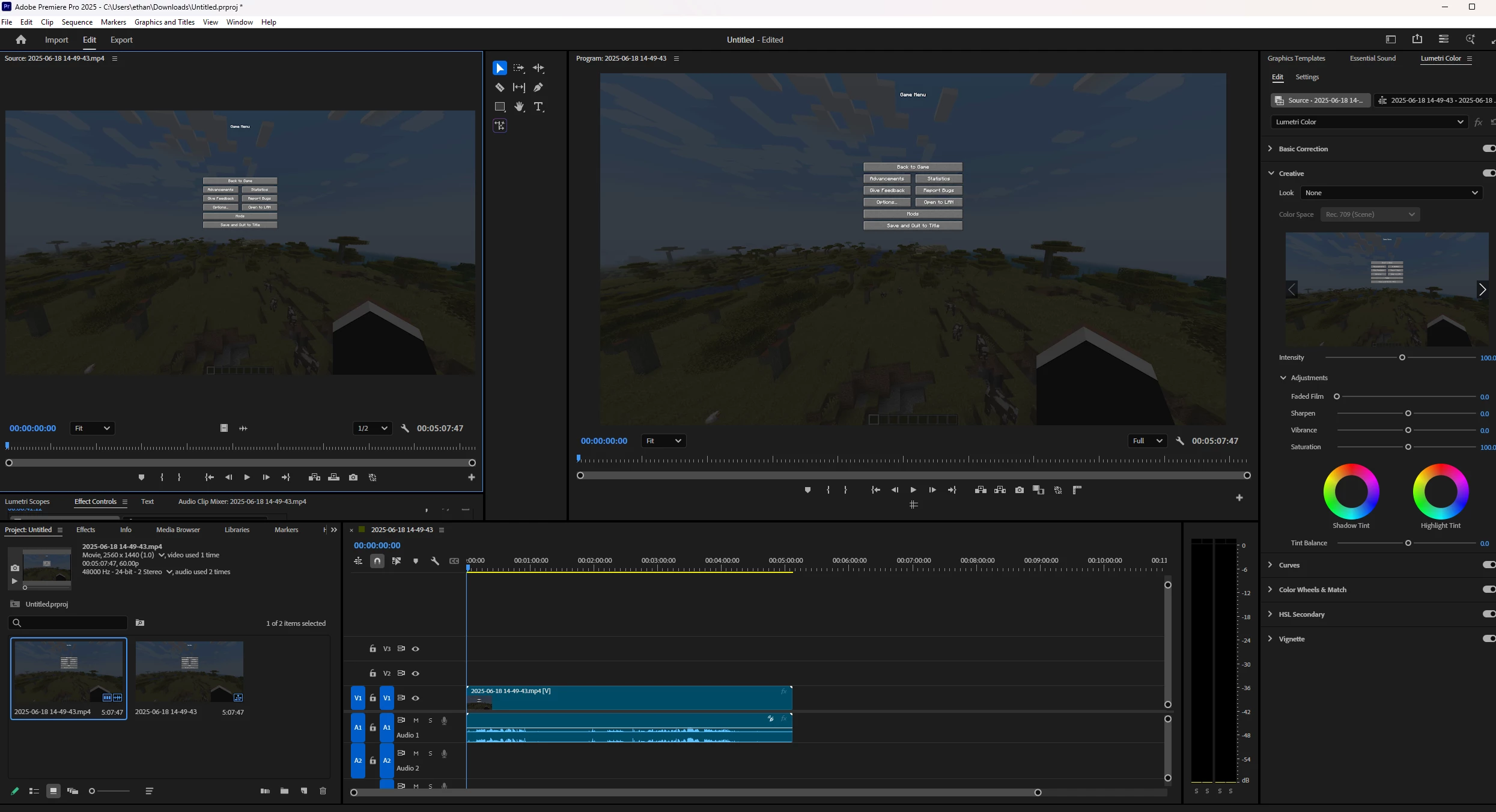
Ive been recording my gameplay via OBS and have recorded my gameplay and mic audio in different tracks. When i put the finished recording into other editing software i can freely see both a track for my game and mic. When inserting my video into premier i only get one audio track which ismy game sound no seperate track for my mic. Ive looked for a solution on youtube and google but am masssively stuck with no solution. Ive tried converting from mono to stereo and making more tracks but it just duplicates my game audio.  
 

1 reply

Community Manager
June 23, 2025

Hi ethan3333,


Sorry to hear about this issue. We will get it checked. Could you please share a sample media with which you are experiencing this issue to test at our end? Also, let us know the version of Premiere Pro that you are using & the app which shows multiple audio tracks for the media.


Thanks,

Sumeet

ethan3333Author
Participating Frequently
June 25, 2025

Hi Sumeet, 

I am using the most recent version of premier pro and the app I haver used is CapCut which is showing the multiple audio tracks. I have made a video showing what i am looking at.

thank you

Ethan

Stan Jones
Community Expert
Community Expert
June 25, 2025

@ethan3333,


As Sumeet says, we need a sample of your clip. PR sees it as a single stereo track. It will be much easier to diagnose the problem and make a suggestion.


Stan