
Premiere opacity changes causes permanent invisibility, playback oddities.
Apparent bug CC2017.1.2...
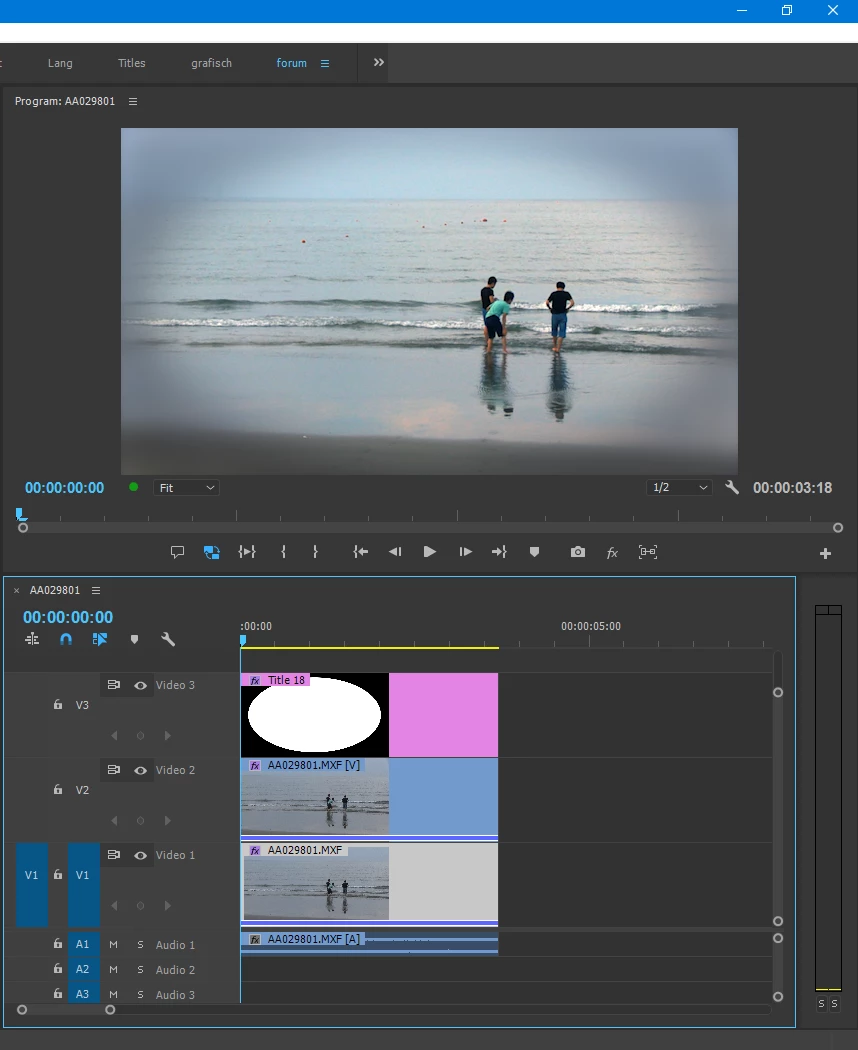
I project with two sequences, one hosting the other, works fine until I make an opacity change to the first opacity keyframe after which layer becomes permanently invisible and playback experience becomes jerky with timeline indicator hopping forward (not smooth) and nothing apparently playing. Screenshots from good to bad state as described...
main sequence things are fine...
Inner sequence adjustment layer, things are fine...
Inner sequence vignette layer, things are fine...
Inner sequence jpeg layer, things are fine...
For main sequence move opacity to 0% then back to 100% things remain invisible (BUG?) Playback jerks forward past second 100% keyframe still invisible... only restarted Premiere returns visibility...
Any thoughts?
 AdChoices