
Known Participant
October 2, 2021
Question

Premiere Pro 15.4.1 Unable to create image buffer - FREEZE

  • October 2, 2021
  • 1 reply
  • 222 views

Hello,

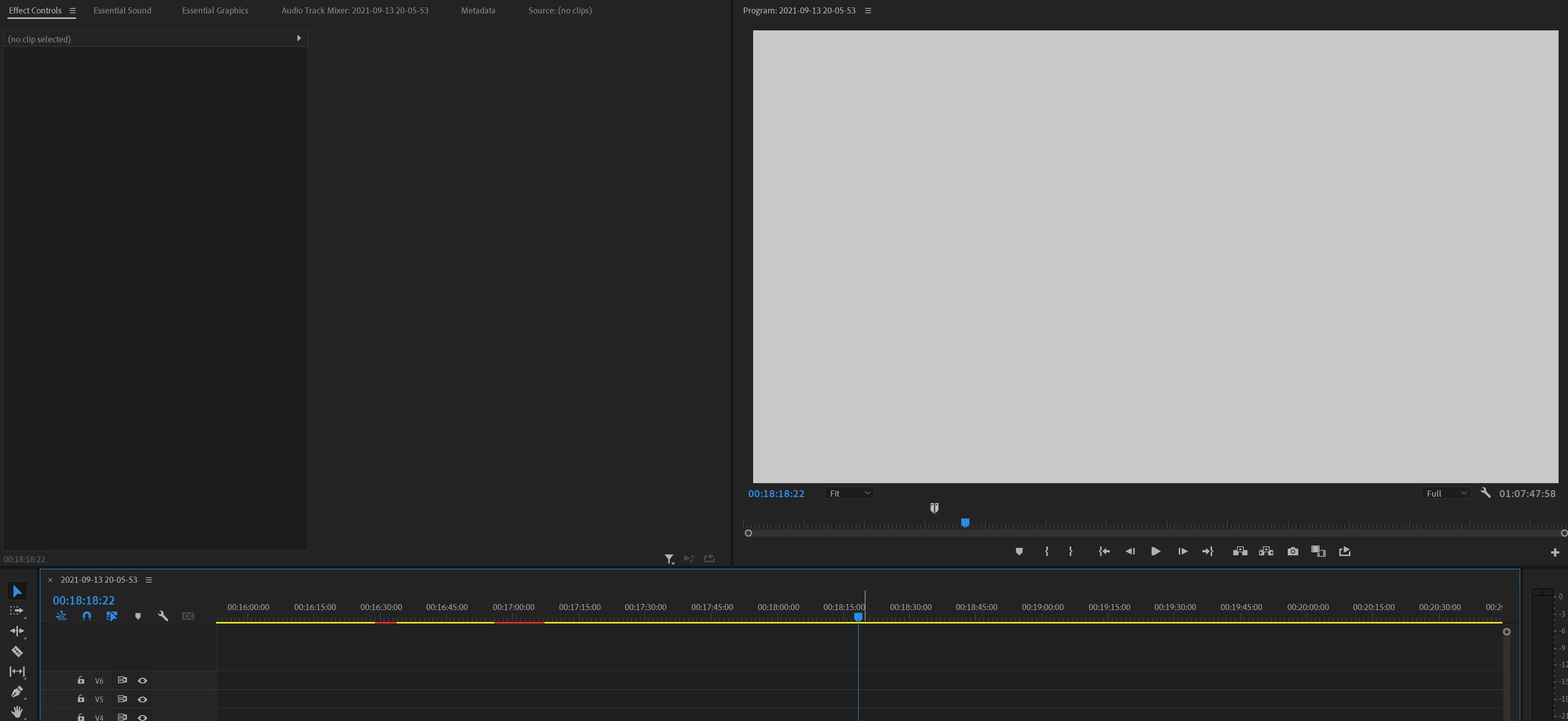
I've been getting this error for a couple of weeks now. Parts of Premiere seem to freeze at random when an error saying "Unable to create image buffer" pops up in the bottom right corner. Sometimes the program monitor freezes and I can still scrub the timeline, play the video & hear audio, other times the timeline freezes (I can still move the playhead when I click & drag on the top of the frozen timeline, however, the visuals don't update).

Also all windows that appear after the error are white: 
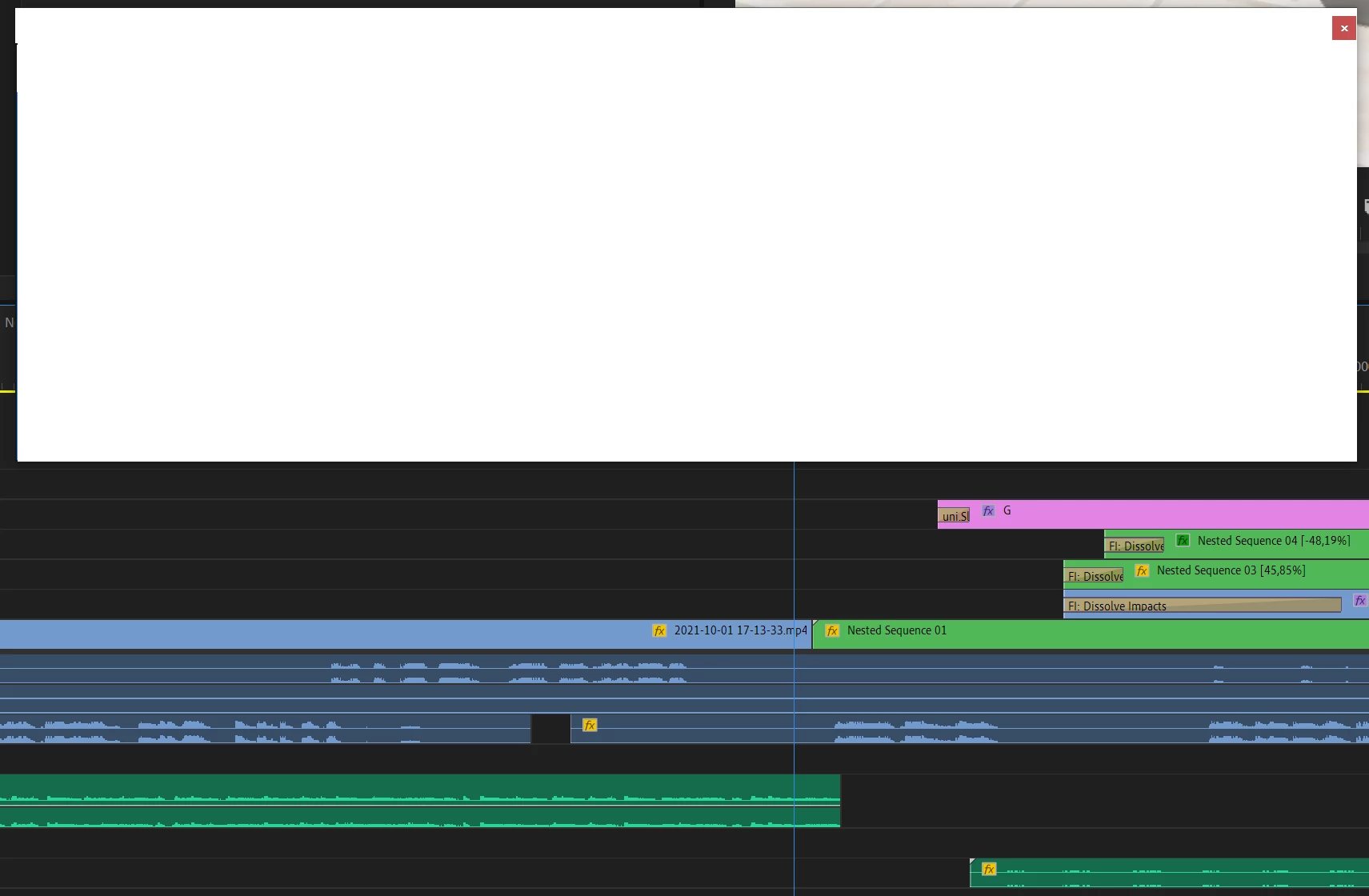
 

This is an example of the frozen program monitor. At first the video was visible there, then I minimized Premiere and when I opened it again it looked like this:
 

I also got a similar issue in Photoshop, where the canvas seems to have "frozen":
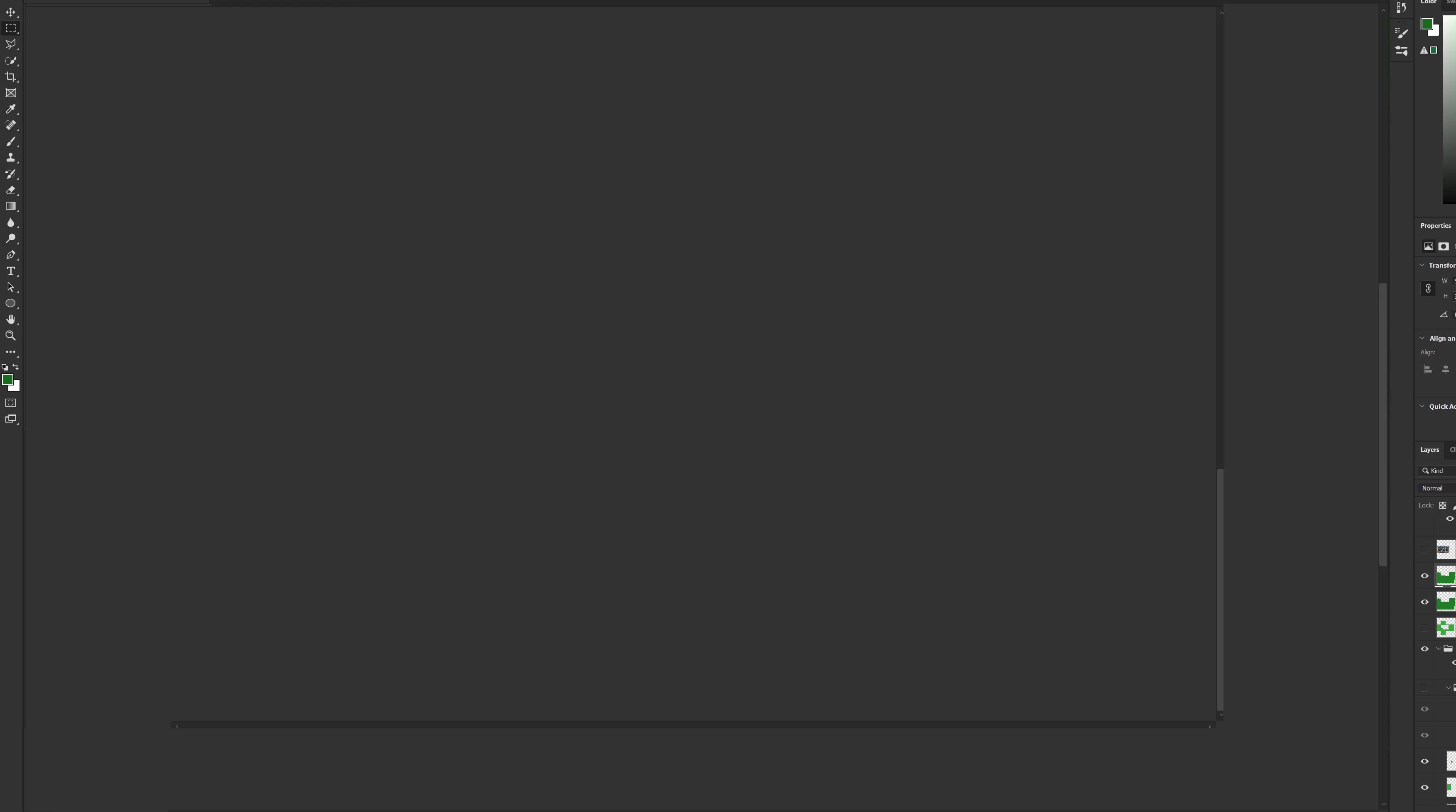
 

A restart of the program usually solves the problem.

What could I do to fix this? Thank you!

This topic has been closed for replies.

1 reply

Community Manager
October 2, 2021

Hi vladimírč,


Sorry to hear about this. We can get this checked. Let us know the system specifications (OS, CPU, GPU & RAM) & the type of media files you are working with (format/codec, frame rate & frame size). Also, have you applied any effects on the timeline?


Thanks,

Sumeet

Known Participant
October 5, 2021

Hello,

sorry for the late response, I did not get an email notification about your reply.

System specs:

Windows 10 Pro 21H1      19043.1237

i9 9900K

GTX 1080 ti

Kingston HyperX 32GB 2666MHz DDR4 CL13 Predator


This issue happens occasionally and with any type of media. However, in this example I was working with 1080p OBS footage (h.264 - mp4, 21 mbit bitrate, 60 fps)

I've only applied some transform effects on a couple of clips.