Premiere Pro 2018 - This effect requires GPU acceleration PROBLEM
Version > 12.1.2 (build 69)
I have problem with Premiere Pro.. I tried to find every tutorial or help everywhere but nothing..
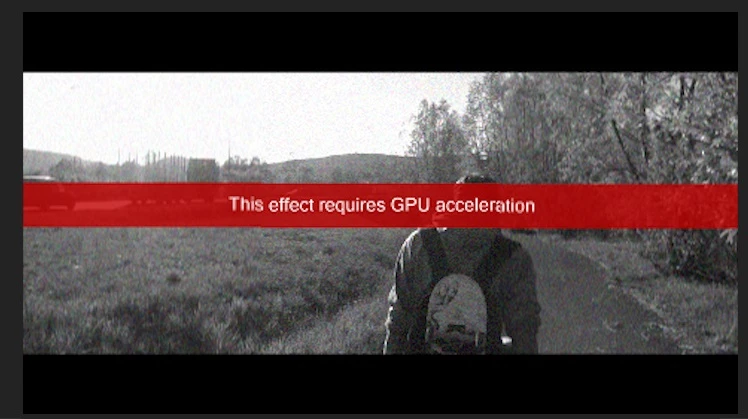
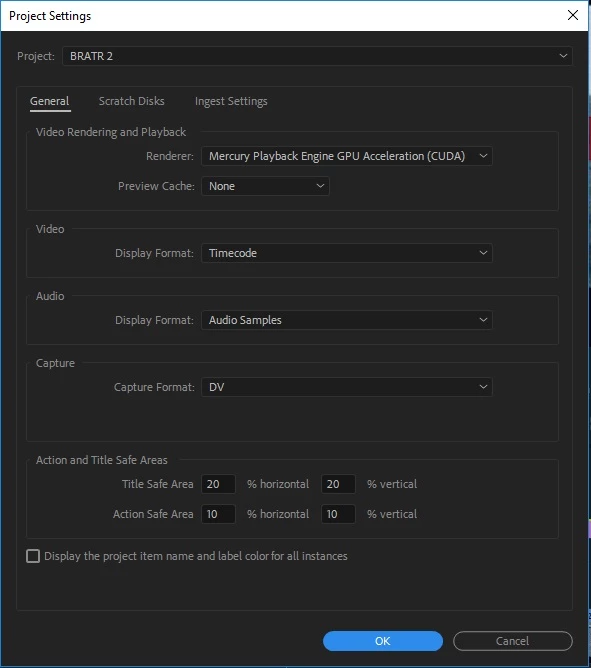
Problem is that I already have enabled: Mercury Playback Engine GPU acceleration (CUDA) but it still says that it needs GPU to render that effect/transition.
Earlier it didn't happen. It worked perfectly but it somehow started...
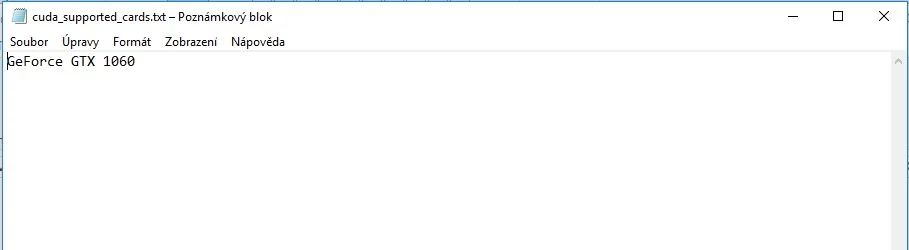
At first I copied GPUsniffer.exe into CMD and loaded it then I opened cuda_supported_cards.txt and wrote name of GPU from CMD.. still isnt working.
Effects with that lego icon with play button inside (Accelerated Effect) is working perfectly but other effects are not.
Transitions and effects are working but I still have that red thing on screen. Is there a way just to delete file with that red stripe?
GPU: NVIDIA Geforce GTX 1060 3GB
RAM: 8GB
CPU: Intel(R) Core(TM) i5-7400 3.00GHz 4CPUs
DirectX 12
Windows 10 Home 64bit
.
.
. .
.
 AdChoices