Participating Frequently
September 26, 2019
Frage

Premiere Pro 2019 - Image slideshow flickers

  • September 26, 2019
  • 8 Antworten
  • 1470 Ansichten

Hi there,


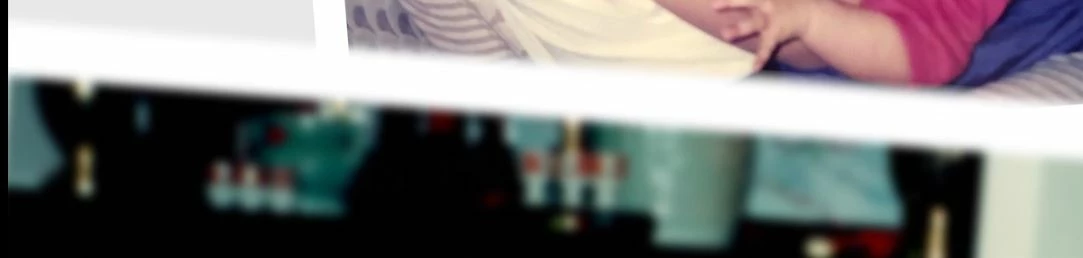
I purchased a wedding slideshow premiere pro file and input a bunch of photos. The final product, previews great in the workflow, but when i go to export it, at the bottom it flickers and you can see the behind layers; which can be seen in the sample video below. If you look at the bottom of the video, you can see the frame of the image flickering thru the bottom image.


https://www.dropbox.com/s/lzyvxmil1t5qifo/Final%20Edit%2001_6.mp4?dl=0


If flickers like this where u can see the frame behind, then it goes back to normal constantly:

 

Ive tried nesting the layers, ive tried exporting with and without max render quality and max depth. I'm exporting with H.264, 2pass 8bit-8.5bit. 


Any ideas?

    Dieses Thema wurde für Antworten geschlossen.

    8 Antworten

    Participating Frequently
    September 30, 2019

    Figured out that the flickering is caused by the blur effect on the bottom picture. Removing it stops the flickering.. Does that help in assisting me solve this mystery? lol

    Ann Bens
    Community Expert
    Community Expert
    September 29, 2019

    I would start over.

    Participating Frequently
    September 29, 2019

    I just tried importing into a new premiere project and also reduced the sequence size to 1920x1080 and when export i selected a small section, maybe 10 seconds to see if it works, and as soon as i hit export, my computer freezes.. Never happened before.. Any ideas?

    Shivangi_Gupta
    Community Manager
    Community Manager
    September 28, 2019

    Hi there,


    Thanks for reaching out. I assume it was created in an older version of the application which could be giving us flickering.

    In addition to the suggestions given by the experts above, could you try importing this project into a new project and then export?


    Let us know how it goes.


    Thanks,

    Shivangi

    Ann Bens
    Community Expert
    Community Expert
    September 27, 2019

    Your sequence settings are too big.

    Might want to set them to 1920x1080.

    Ann Bens
    Community Expert
    Community Expert
    September 27, 2019

    as answers get 'buried'.

    Community Expert
    September 26, 2019

    Make sure you are not working in Software Only Renderer, change to GPU acceleration...

    many template sellers create their projects based on GPU acceleration, while they must

    create based on Software Only to make sure their template is also compatible with non-GPU

    accelerated machines.. If your GPU acceleration is greyed out, try either to update or roll back

    your GPU driver to something compatible

    Participating Frequently
    September 26, 2019
    Thanks, but i tried both software only and GPU acceleration.
    Community Expert
    September 27, 2019

    I don't think there is need for 2 pass H.264, can you please send screenshots of the project template?

    I need to know if the vendor used a 'Transform' property. If so, try to uncheck 'use composition shutter angle'

    from the transform properties.


    we need to understand what was used in this template and how it is structured

    Ann Bens
    Community Expert
    Community Expert
    September 26, 2019

    The background is it an old movie? Post format/codec/resolution.

    Post screenshot sequence settings.

    As this is a 3rd party template it is best to contact the vendor.

    Participating Frequently
    September 26, 2019

    the white background is just a white image. The part thats flickering is another image. see below for sequence settings. i didnt change anything as this is how it came.