
Premiere Pro 2020 crashes when finishing the playback of a quicktime video in timeline
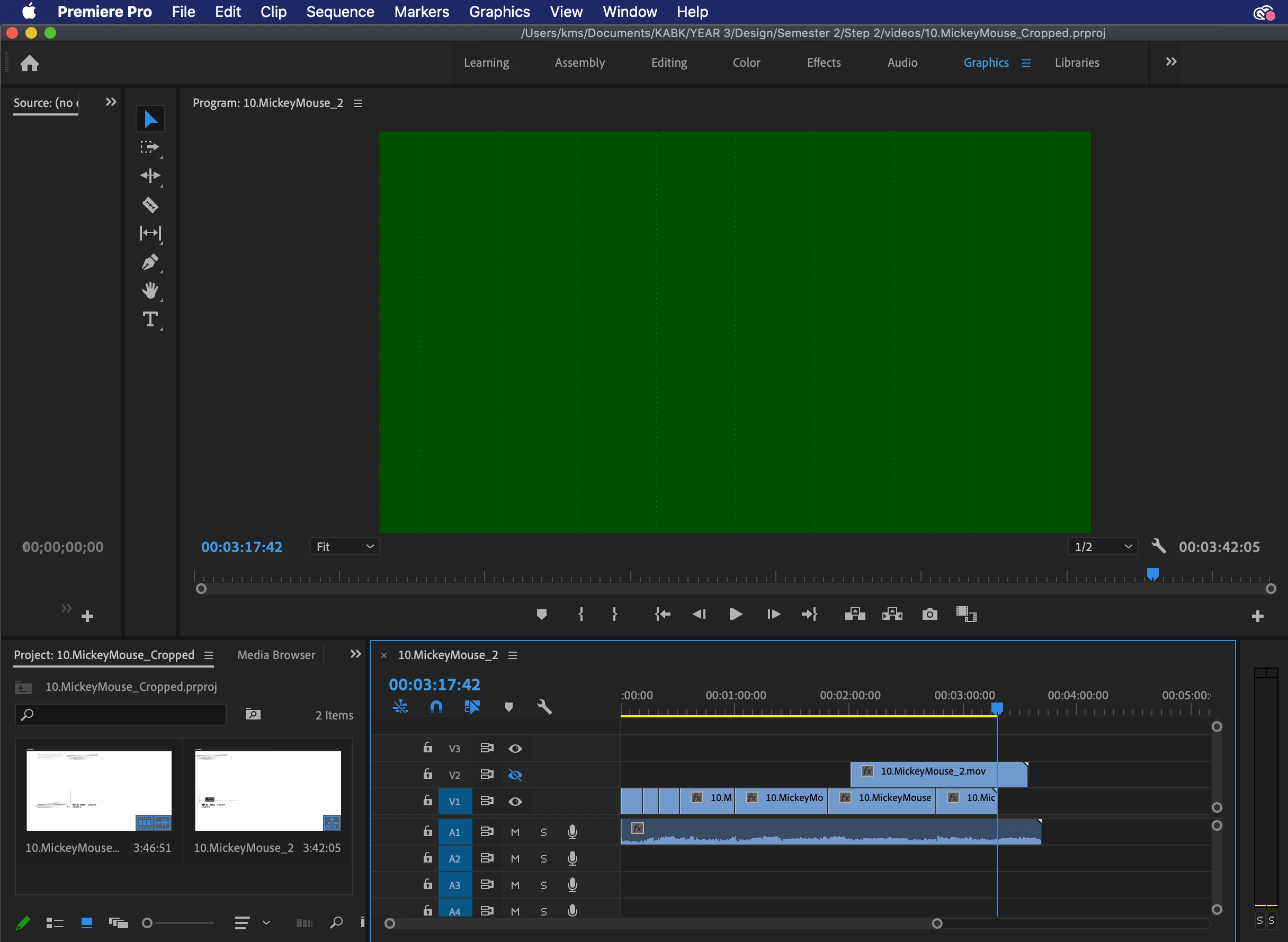
A Quicktime Player screenrecorded video of 1 minute is placed in the timeline to adjust it. When the playback has reached the end of the video (the audio continues a bit longer as they are unlinked), the playback stops and Premiere Pro is not reacting on pressing the spacebar or the buttons of the program.
When quitting program, the rainbow wheel appears and after a while of freeze and a "force quit" the program shows a window "Sorry, a serious error has occurred that requires Adobe Premiere Elements to shut down. We will attempt to save your current project." and exits the program.
It happens also with different video files, all Quicktime screenrecords, though. When trying to spend more time in the timeline to make it work again, the whole computer freezes for quite a while (approx. 8 minutes).
Is this a fault of the Adobe Premiere 2020 or can it be the computer?
I am running Macbook Pro 2019 (2.6GHz 6‑core Intel Core i7, Turbo Boost up to 4.5GHz, with 12MB shared L3 cache; 16GB of 2666MHz DDR4 onboard memory)
 AdChoices