
Premiere Pro 2020 freezes Macbook Pro and triggers a hard restart
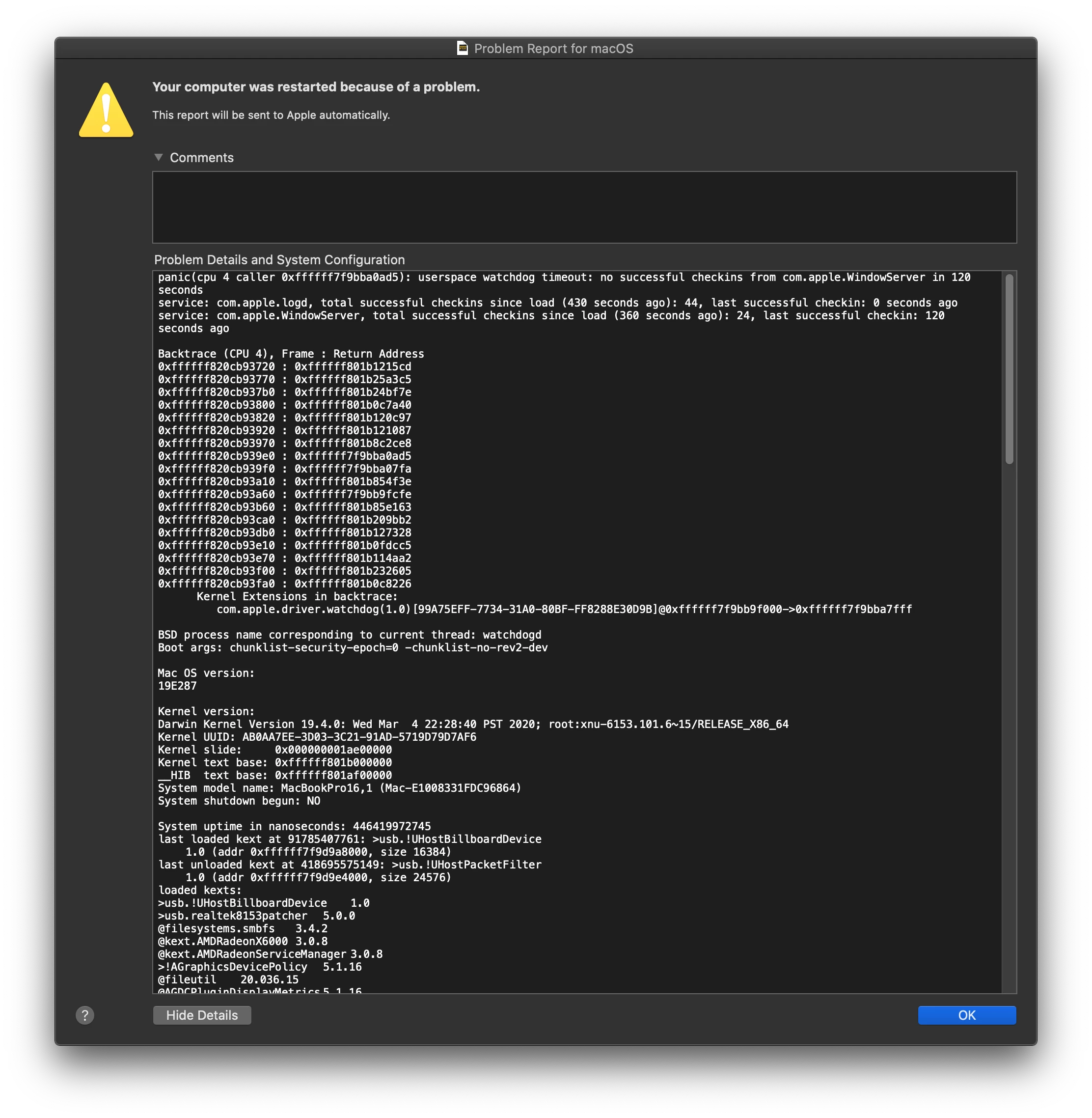
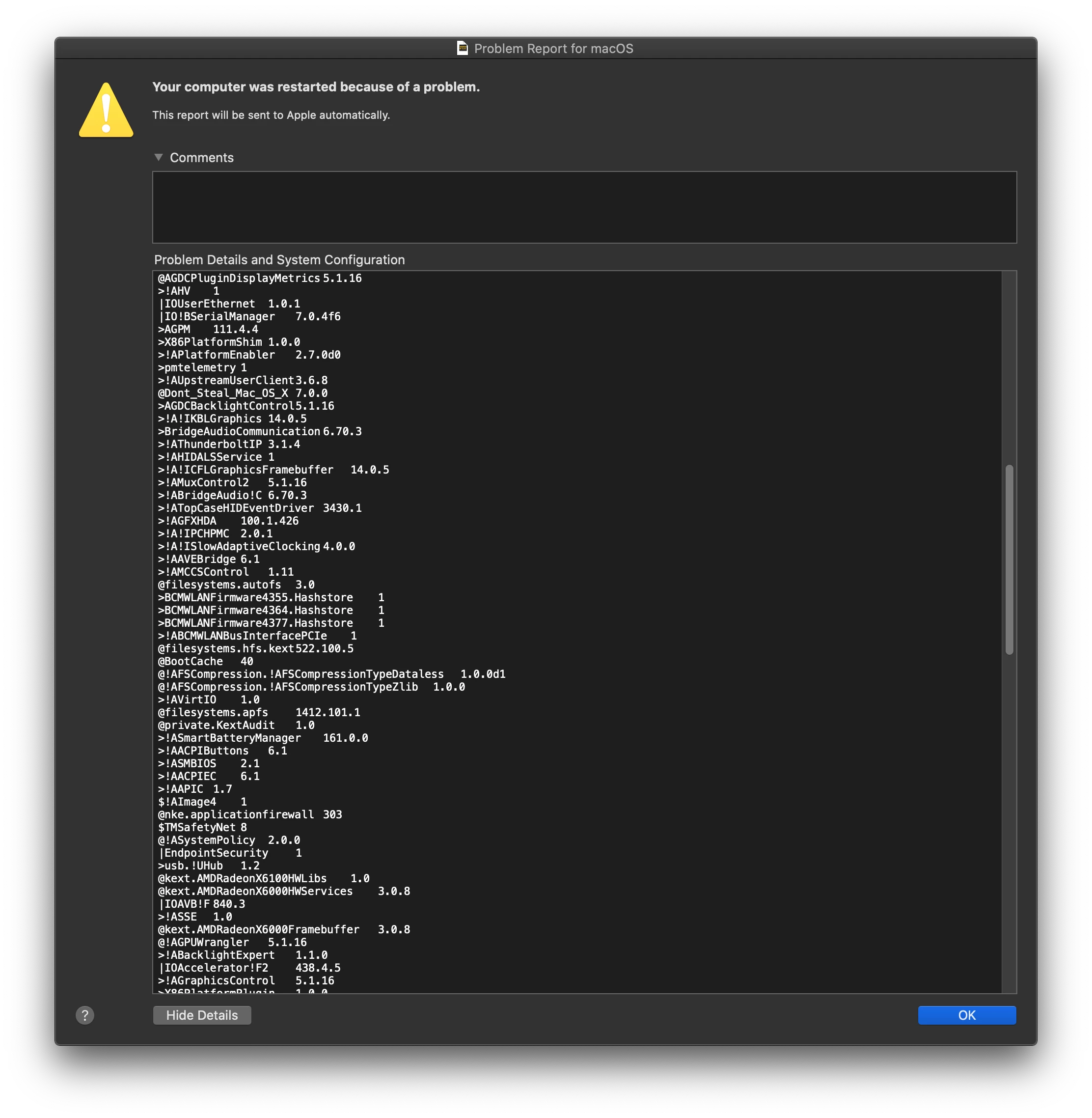
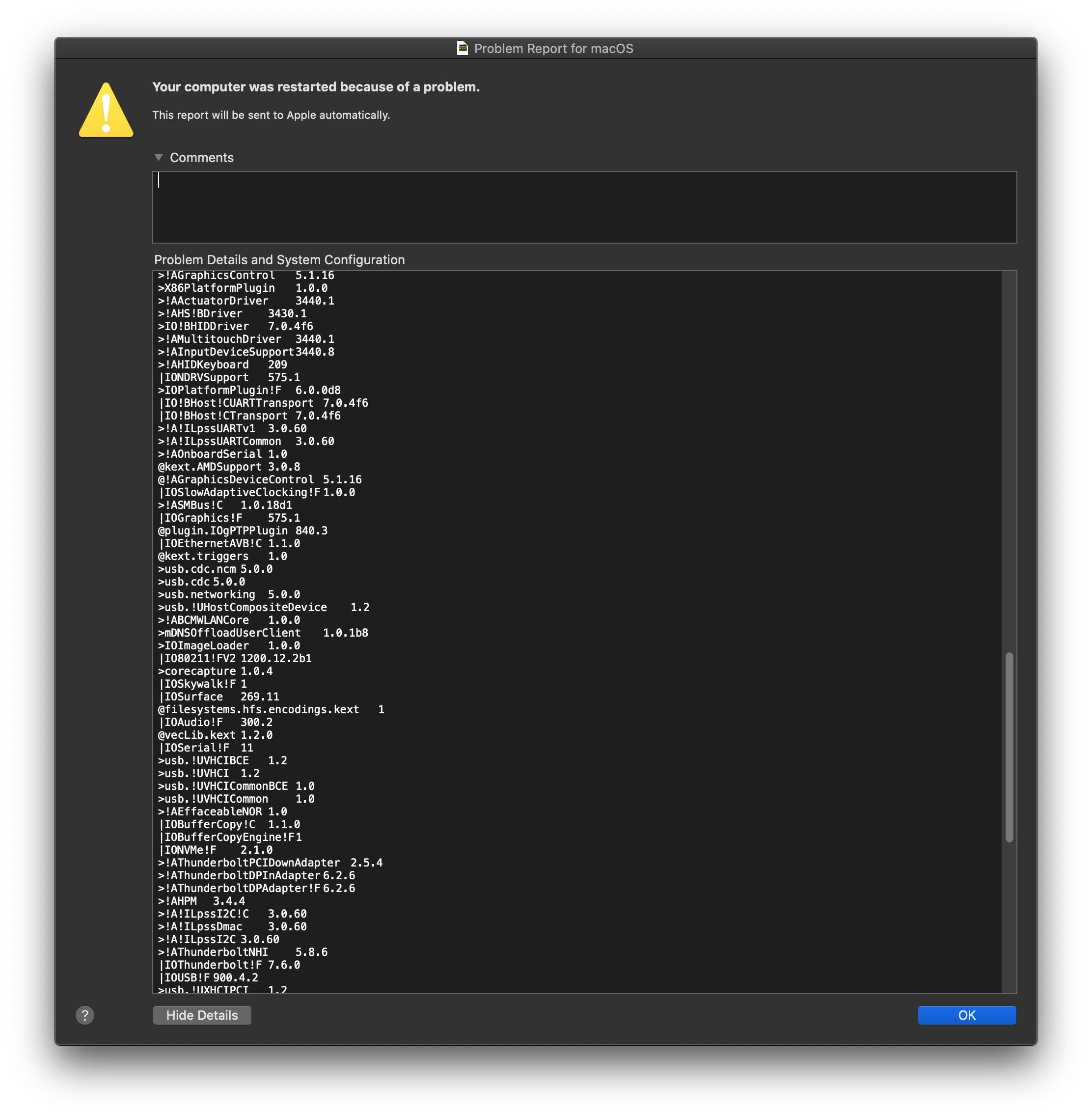
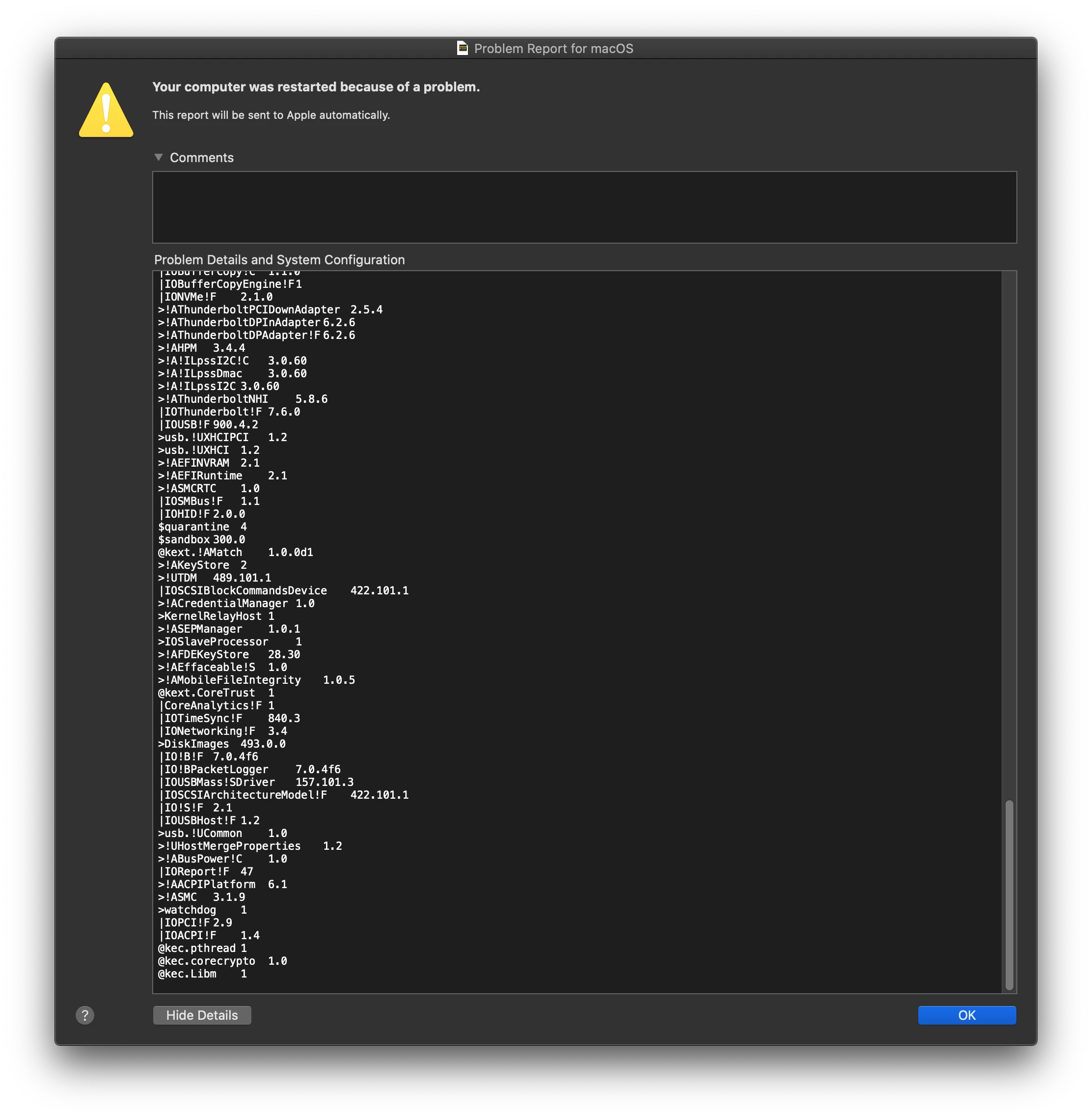
So I recently purchased a Macbook Pro 2019 16 inch with 16gb of ram. I sign into my adobe account and open Premiere to begin editing a project on the new computer. I get past importing my footage and begin dragging footage into the timeline, and all of a sudden, my entire computer freezes, and after 2 minutes, the computer fans get super loud, and then quiet, and the laptop does a hard restart. The same exact thing happens with After Effects. Photoshop and Lightroom work fine. I have tried EVERYTHING to fix this. I called Apple and Adobe twice and neither could help. I uninstall all plugins, do a diagnostic check on my computer (which turned out perfect), and reinstalled Mac OS. Nothing works. I desperately need help with this issue!! (I attached the error report above if anyone could decipher).
 AdChoices