Slappy Do
Participant
April 5, 2020
Question

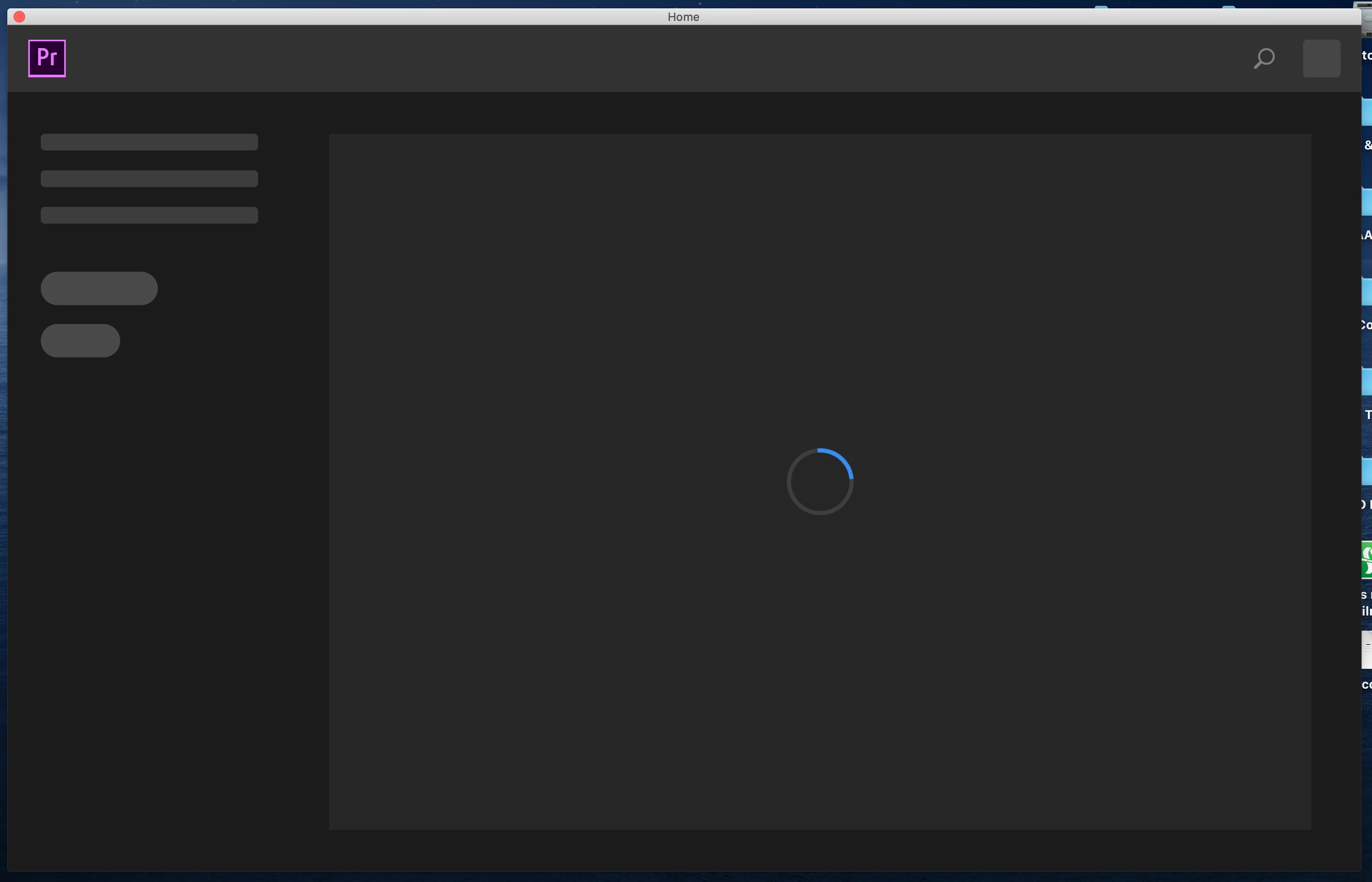
Premiere Pro 2020 stuck on start up (MAC)

  • April 5, 2020
  • 4 replies
  • 539 views

When I open Premiere Pro 2020 on my mac it stays on the start up screen thinking. It never loads, no matter how long I leave it. Any advice would be greatly appreciated. Thanks!

 

This topic has been closed for replies.

4 replies

Community Manager
April 23, 2020

Hi whitmert7356531,


Were you able to get the issue sorted? If you are still experiencing this issue, try opening an existing project and check if Premiere Pro is launching properly. Let us know, we're here to help.


Thanks,

Sumeet

nishu_kush
Community Manager
Community Manager
April 10, 2020

Hi there,


Have you tried resetting the preferences yet: https://community.adobe.com/t5/premiere-pro/faq-how-to-reset-trash-preferences-in-premiere-pro/td-p/8236158

If that doesn't help, try signing out of the Creative Cloud desktop app and sign in again. Restart Premiere Pro and see if it brings any change.

Let us know how it goes.


Thanks,

Nishu

Legend
April 8, 2020

Please tell us your system specs: OS version, Premiere version, amount of RAM, Hardware specs.  

Kartika Rawat
Community Manager
Community Manager
April 8, 2020

Hi there!

Sorry to see you're unable to launch Premiere Pro.

Could you check for the permission for Adobe folders? That may create this trouble Here's how: https://helpx.adobe.com/in/x-productkb/multi/preferences-folder-read-only-error.html

Let us know if it brings any change.

Thank you,

Kartika

Participant
April 8, 2020

Thanks for that Kartika

I did as you instructed, found I had two version folders - both 13.0 and 14.0 and both had my account as read and write.

So not quite sure where to go from here.

Thanks,

Morgan