Participant
April 24, 2022
Question

Premiere Pro 2022

  • April 24, 2022
  • 2 replies
  • 654 views

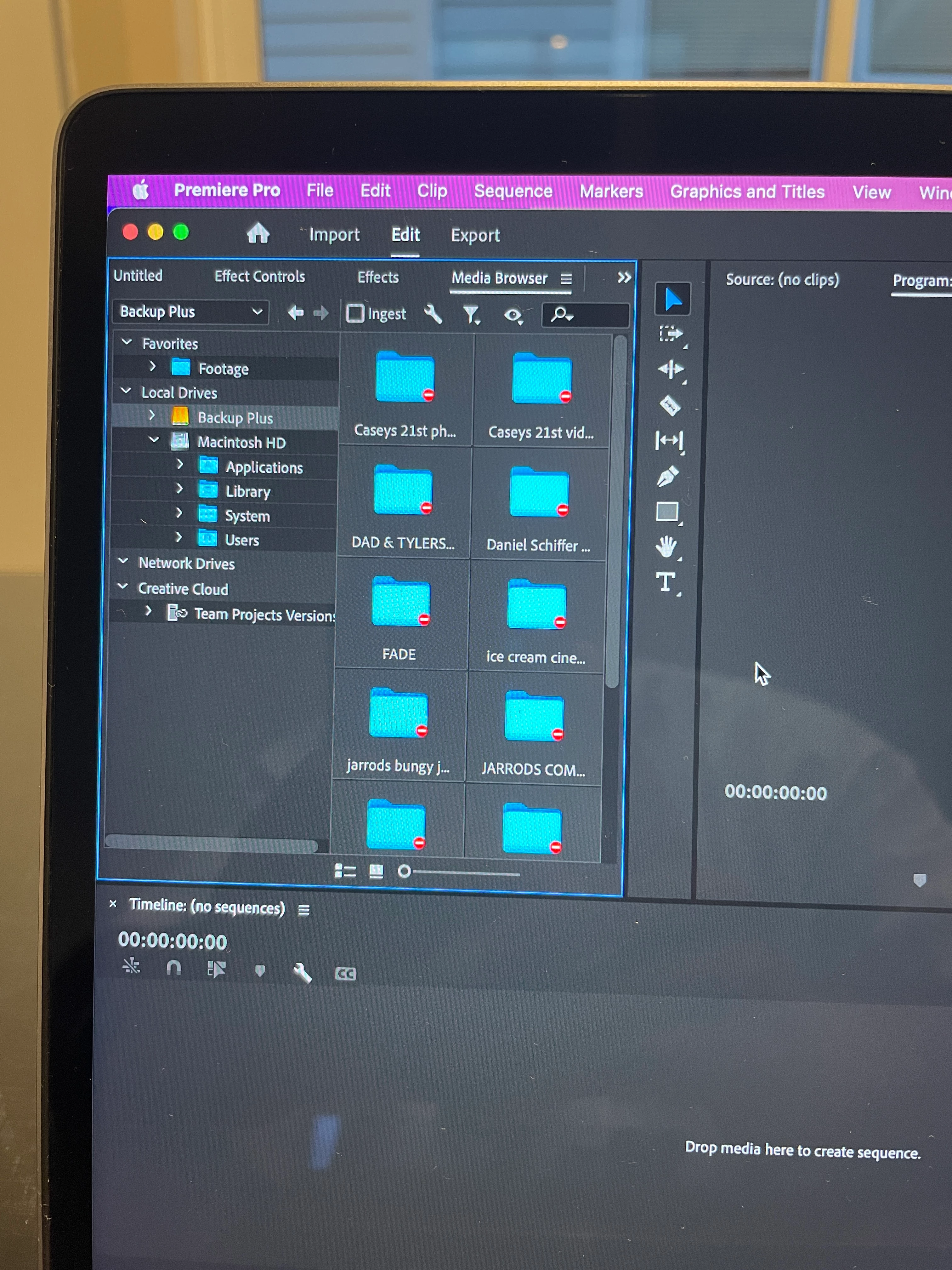
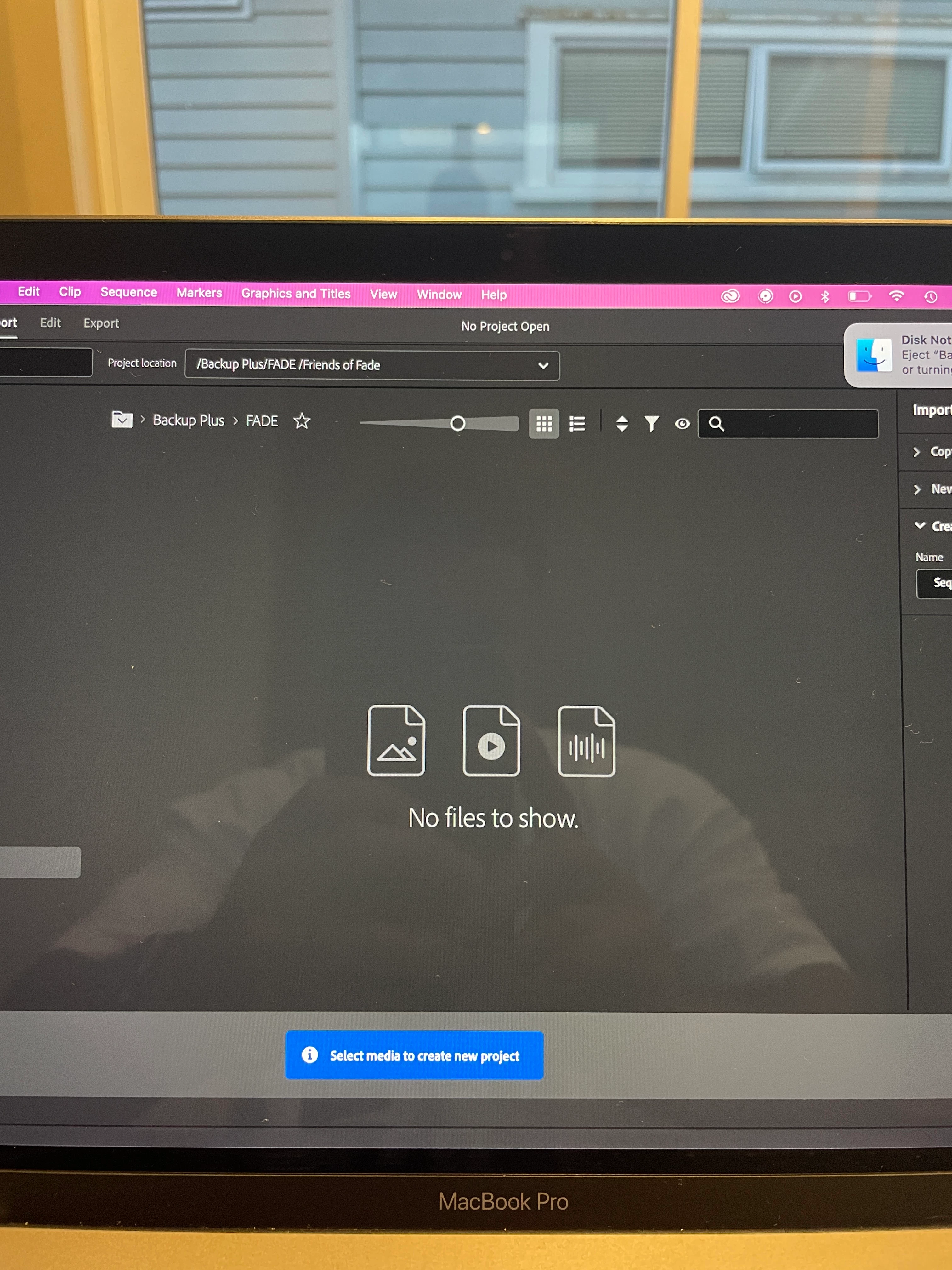
I'm having trouble accessing my files when i go to import from my external hard drive. This has never been an issue until thius new update. It says 'No files to show' now i've tried different ideas but none seem to work. It als shows this red icon in the corner of each folder which doesn't let me open the files i used to be able to open without any issues. Any help would be much appreciated 
This topic has been closed for replies.

2 replies

Mohammad.Harb
Community Expert
Community Expert
April 24, 2022

Can you access the file directly from the HDD ? 

Right click on the Hdd icon, check sharing and permission for read and write

Participant
April 26, 2022

Thanks for your help! I've tried this but still same issue 😞

YardHeads
Participant
May 16, 2023

Hi there,

Did you ever get a solution to this? I am having the same problem today. I tried unplugging and removing the drive and reinserting it but still can't see the files via Premiere Pro which I can see easily and play on my local mac machine.  Any tips appreciated 

R Neil Haugen
Legend
April 24, 2022

Not a Mac person here ... but seeing the little red minus mark, is that a Mac thing indicating a permissions issue?


I know some Macs have had permissions issues from time to time. And if so, you would need to check & change your Mac's permissions stuff.


Neil

Everyone's mileage always varies ...