
Participant
January 16, 2025
Question

Premiere Pro 2025 Keeps Crashing

  • January 16, 2025
  • 2 replies
  • 398 views

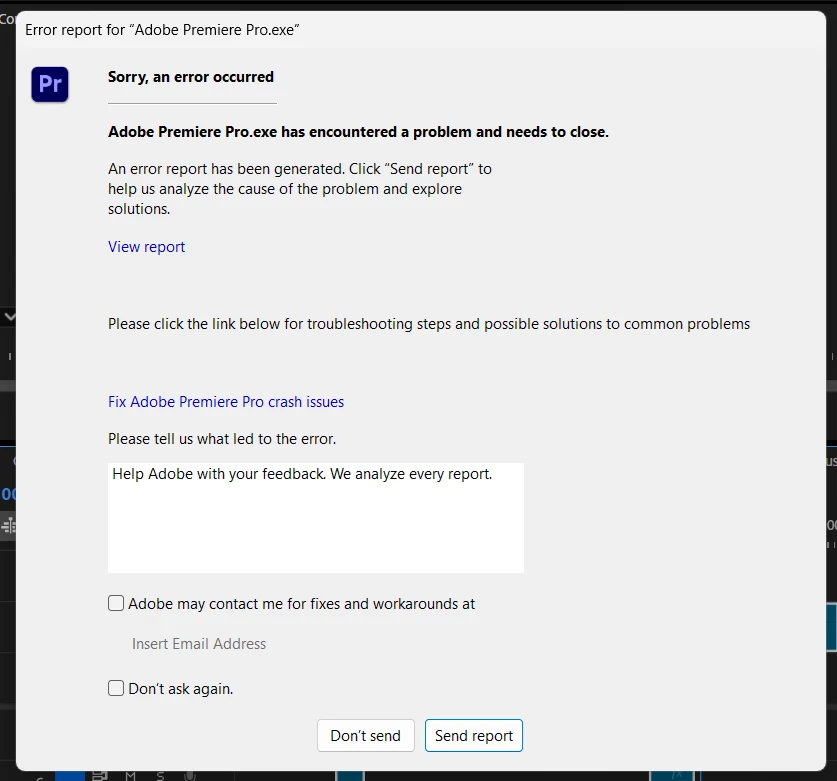
My Premiere Pro keeps crashing when I scroll across my timeline.

I have reset, updated and reverted Premiere Pro to various editions and it didn't work.

I have added memory and storage to my laptop, and it still crashes.

I have tried to reach out to Adobe VARIOUS TIMES and have heard nothing from ANYBODY.


Does anybody have any suggestions? Because at this point, I am ready to stop using Adobe COMPLETELY.


Mod note: Please do not type in all caps here.


2 replies

theok8577996
Inspiring
January 20, 2025

can you share your systems specs?

Kartika Rawat
Community Manager
Community Manager
January 16, 2025

Hi iamDavidRagin!

I’m really sorry to hear about the trouble you're having with Premiere Pro. Have you already tried resetting preferences and deleting cache files? Do you have any third-party plugins installed? If so, could you try to disable them temporarily? Also, can you check if there's an update available for your GPU driver?


Let us know how it goes or if you need any further help!

Thanks, 

KR


moved to discussions