
Participant
September 8, 2024
Question

Premiere Pro App Lagging Not Playback

  • September 8, 2024
  • 3 replies
  • 518 views

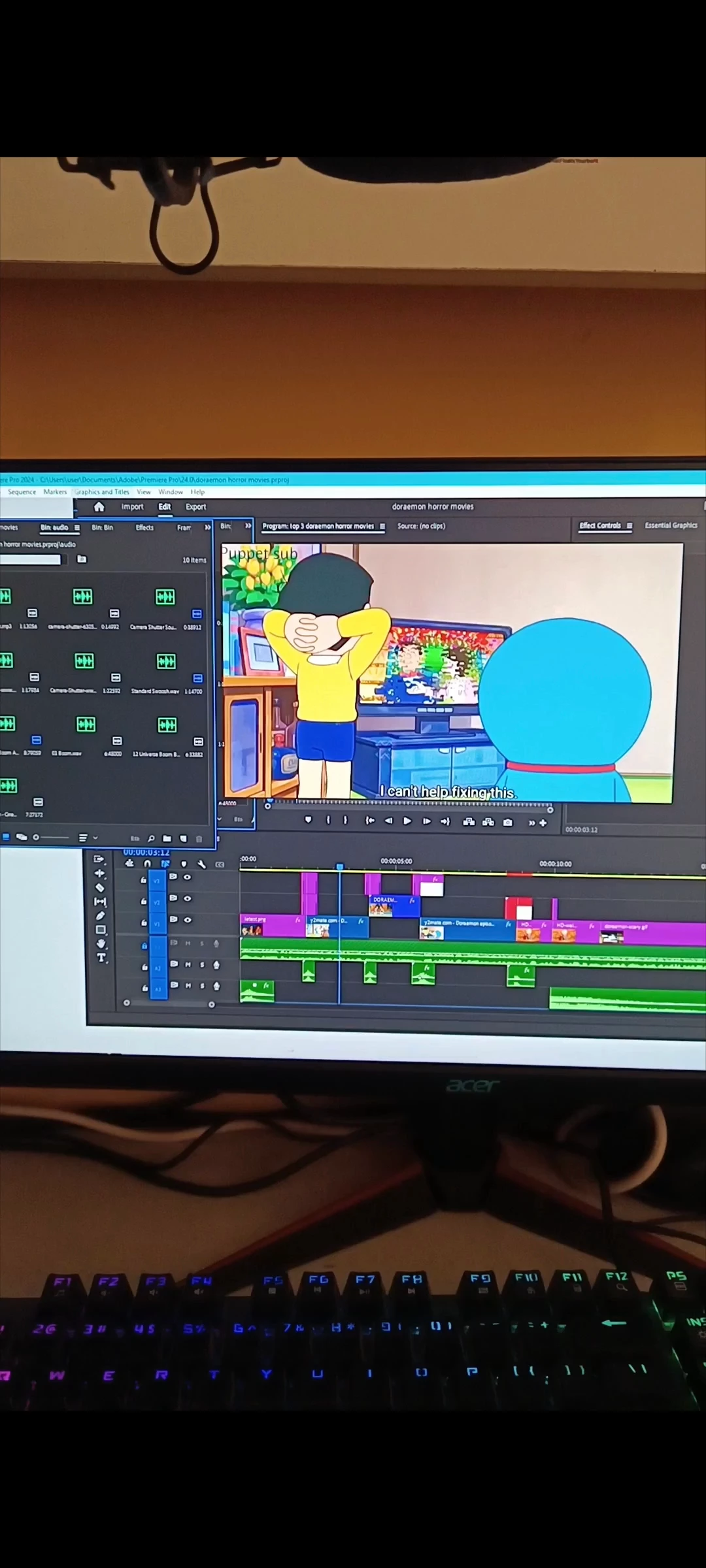
i need some help regarding premiere -- so i basically have ryzen 5 3600 with rtx 3060, 16 gb ram and im facing issues with premiere rgarding the app itself cuz it freezes in a project after editing of like 1-2 mins, its not the problem with playback but the app itself freeezes and if i try to open any window it doesnt like it completely stops
This topic has been closed for replies.

3 replies

Kevin-Monahan
Community Manager
Community Manager
October 3, 2024

Can you resubmit this video, @Purpleyura?

Kevin Monahan - Sr. Community and Engagement Strategist – Adobe Pro Video and Audio
Participant
September 11, 2024

Kevin-Monahan
Community Manager
Community Manager
September 9, 2024

Hello @Purpleyura,

Thanks for the bug report.


I'm afraid I don't quite understand your issue. I didn't see freezing, for example.


I noticed that you have a lot of offline clips on your timeline. I saw you scrubbing the timeline, stepping into the Desktop, and then back into Premiere Pro, where you began scrubbing again.


I apologize, but I do not see anything unusual going on.


You might try resetting your workspace to see if that helps. Window > Workspaces > Reset to Saved Layout.


I hope the team can help you with this. Sorry for the problem.


Thanks,
Kevin

Kevin Monahan - Sr. Community and Engagement Strategist – Adobe Pro Video and Audio