

Premiere Pro Appending Filenames With "_1"
Long time listener, first time caller. This is my first post. Please be gentle.
After the most recent update to Premiere Pro - 32.3.1 (Build 61) - I see that Premiere Pro adds "_1" without quotation marks to every filename before export in the Export dialogue.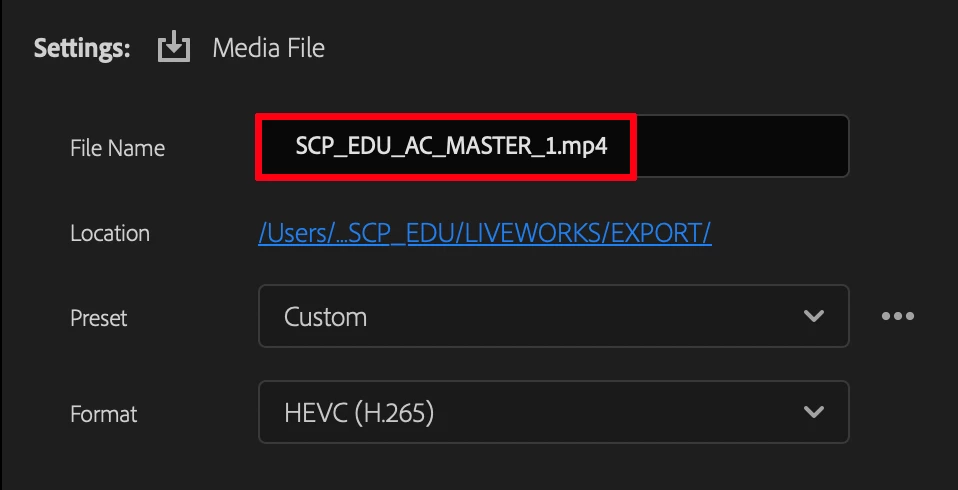
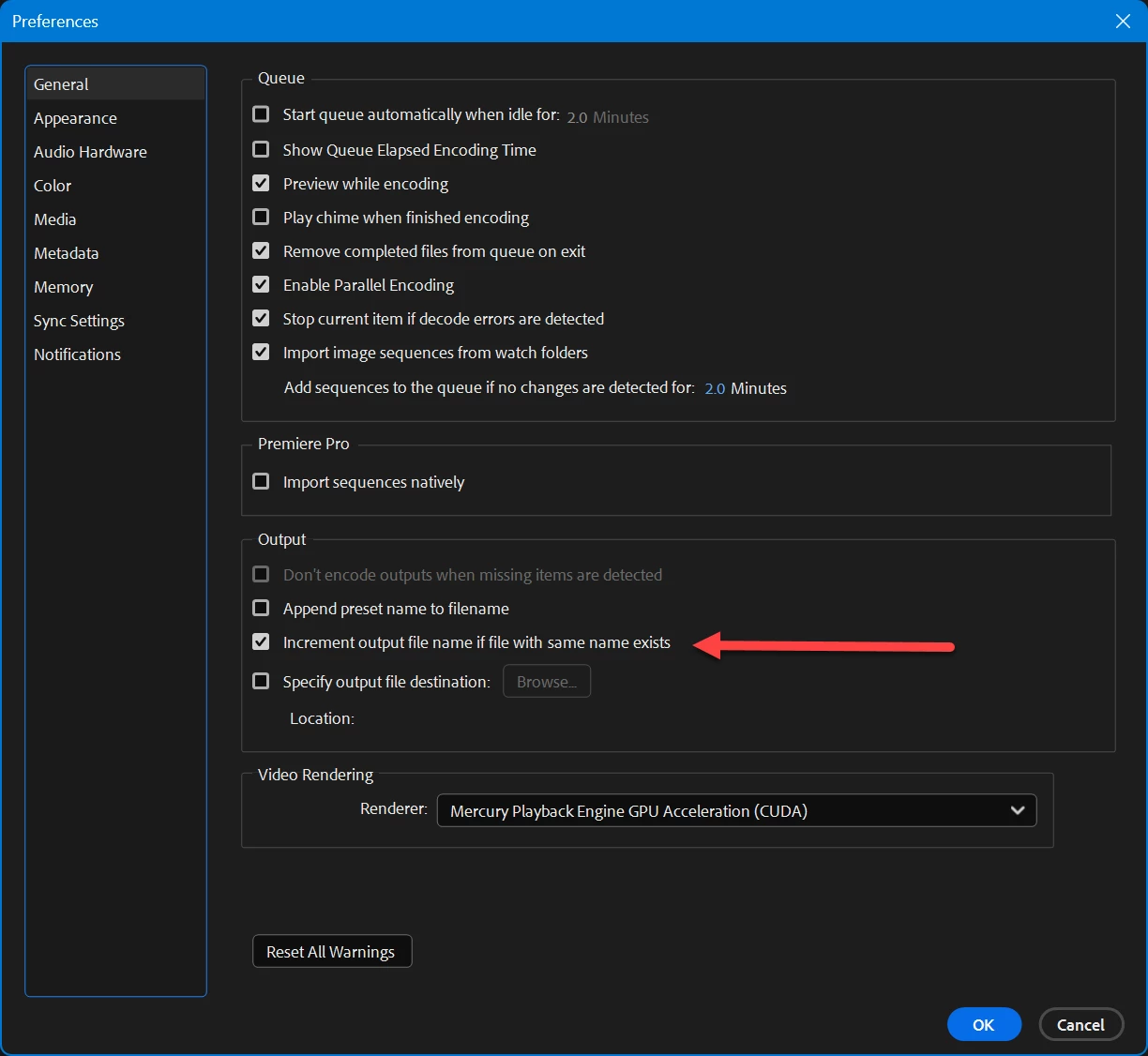
I understand this is necessary when the filename already exists in the given folder. We've all seen this and it's a good prompt to change the filename or the destination of the export. But PP is doing this by default even if the folder doesn't cirrently have a file with the same name. It does it when the destination folder is empty. I've been seeing this happen for the past week or two so reboots, clearing media cache, all basic troubleshooting I've tried is not fixing this. It's minor but also really annoying. I've been using PP for over two years and it only started doing this the past couple of week. Is anyone else seeing this? Is there a fix?
 AdChoices