
Exit
  • Global community
    • Language:
      • Deutsch
      • English
      • Español
      • Français
      • Português
  • 日本語コミュニティ
  • 한국 커뮤니티
0

Premiere Pro audio stuck after Voice Over recording via "capture"

New Here ,
Dec 05, 2019 Dec 05, 2019

Hi,


after upgrading my system to APP 13.1.5, everytime I record an audio via Capture/Audio and conclude the recording closing the capture window my audio get stuck.


Basically I can see the waveform from the new created file and also for any other audio in the time line, but when I press play, audio is mute and the audio meters shows are blocked and show all channels at a fixed level (they don't move).


Tried to mute/solo audio tracks, play different files but it remains like that until I reboot the system.


Any idea how to fix it?


By the way, never had this issue with the previous version; APP CC 2018.


Using: Adobe Premiere Pro CC 2019 13.1.5 on an IMac OS High Sierra 3,2 with 32 GB memory.
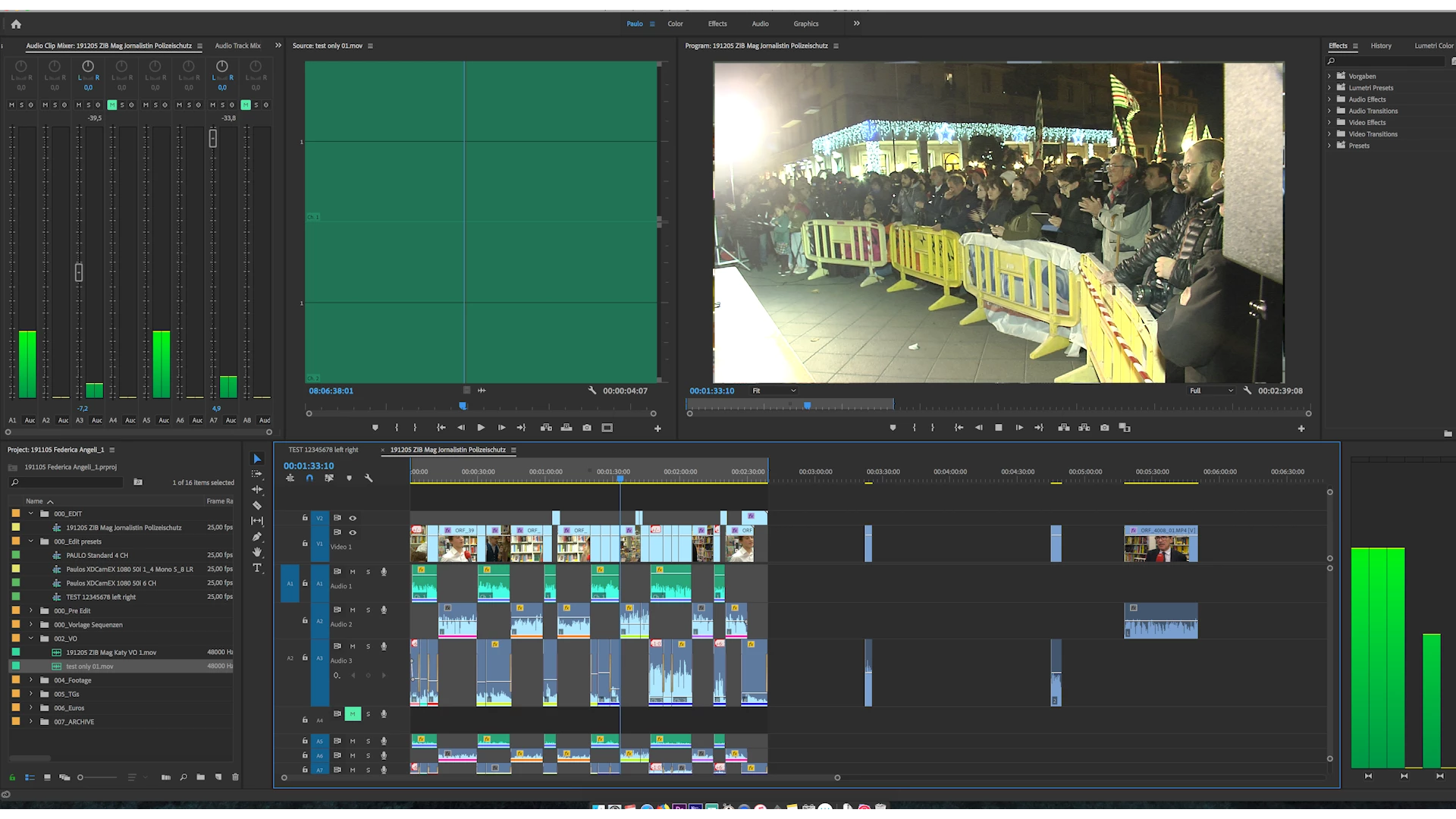
 

191205 ZIB Mag Jornalistin Polizeischutz0.png

TOPICS
Audio , Error or problem
409
Translate
Report
Community guidelines
Be kind and respectful, give credit to the original source of content, and search for duplicates before posting. Learn more
community guidelines
Community Expert ,
Dec 05, 2019 Dec 05, 2019
LATEST

Did you try to trash the preferences? hold option(alt) while premiere pro is launching on the splash screen

Translate
Report
Community guidelines
Be kind and respectful, give credit to the original source of content, and search for duplicates before posting. Learn more
community guidelines