


Participant
January 3, 2021
Answered

Premiere Pro automatically adding additional audio tracks

  • January 3, 2021
  • 1 reply
  • 2357 views

Hi,

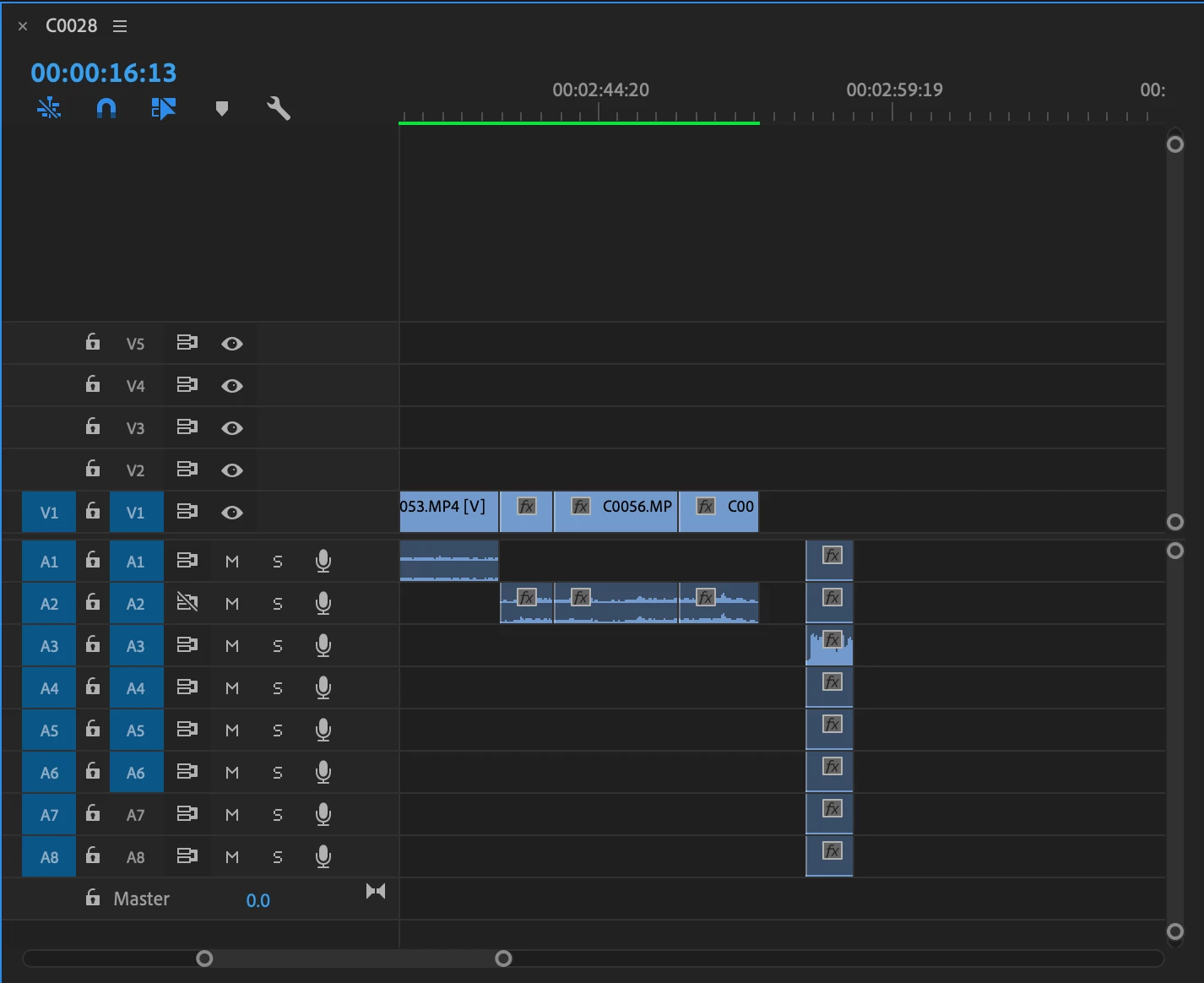
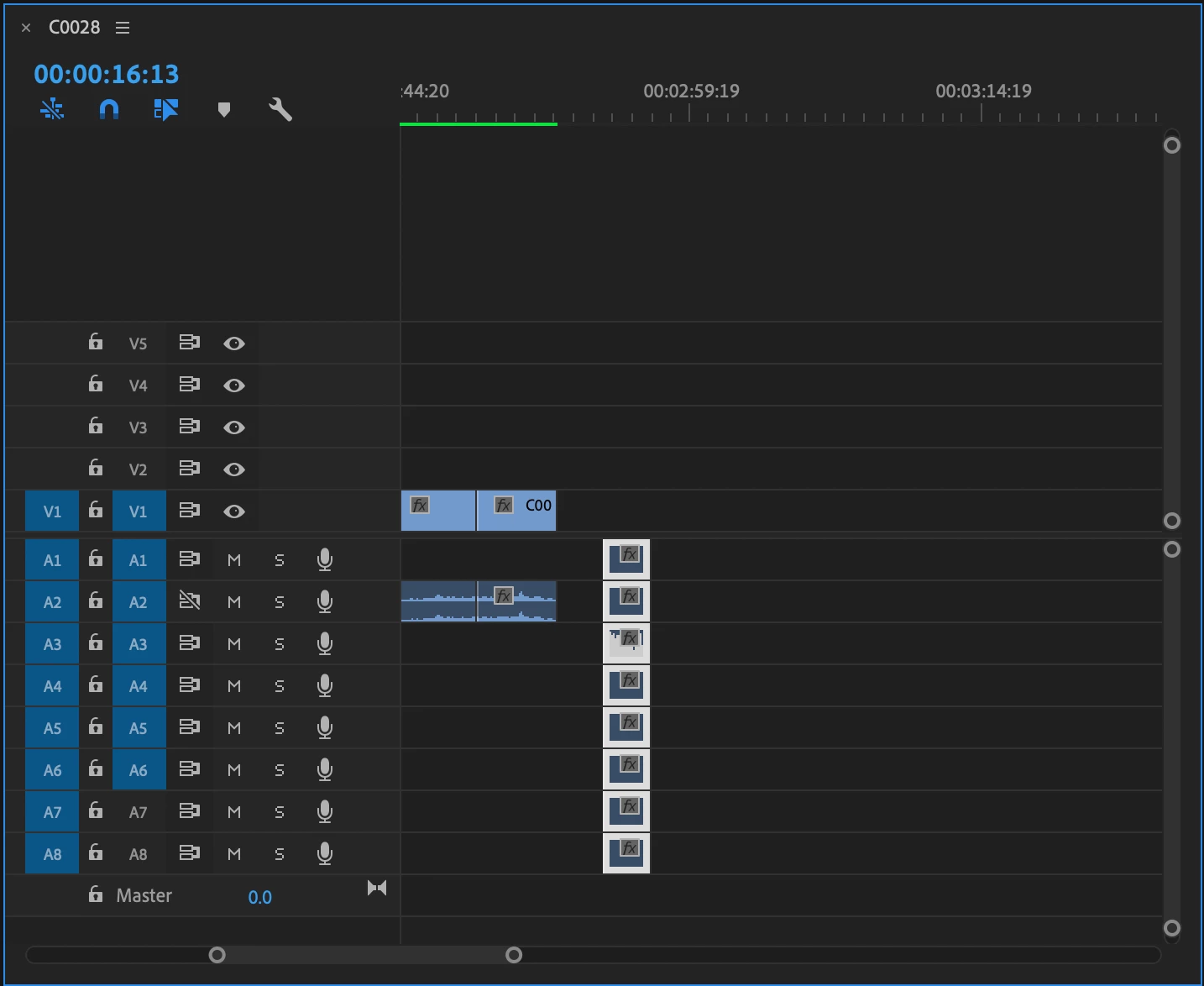
I don't know what I did but for some reason everytime I add audio to my timeline sequence, it drags in 4-8 aditional tracks that have no audio on them. I can delet these if the one with the actual adio is locked but then I have an exta 8 tracks in my timeling. I dont know if that makes sence to anyone but it is really annoying and I cant figure out how to fix it. I will upload a screenshot for example. Can anyone help me fix this issue? Thanks
This topic has been closed for replies.
Correct answer Steve Griffiths

Right click one of your camera files in your project window/bin then select > Modify > Audio Channels. From here you can 'tell' Premier Pro which audio chanels you would like to use when bringing clips into the sequence. You may find the current settings says "Clip Channel format - Mono. Number of Audio Clips - 8'. Change the Number to (say) 1 and select the 'channel' of audio you want to keep.

1 reply

Steve GriffithsCorrect answer
Inspiring
January 3, 2021

Right click one of your camera files in your project window/bin then select > Modify > Audio Channels. From here you can 'tell' Premier Pro which audio chanels you would like to use when bringing clips into the sequence. You may find the current settings says "Clip Channel format - Mono. Number of Audio Clips - 8'. Change the Number to (say) 1 and select the 'channel' of audio you want to keep.

Legend
January 4, 2021

Steve's dead on but this will not effect clips that are already edited in to a sequence...