
Premiere Pro CC 2018 Import Green Glitch/Render Error
This only started recently. Whether I preview or drag a clip into Premiere, the video comes out extremely glitched and tinted green, and the issue occurs when I hover over the video preview too:

I use MP4 files, but changing to MPG hasn't worked. Changing the resolution and other factors don't work either. Trying to render also results in this error:
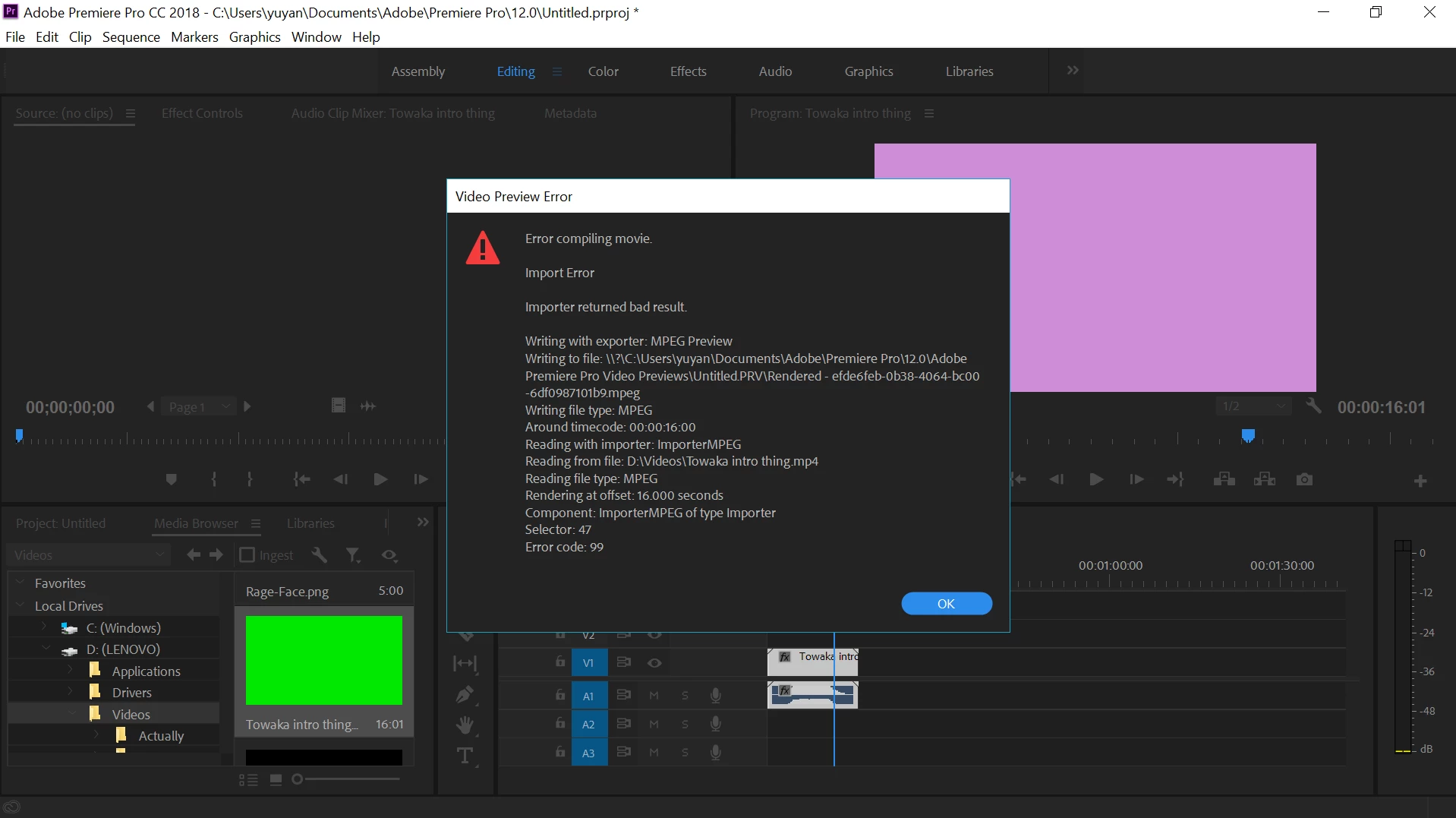
The clip run perfectly fine when viewing them separately, only glitching in Premiere. I've opened up projects I've made before which had exported normally and they're glitched out now too.
Yesterday I uninstalled my graphics driver and reinstalled an updated version, but the two are exactly exactly the same and I got the new version off the official website. I feel like this might be linked to the issue, but it doesn't really make sense because the two drivers are essentially the same.
I really need help - I run a channel and I largely depend on Premiere to edit my videos. Does anyone have a solution?
 AdChoices