
Answered
Premiere Pro CC 2020 - how do you turn off audio key frames?
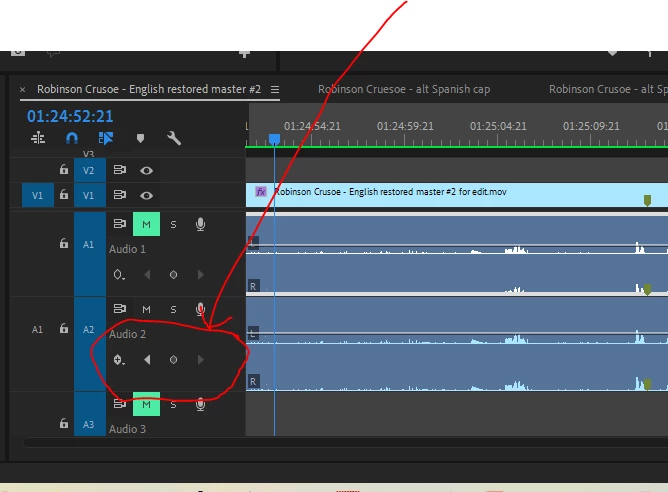
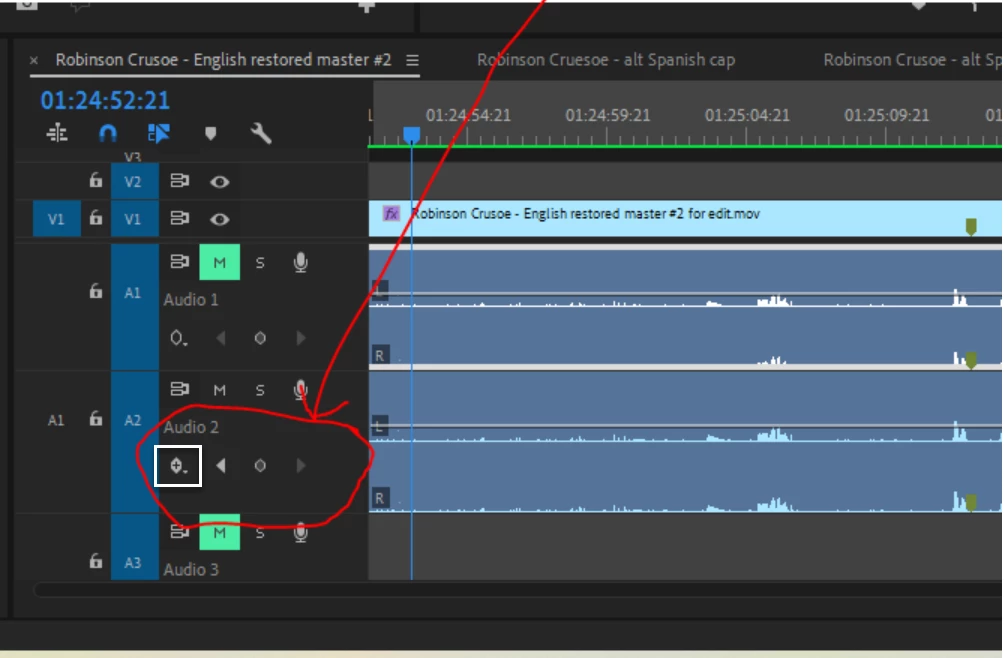
I was able to set a few key frames on track 2 of a project but now I can't edit, even select the track, it appears to be locked up. I assume I need to turn off the key frame function but I can't figure out how to do that. I feel like a dummy and need help. Here is a screen shot showing the audio timeline and pointing to the key frame tools. Hope someone has an answer! Thanks a million!
 AdChoices