Known Participant
January 29, 2019
Answered

Premiere Pro CC home screen never show up

  • January 29, 2019
  • 6 replies
  • 26490 views

Hi,

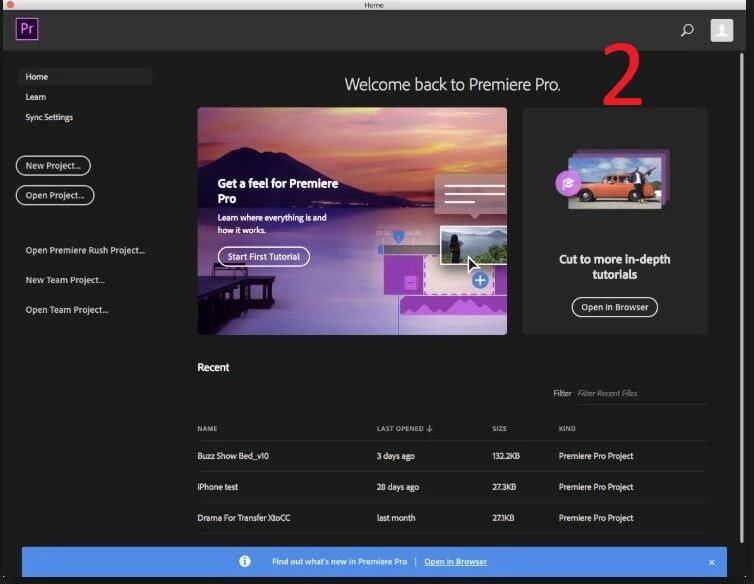
When I start Premiere Pro CC 2019 on my computer the first screen I see is "Blank screen" like in photo 1 (Attached Image),

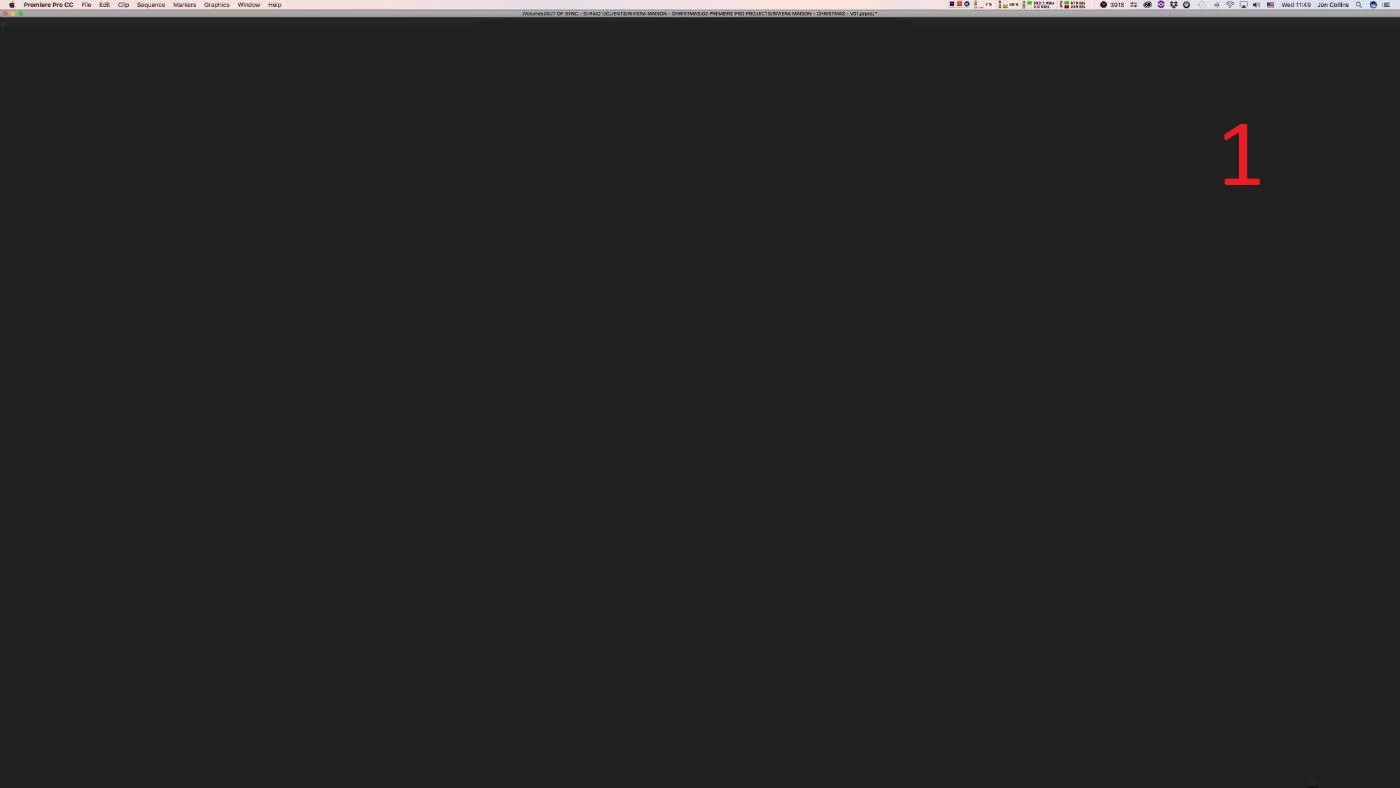
The home screen that I'm supposed to see with my latest project that I'm working on, like in photo 2 (Attached Image), never show up.

How can I fix this issue?

Thanks!
    Correct answer

    The solution is in Here.

    In video explaining how you do it. I was had same problem but now all good.

    https://www.youtube.com/watch?v=qkIbdNN2FzU

    Steps 

    1. C:\Program Files\Common Files\Adobe\

    2. There is  a File name "UXP"

    3. Change it  as "~UXP"

    4. Fix it!


    6 replies

    Correct answer
    September 13, 2021

    The solution is in Here.

    In video explaining how you do it. I was had same problem but now all good.

    https://www.youtube.com/watch?v=qkIbdNN2FzU

    Steps 

    1. C:\Program Files\Common Files\Adobe\

    2. There is  a File name "UXP"

    3. Change it  as "~UXP"

    4. Fix it!


    Participant
    October 1, 2021

    I had the same problem and this fixed it.   I wonder what the purpose of the folder is?  Will there be something that doesn't work now?   So far so good,

    Participating Frequently
    May 25, 2021

    Been having this issue for a while, too. I have tried:

    • Logging out/in
    • Reinstalling
    • Trashing preferences
    • Granting CC and Premiere full disk access in System Prefs/ security
    • Copying the "Adobe" folder from another user's Documents folder where the Home screen DOES show up
    • Turning on or off CC File Syncing


    I'm having this issue on a 2012 MacBook Pro and a 2020 iMac. My Windows machine and the iMac's local administrator account has no issue loading the home screen. I can't even envoke the home screen if I wanted to. I thought maybe it had to do with using iCloud Documents and Desktop folders so I turned that off on the iMac to no avail. While a fix isn't exactly necessary to get any work done, it sure would be nice to have back. Thanks!

    David ParkeFreelance Editor — Los Angeles, CASystem: MacBook Pro 16” (2021) · M1 Max · 64 GB RAMOS: macOS Sequoia 15.6 (24G84)Premiere Pro: 25.3.0 (Build 84)
    Participating Frequently
    May 26, 2021

    This has seemingly resolved itself. Today I opened premiere and confirmed it still was not shoing the home screen. Clicking the home button in the workspaces bar did nothing as well. Quite Premiere and held down "option" as I clicked the icon in the doc to trash preferences upon opening it. Same thing - no home screen. Quit Premiere to move onto something else and happened to open Premiere once more while installing Davinci Resolve and bam - home screen. Quit and opened again to confirm it wasn't some fluke. I'll report back in the event it goes away again. No clue what got it to show up again.

    David ParkeFreelance Editor — Los Angeles, CASystem: MacBook Pro 16” (2021) · M1 Max · 64 GB RAMOS: macOS Sequoia 15.6 (24G84)Premiere Pro: 25.3.0 (Build 84)
    shahajiji
    Participant
    June 3, 2021

    Hi , i have same problem with after effects and premiere same time, and i cant find any way to fix that.pleaaaaaaase help me i neeed to fix that

    Kostas Letsas
    Participant
    April 24, 2021

    Hi Guys,

    You have to be logged in Creative Cloud to see the the home screen.

    kfirfAuthor
    Known Participant
    February 6, 2019

    Eny ideas?

    someone?

    Please, this is very frustrating!

    caroline_edits
    Community Manager
    Community Manager
    February 6, 2019
    Wes Howell
    Adobe Employee
    Adobe Employee
    February 14, 2019

    Wes Howell

    Did you received my last comment on your last answer to me?

    It is very important for me to solve this problem.

    This is very frustrating...


    Hello,

    Sorry to hear there are still issues. We do have support available to assist with troubleshooting. Have you give them a call for assistance?

    You can open a case with them via call or chat at this link: https://helpx.adobe.com/contact.html

    caroline_edits
    Community Manager
    Community Manager
    January 30, 2019

    Hi kfirf!

    When you go to Premiere Pro > Preferences > General, do you see "Show home" at the top?

    Caroline

    kfirfAuthor
    Known Participant
    January 30, 2019

    Hi Caroline,

    Yes,

    I see this option.

    And that option has already been selected by default for me.

    Kfir

    John T Smith
    Community Expert
    Community Expert
    January 30, 2019

    BLANK Cloud Screen http://forums.adobe.com/message/5484303 may help

    -and http://helpx.adobe.com/creative-cloud/kb/blank-white-screen-ccp.html

    -and step by step http://forums.adobe.com/thread/1440508?tstart=0

    Do not count on Windows to be fully up to date when it comes to device drivers

    Go to the vendor site to be sure you have an updated driver for your graphic adapter

    •nVidia Driver Downloads http://www.nvidia.com/Download/index.aspx?lang=en-us

    •ATI Driver https://www.amd.com/en/support

    There are also intermittent reports that the newest driver is not always the best driver due to driver bugs or compatibility issues, so you MAY need to try an earlier driver version

    kfirfAuthor
    Known Participant
    January 30, 2019

    Hi John,

    All the links you gave me and the answers relate to a problem that is not relevant to me.

    The Creative Cloud App works well for me,

    My problem concerns only the "home screen" that does not appear to me (like in the photo I attached).

    Perhaps you have a solution to this specific problem?