
Premiere Pro CC Keeps Crashing when exporting h.264
I have shot some footage in AVCHD using a panasonic hmc80, edited two sequences in the same project a short one at about 8 minutes which I exported in H.264 fine and a second one at 36 minutes that keeps crashing when exporting h.264, exporting at about 8 to 10 mbps. I tried mpeg2 and exported fine. I updated premiere and windows and checked drivers such as Nvidia, all up to date. I am using a matrox mxo2 as an I/O does not have the MAX. Same setup worked fine with premiere cs6 for about six months with no issues. This is an I7 windows 8 system with 4 drives in raid zero for media and a separate drive for previews and export. I also tried the FLV and it also crashed.
The error message "Adobe Premiere Pro CC has stopped working" Windows is collecting more information about the problem. I press cancel on the error box and premiere shuts down. By the way same thing happened once while I was just sitting on the timeline taking a break, it did the same thing and stopped, I was not rendering or exporting or doing anything. I shut down all programs including my anti virus software to make sure that wasn't the issue, but kept stopping. I used audition to make some audio adjustments on few of the clips which I did in the past with CS6..
I tried to open the project in CS6 but got a message that the project is damaged and can not be opened. The Project however opens and plays fine CC where I originally created it. I inspected the timeline and rendered small portion of the locations it stops at based on percentage finished with no problem. It has stopped at 20%, 55% and, 60 to 70% many times.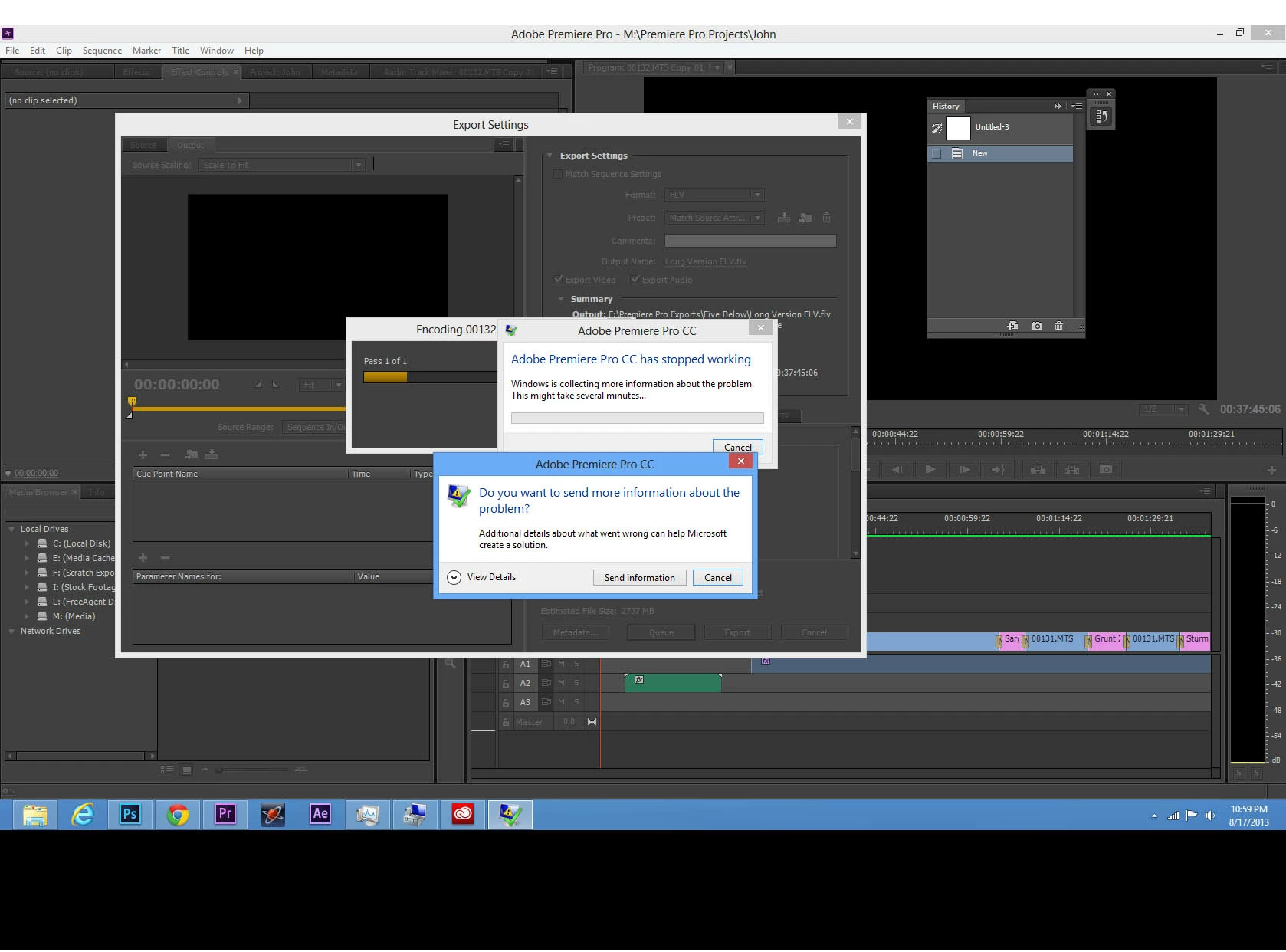
 AdChoices