
Participant
December 20, 2024
Answered

Premiere Pro Change UI

  • December 20, 2024
  • 2 replies
  • 708 views

Hi, I was following a video tutorial, (on LinkedIn Learning so I can't link it), and I saw that they had a UI that had all of the elements and stuff way more compact in the screen.
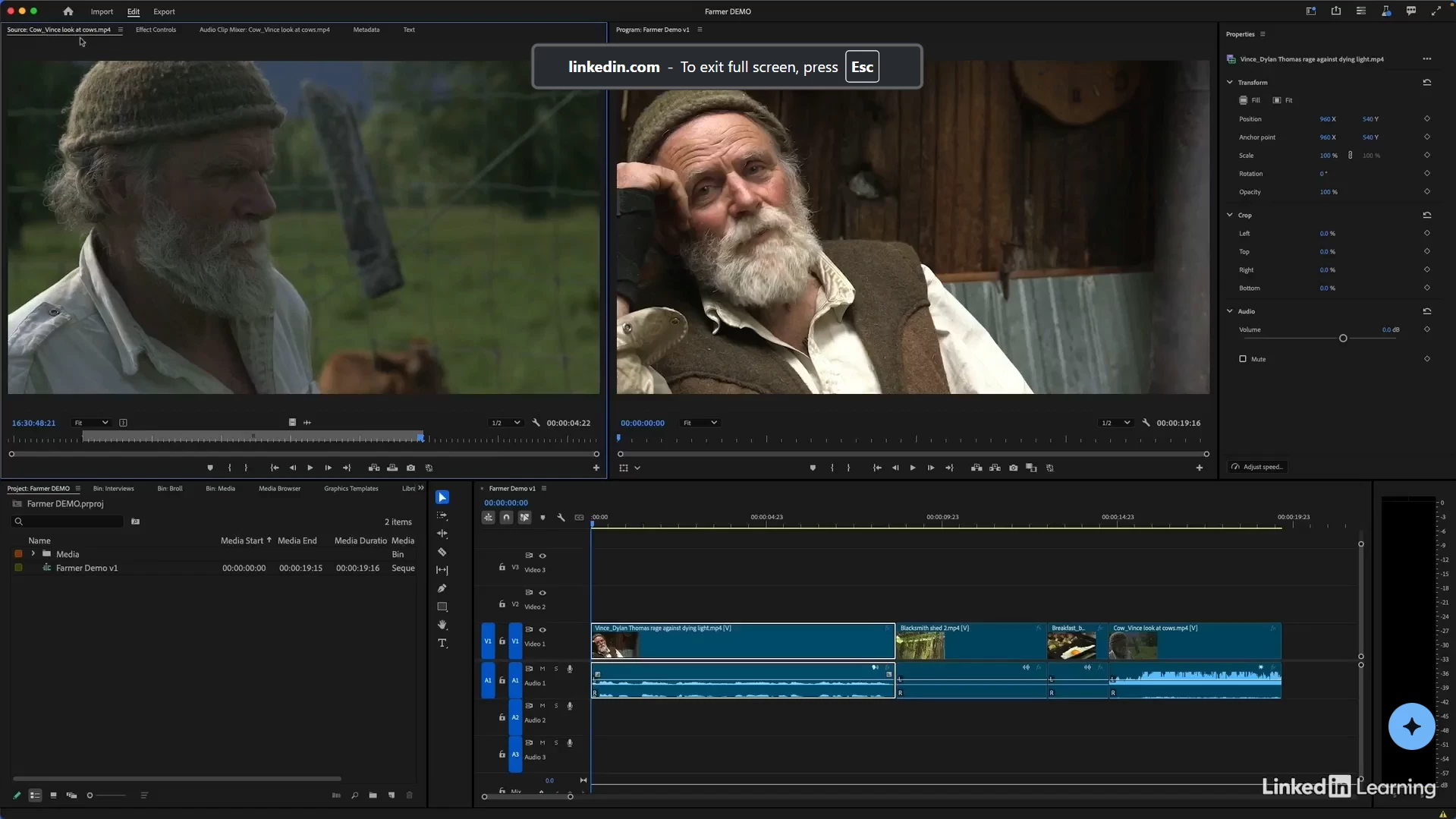
Meanwhile, my premiere pro takes up a lot more space (SS below), and I was wondering how I could tweak my settings to match those of the SS above. 
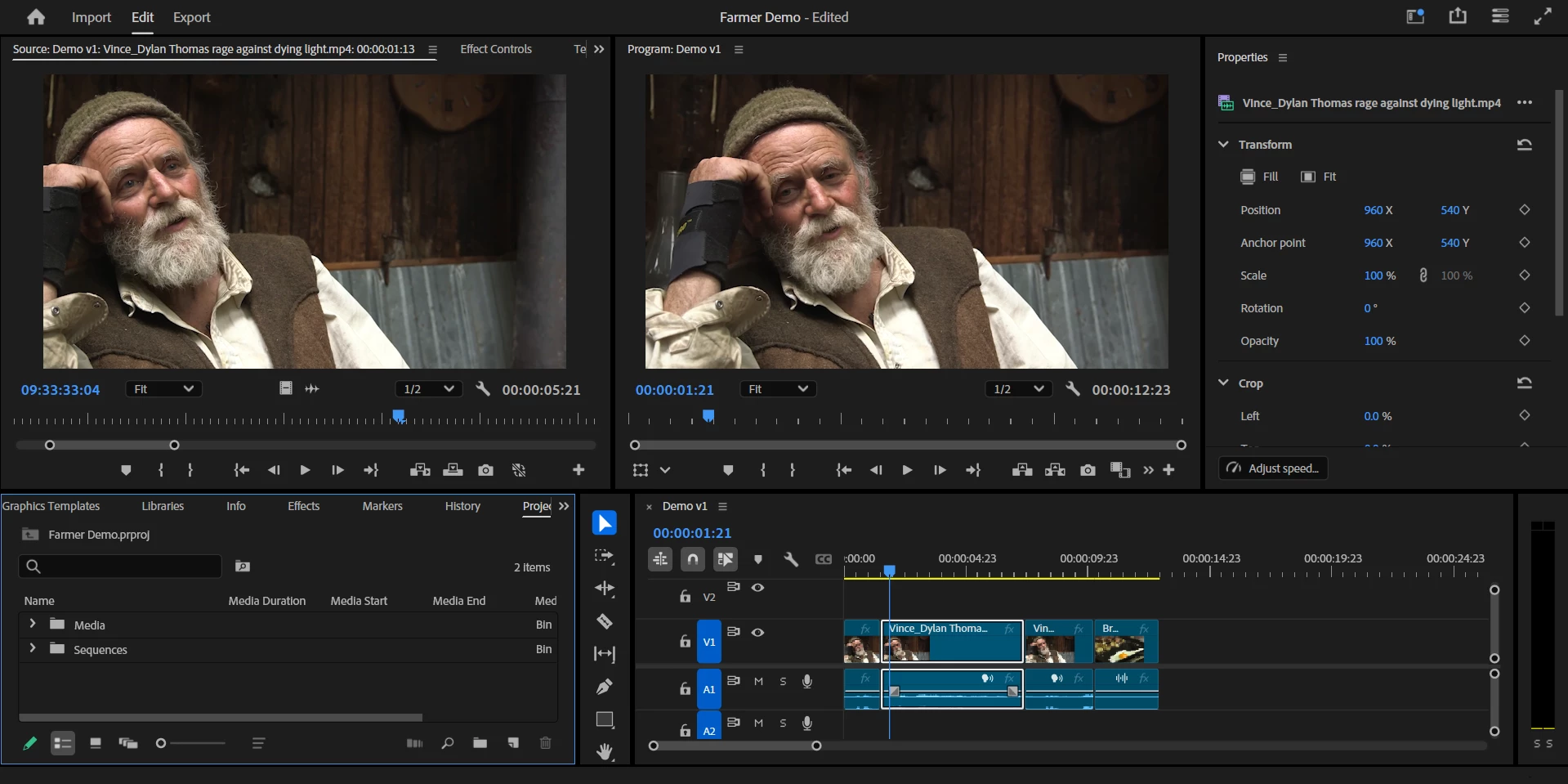
 

Thank you!


Correct answer R Neil Haugen

I think what you're talking about would depend on the pixel count of the screen, and to some extent, any scaling of that screen in the OS.

2 replies

Participant
December 20, 2024

Hi, 

Thank you for the response. I've played around with adjusting the boundaries of the quadrants, but I was mainly talking about how you can make the things inside of the quadrants smaller (font, numbers, etc). For example, my properties quadrant appears to be bigger than what the other person had, but theirs is much more condensed, and if I made the Properties quadrant any smaller, I wouldn't be able to see all of the options on the tab unless I scrolled horizontally in it.

R Neil Haugen
R Neil HaugenCorrect answer
Legend
December 20, 2024

I think what you're talking about would depend on the pixel count of the screen, and to some extent, any scaling of that screen in the OS.

Everyone's mileage always varies ...
R Neil Haugen
Legend
December 20, 2024

Every section of the Premiere UI is resizable ... so you can simply grab the boundaries of say the lower left quadrant panel and make it taller, wider, shorter, narrower, whatever. Or remove it from view giving more space for other things.


It is a very customizable UI. I have nine custom workspaces that I use, I never see the 'built-in' workspaces unless I'm testing to and/or recording tutorials.

Everyone's mileage always varies ...