Silas30847529lmae
Known Participant
June 13, 2025
Question

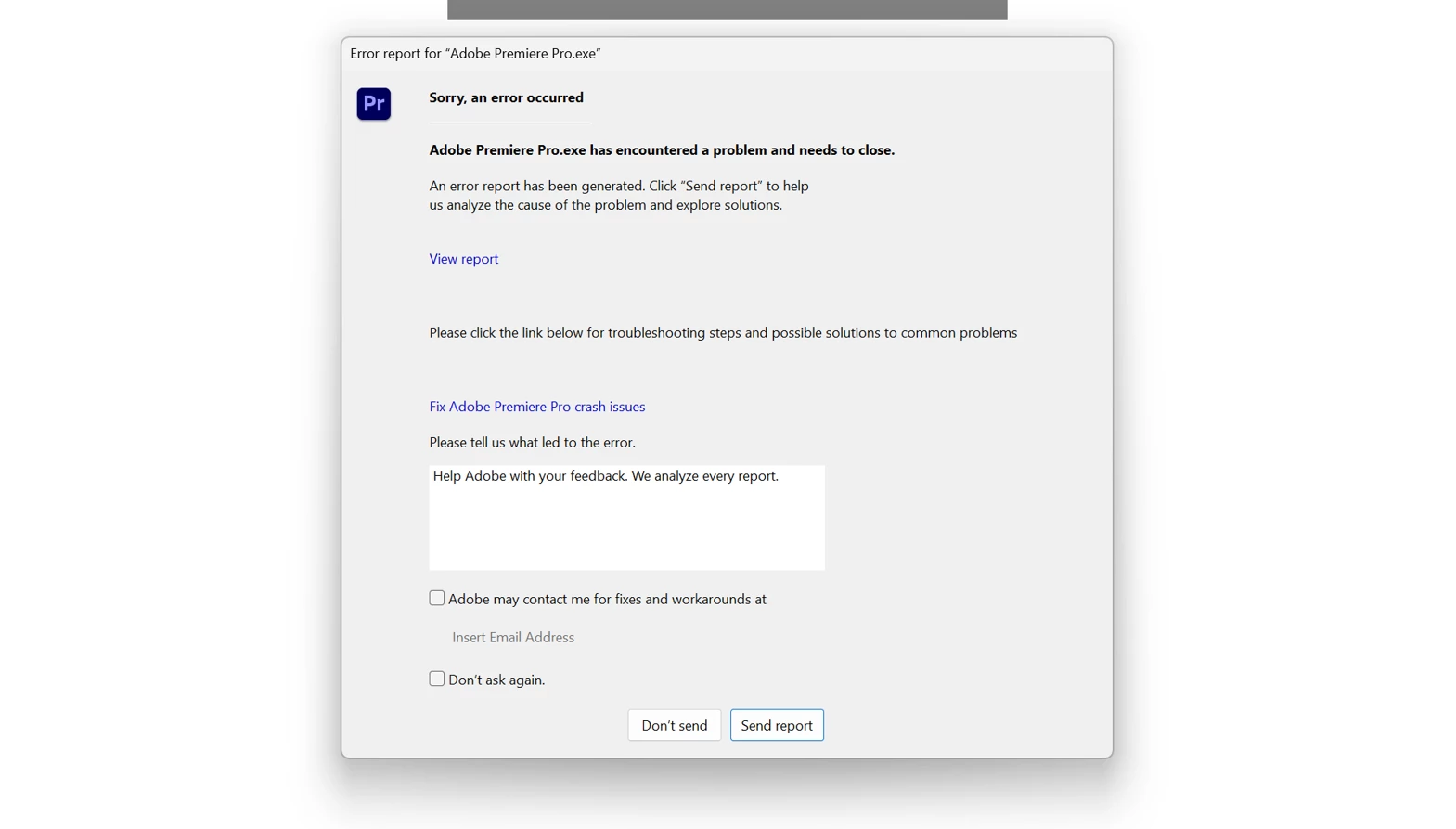
Premiere Pro Crashing instantly as I select a clip in the Timeline

  • June 13, 2025
  • 3 replies
  • 1317 views

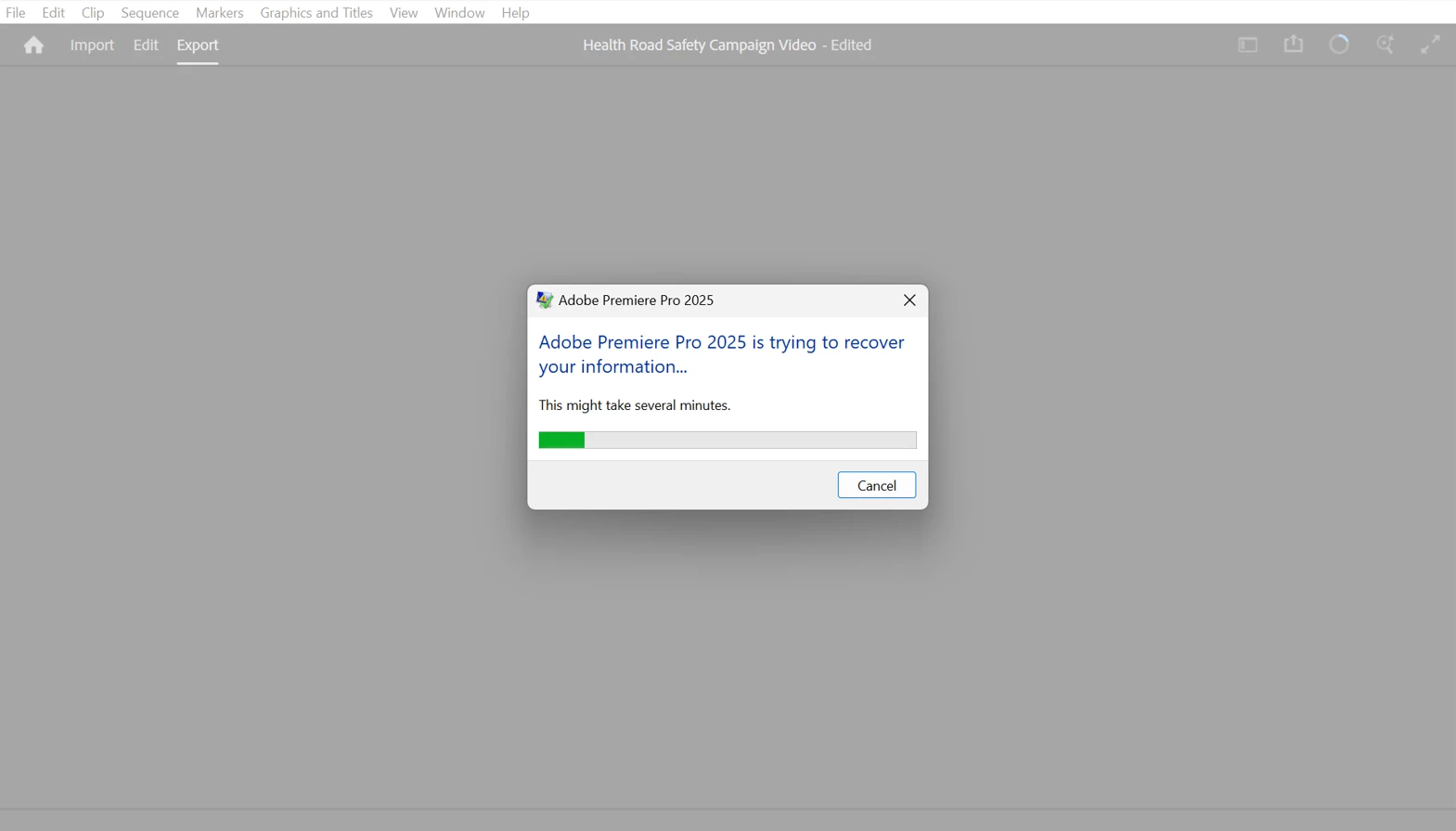
I have this issue in premiere pro and premiere pro beta where the whole system crashes instantly when a select a clip in the timeline panel. It has happened more than 20 times now, and makes all editing impossible. I am at a wits end as to how I am supposed to edit in Premiere pro anymore, it has been incredibly unreliable over the years, using multiple different devices, and I am really consdering switching to an alternative editing software.


I will attach a screenshot for reference, I have tried so many different things to fix it, but nothing seems to work.


I need help fast, i am rapidly running out of time to get this video done. 


3 replies

Inspiring
June 15, 2025

Does this happen when you select the same clip or it happens randomly to any clip on your timeline?

Participating Frequently
June 15, 2025

It happens for me when I select certain clips, but not others. For instance, if I select a video clip to move it, and premiere instantly crashes. Other clips aren't affected. 

Ann Bens
Community Expert
Community Expert
June 13, 2025

If its both in the regular and beta version try to make a new project and import old one.

also trash media cache.

Silas30847529lmae
Known Participant
June 13, 2025

I will try that, had already tried trashing media cache

Silas30847529lmae
Known Participant
June 14, 2025

That doesnt seem to work either

Participating Frequently
June 13, 2025

same issue. Running a 2020 Macbook Pro, 16GB, sonoma 14.4. SHould be enough, but when I select certain clips on the timeline, it instantly crashes. IS there a workaround?