Participant
November 29, 2023
Answered

Premiere Pro creating artefacts when rendering both ProRes preview files and H.264 export

  • November 29, 2023
  • 1 reply
  • 254 views

Hello everybody,


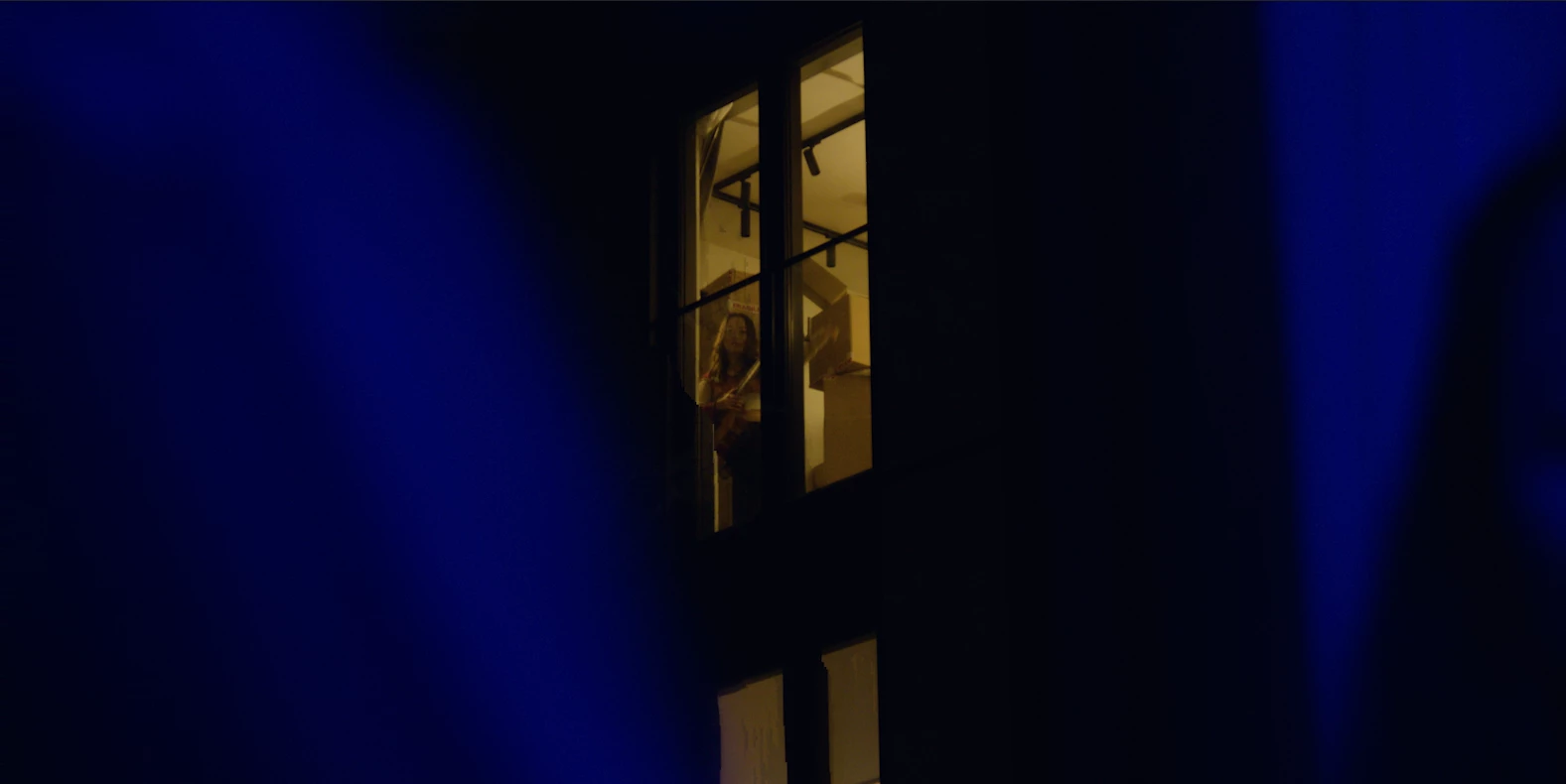
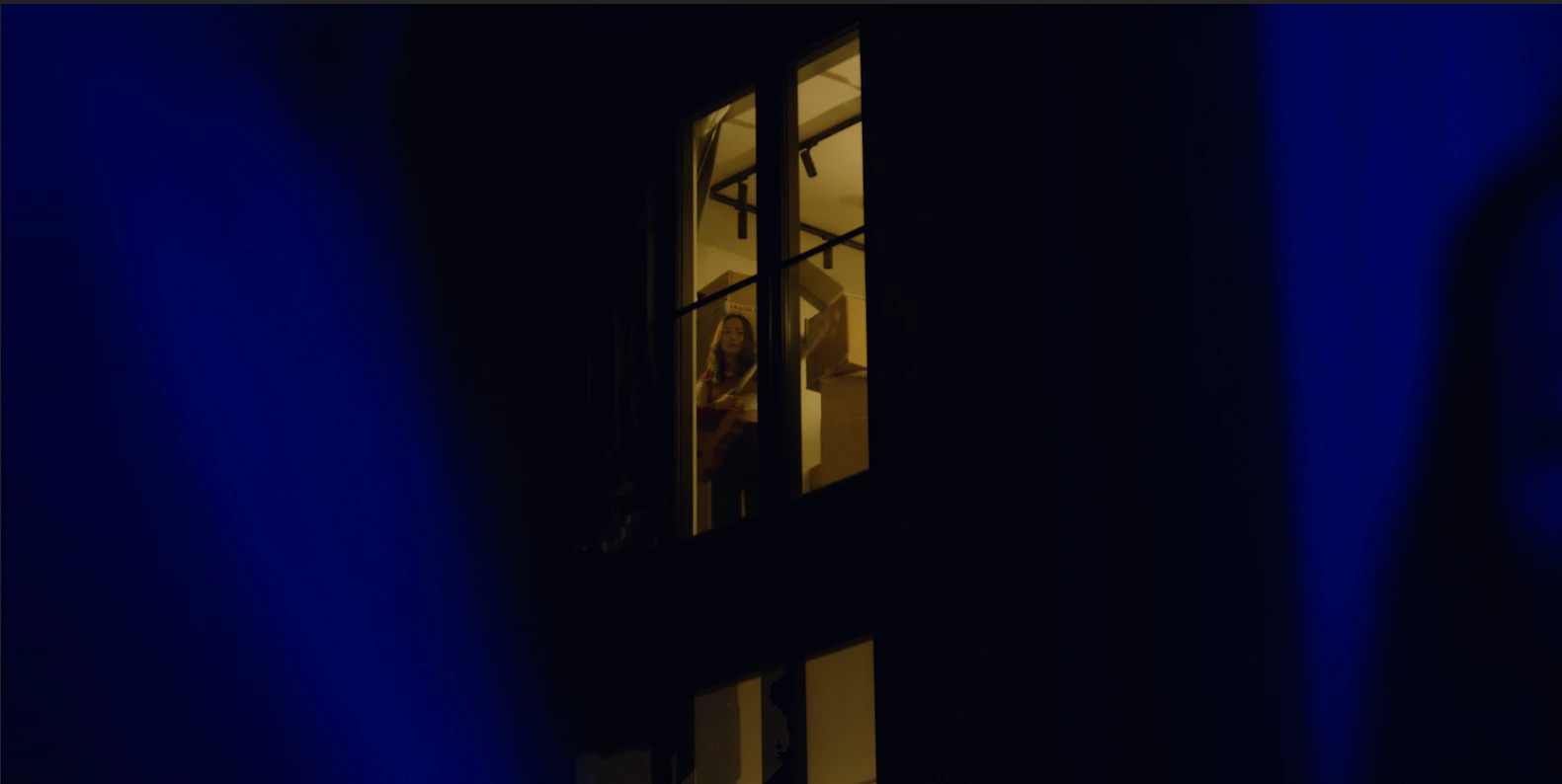
Premiere Pro keeps creating glitchy artefacts in this shot, where a man's shoulder swipes across the frame in the foreground. The girl in the window in the background is being warped. Please see examples here from the exported file (which looks the same as the preview files in Premiere):
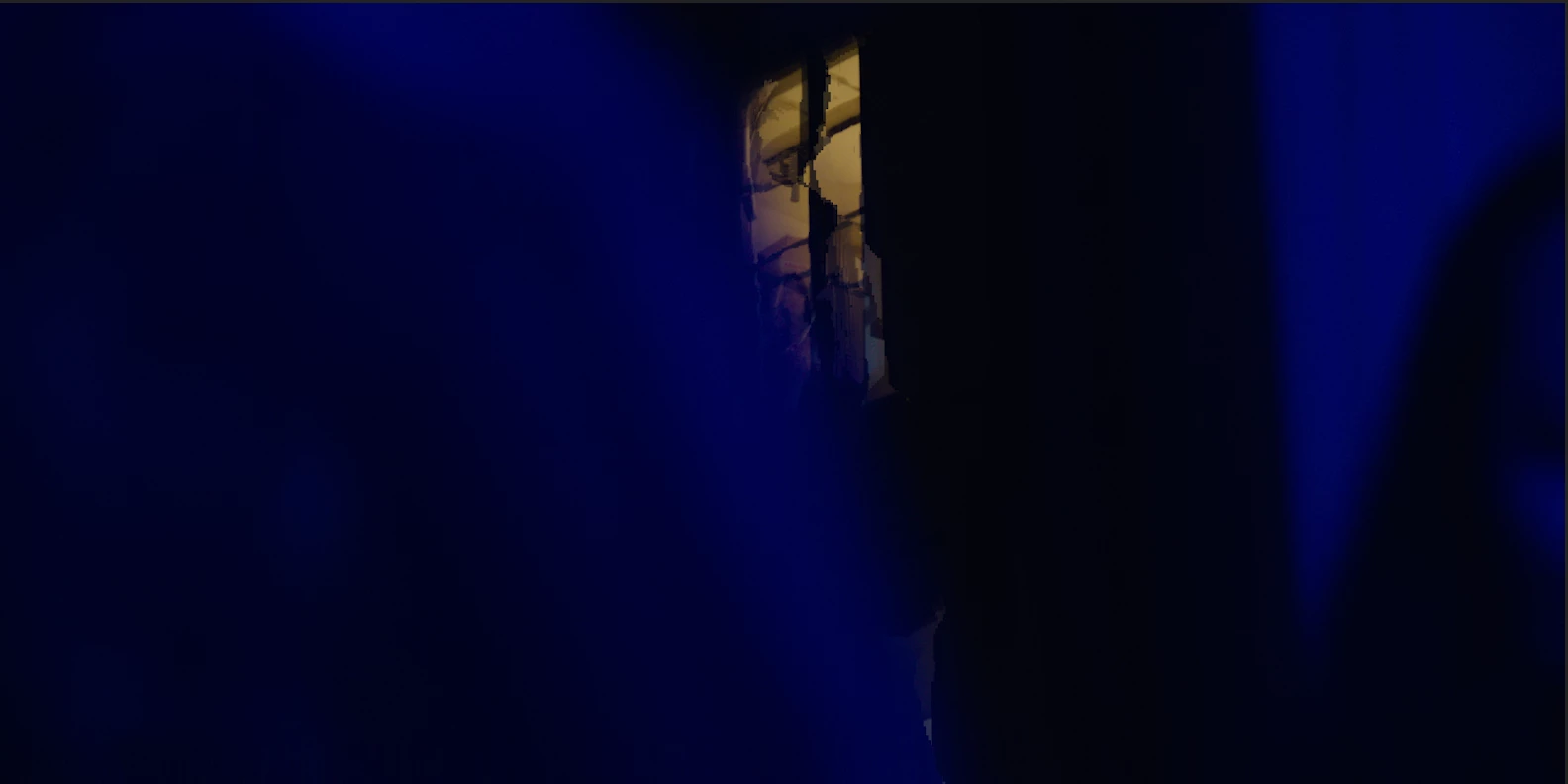
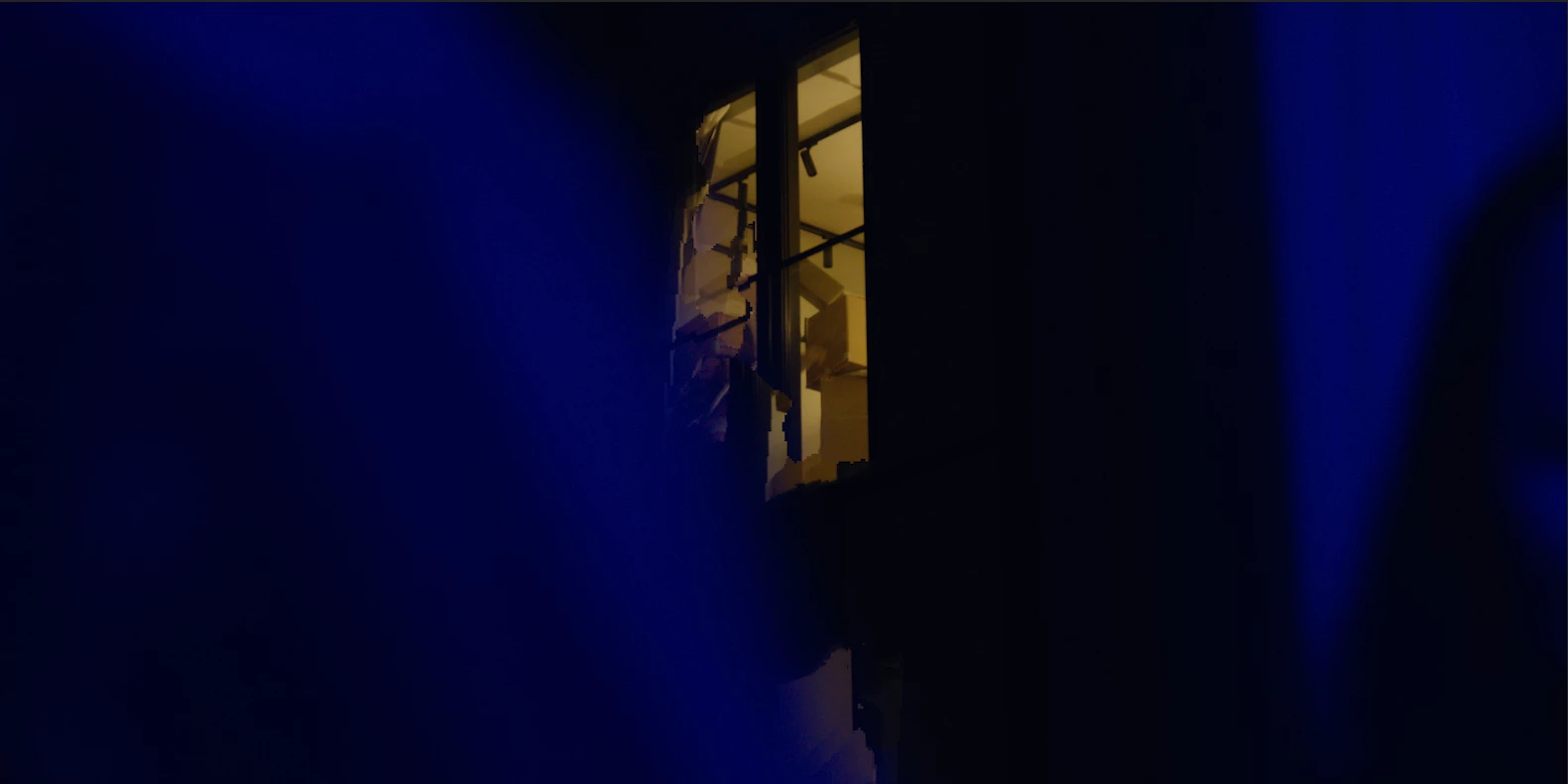


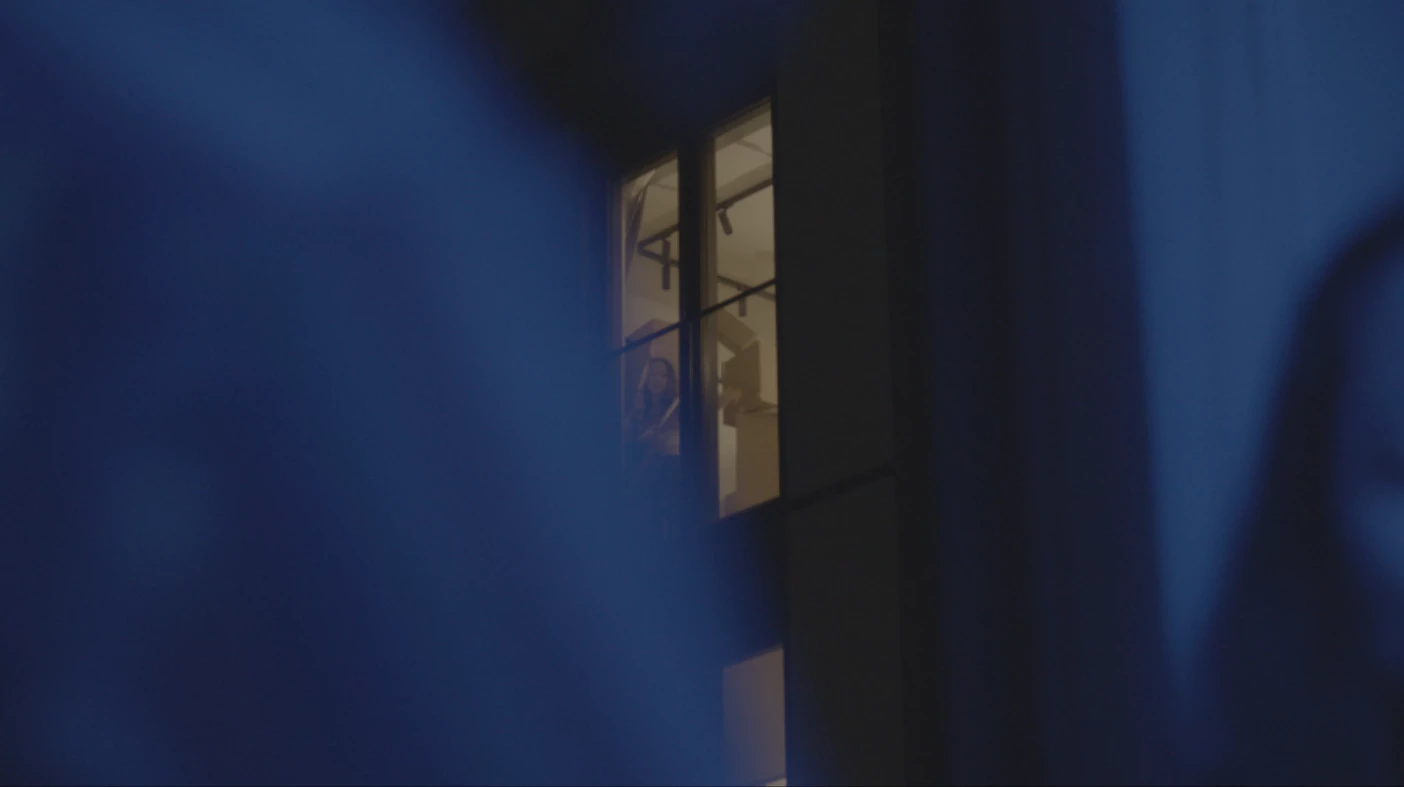
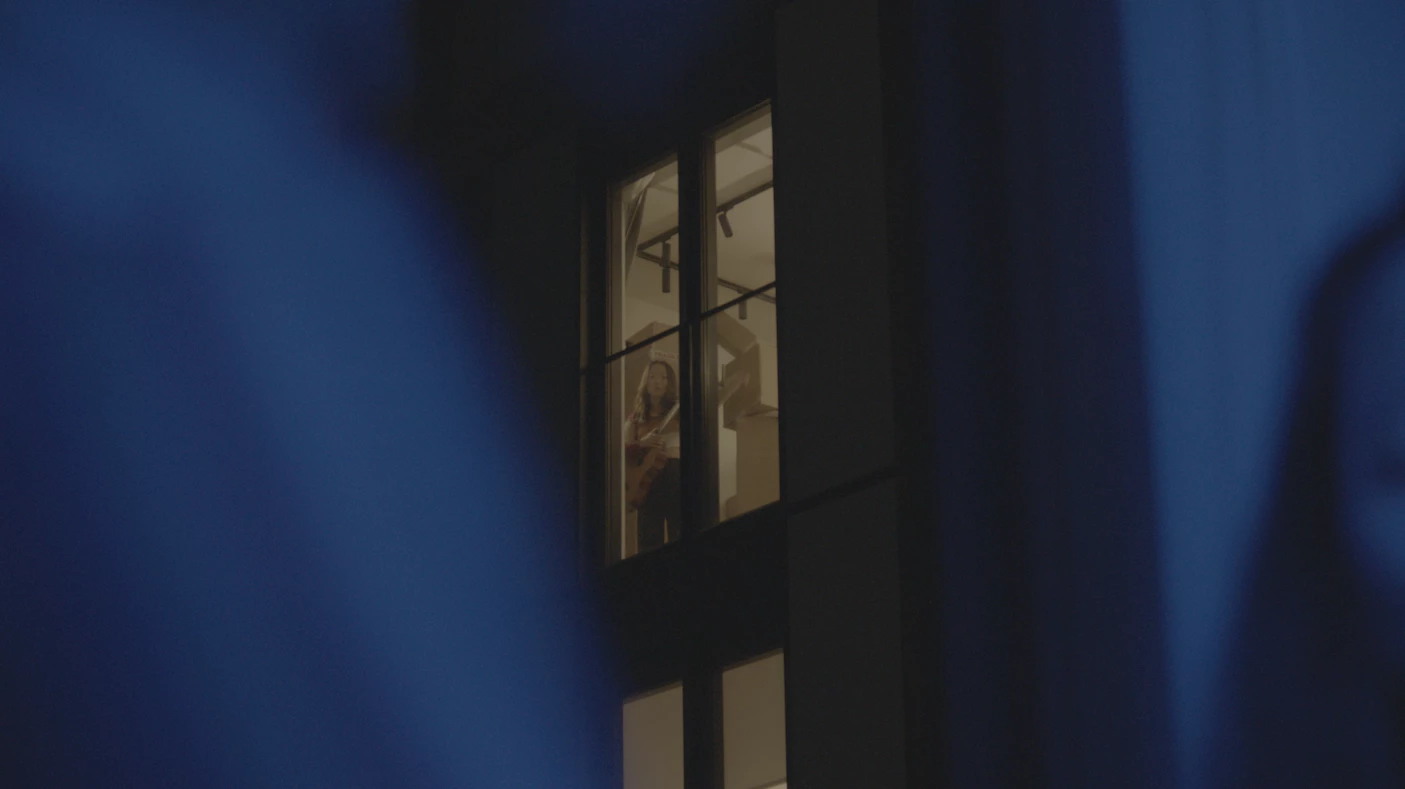
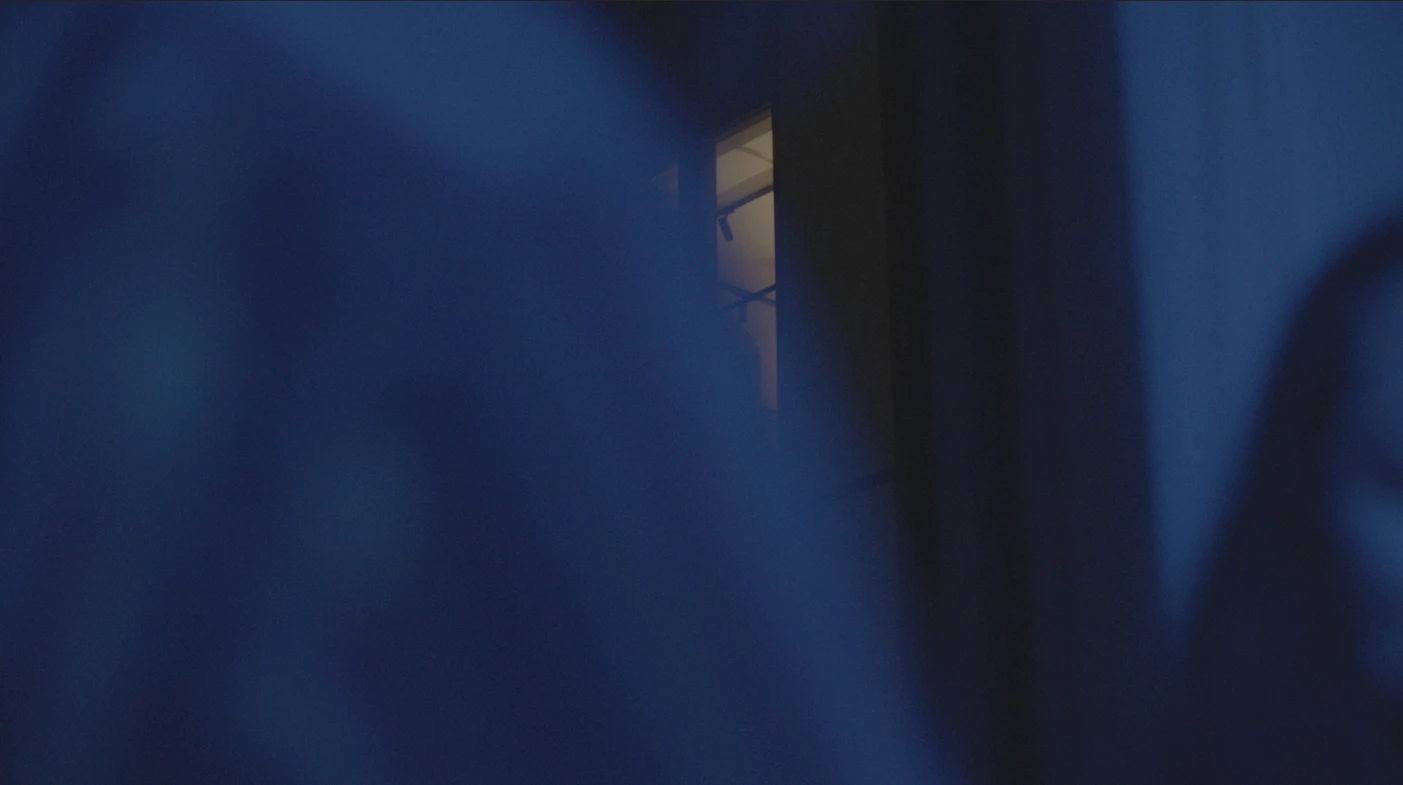
As you can see the raw footage does not have this artefact:


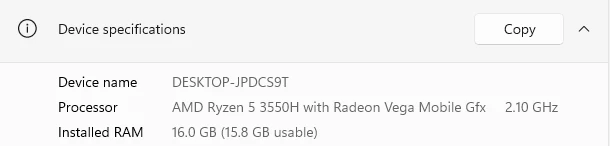
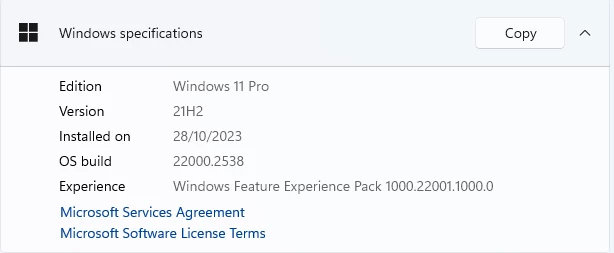
I have tried updating my graphics card drivers but got the same result. Any help would be much appreciated. Here are my computer specs:
 

This topic has been closed for replies.
Correct answer defaultz2sg6avvxcv5

Nevermind, seems by deleting and bringing in the same clip, Premiere is now rendering without artefacts.

Thanks for your help!


Leo

1 reply

Kevin-Monahan
Community Manager
Community Manager
November 29, 2023

Hi @defaultz2sg6avvxcv5,

Thanks for writing in. Can you try hardware encoding? Sorry for the hassle. I hope the advice helps.


Regards,

Kevin

Kevin Monahan - Sr. Community and Engagement Strategist – Adobe Pro Video and Audio
defaultz2sg6avvxcv5AuthorCorrect answer
Participant
December 1, 2023

Nevermind, seems by deleting and bringing in the same clip, Premiere is now rendering without artefacts.

Thanks for your help!


Leo