

Premiere Pro does not AutoMatch loudness correctly
Premiere Pro 24.5 - but I've been having it since the Essential sound panel was introduced - 14700K, RTX 4080, 64 Gb Ram, fast SSDs, Win_11. All updated.
So I have newly created sequence with one track with a cut footage from one and the same clip:
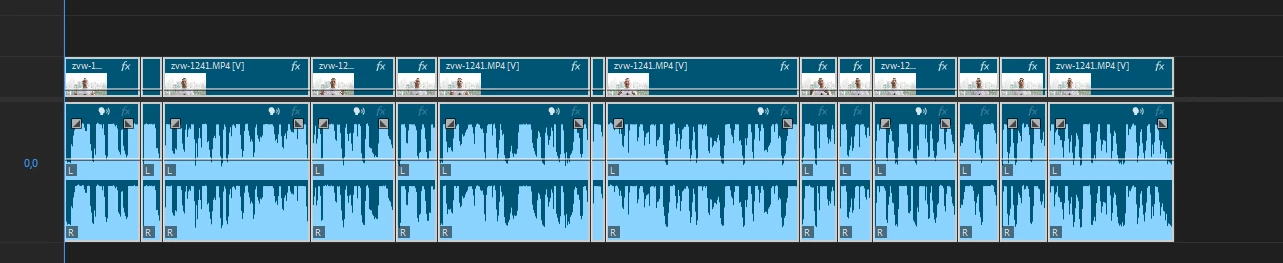
It's cut in parts only, with no effects, and only some silence parts were removed, the rest is intact.
So I go to the Essential Sound panel and having selected all the cut pieces with Ctrl+A set all the footage to the Dialogue audio type. Then I choose the Podcast preset and get this:
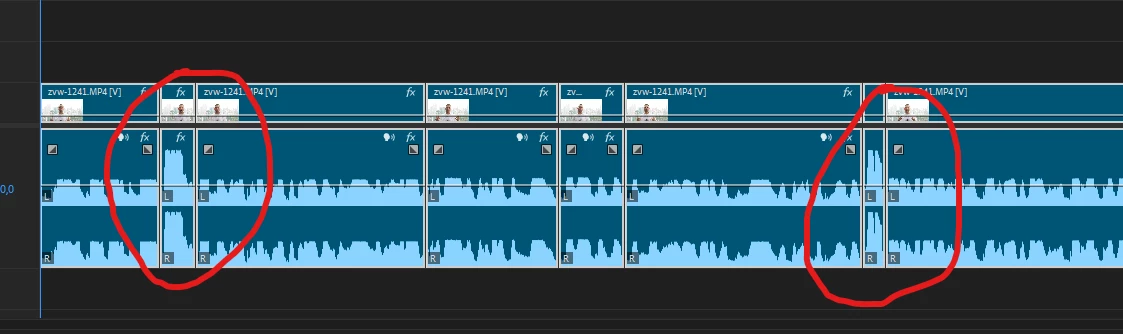
As you can see Premiere Pro does not apply the Podcast preset to these parts.
If you view all the ES menus you'll notice this:
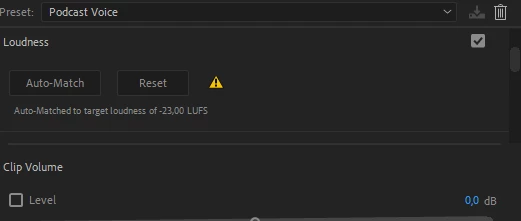
So with everything selected on the timeline I hit this Automatch button again and nothing happens - the two parts remain not matched.
If I select them separately and hit Automatch nothing happens either.
The audio type of the two parts is the same as of the rest:
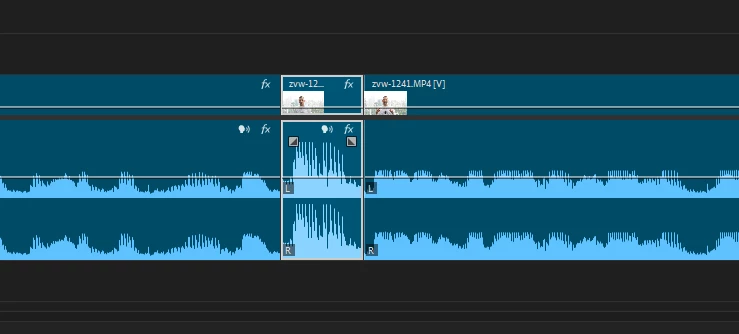
Clearing the audio type does not help either. The same is if you select the nearest part which has it all correct and try to automatch the "failty" clip to it - it just doesn't.
Audio gain with normalizing the peaks to the average level just pumps the volume up, but when you hit Automuch the two parts again remain intact.
I always get this type of a bug since Premoiere 23 or even earlier with smaller parts of clips both derived from a longer clip by cutting it or when using different footage. The same happens if some oudio was unlinked from the video when cutting everything at once (when none of the clips is selected).
 AdChoices