New Participant
September 11, 2018
Question

Premiere Pro encoding Problems! Please help as fast as you can!!

  • September 11, 2018
  • 2 replies
  • 915 views

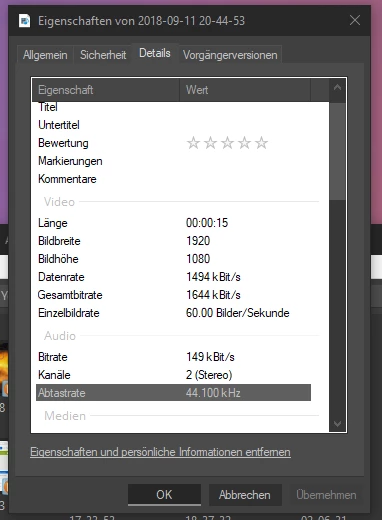
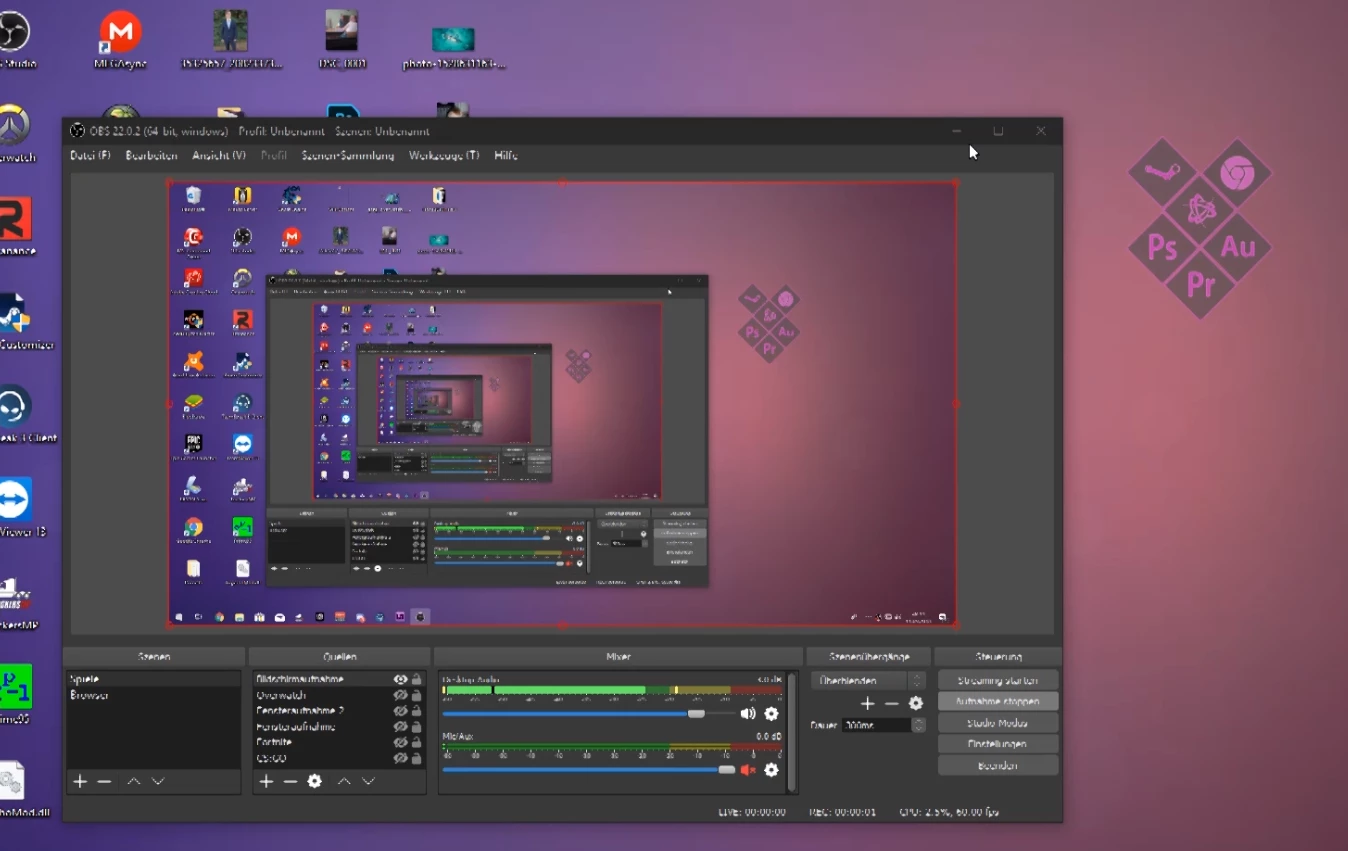
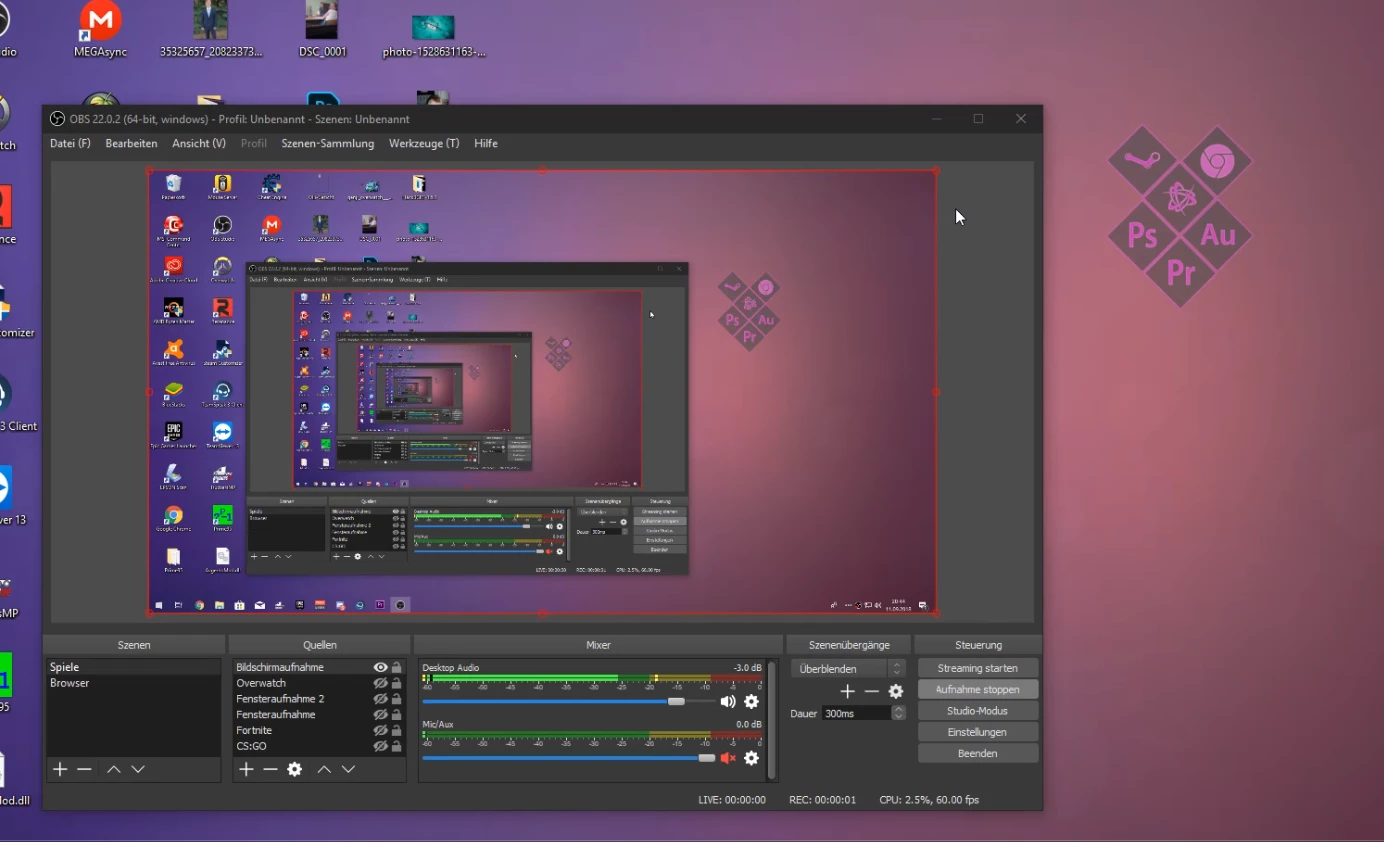
When I encode a Raw Video from OBS in Premiere Pro everytime it gets grainy and I don't know what I can do!At first you can see my Sequence Settings, after that there is the Raw Video Properties, the third Screenshot is a frame of the Rendered Video with Premiere Pro and at least there is the Raw Video! Please help guys!

    This topic has been closed for replies.

    2 replies

    Jeff Bugbee
    Community Expert
    September 12, 2018

    Change your OBS encoding settings from VBR to CBR. Premiere does not handle VBR footage well at all. Like Ann said, your current footage you can re-encode in Handbrake to CBR. That should resolve your issue.

    Richard van den Boogaard
    Community Expert
    September 11, 2018

    You probably need to adjust the encoding bitrate.

    Export video from Premiere Pro with Media Encoder |

    evenex.Author
    New Participant
    September 12, 2018

    When I put the encoding bitrate higher it looks like before

    Ann Bens
    Community Expert
    September 12, 2018

    Might want to run the file through Handbrake first and set it to constant framerate before bringing it into Premiere.

    In your sequence settings turn off

    Max bitrate

    max render

    composite in linear color.