
shellyannes86466704
Participant
November 21, 2020
Question

Premiere Pro - essential sound greyed out -

  • November 21, 2020
  • 3 replies
  • 4578 views

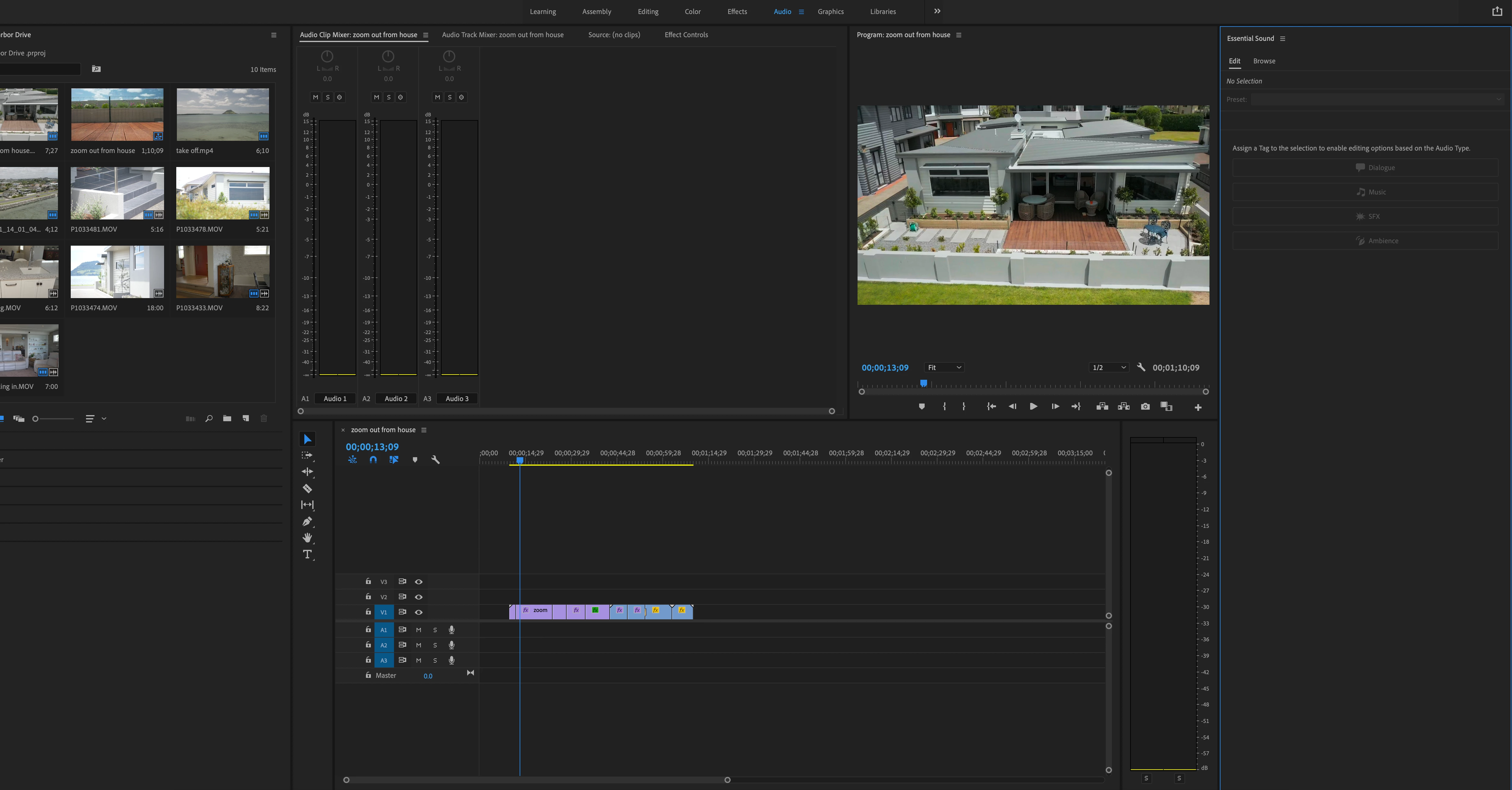
Can anyone help me with this issue, Premiere Pro has greyed out the essential sound panel all of a sudden (was working just fine yesterday, have not updated anything or done anything different to trigger this) 


I have reset the settings, tried the "move essential sound folder to other location on computer", logged in to adobe in my default browser and nothing has helped... cant seem to find much on this. 


Appreciate the help! 
 

This topic has been closed for replies.

3 replies

Participant
May 3, 2021

Hello ich have the same problem although I am signed in with my Adobe Account. Have someone here found I solution for that?

Ann Bens
Community Expert
Community Expert
November 21, 2020

You need to select a clip with audio or just audio.

Or hit Browse for Adobe Stock.

shellyannes86466704
Participant
November 21, 2020

Sorry maybe i wasnt clear with the issues. The second screen shot shows the browse greyed out too! I cant access the adobe stock feature to add sound to a clip...normally under the browse you can look through the moods / genre's etc and pick a sound clip to add but all of this is greyed out.

Ann Bens
Community Expert
Community Expert
November 21, 2020

You need to be signed in.

R Neil Haugen
Legend
November 21, 2020

As it says near the top of the panel, "no selection".


You need to have a clip selected on the timeline before the ESP will have options.


Neil

Everyone's mileage always varies ...