
Premiere Pro: exported video oversaturated and too bright/different from project monitor
Problem: spent hours doing a green screen edit, fixing lighting and colour/shadows etc, then when I export I get a completely different image. Looked it up and I am not the only one: this trick seems to fix it for most. for me, that solution brought down the intensity but then showed greenscreen backdrop.
OS: Sequoia 15.2
Computer: Mac Mini, Apple M4
Premiere Pro version 2025 (latest, was just downloaded days ago)
Video was shot on a Google Pixel 9
original footage specs:
dimensions: 1920 x 1080
codecs: HEVC, MPEG-4 AAC
Colour profile: BT.2020 HLG (9-18-9)
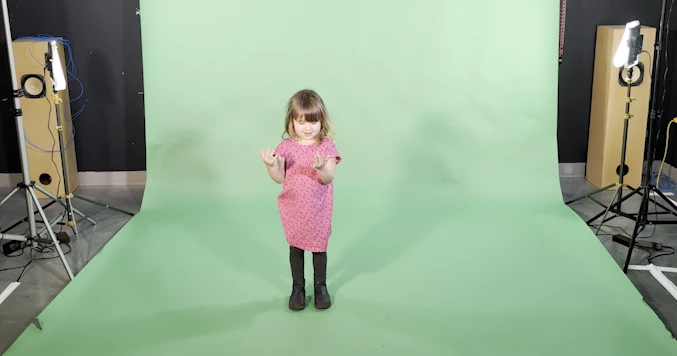
screenshot of original footage:
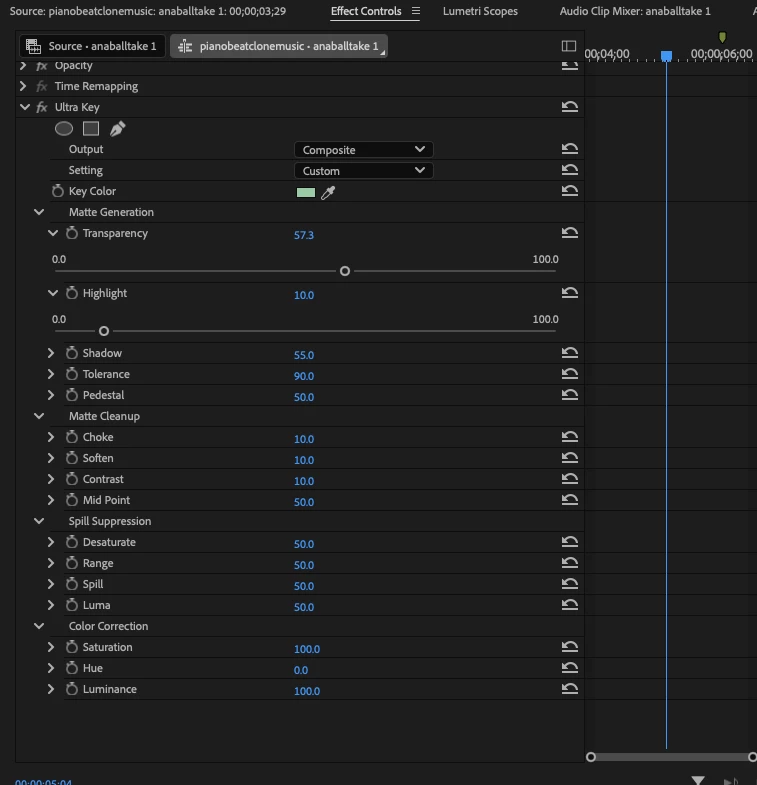
all effects to colour was using the Ultra Key effect controls:
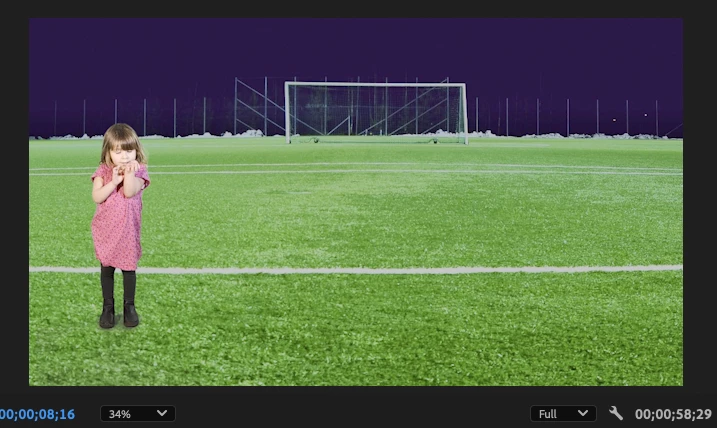
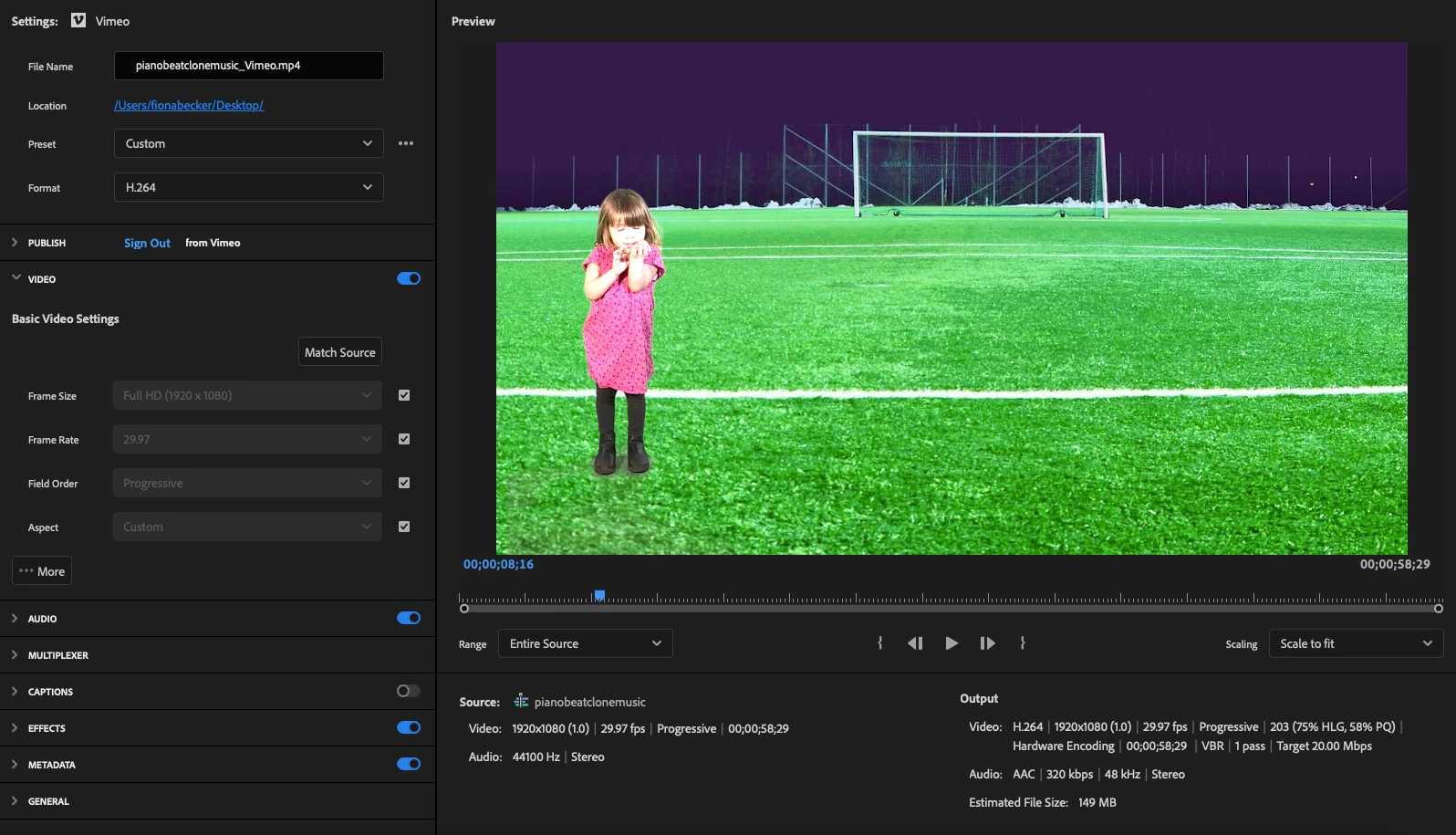
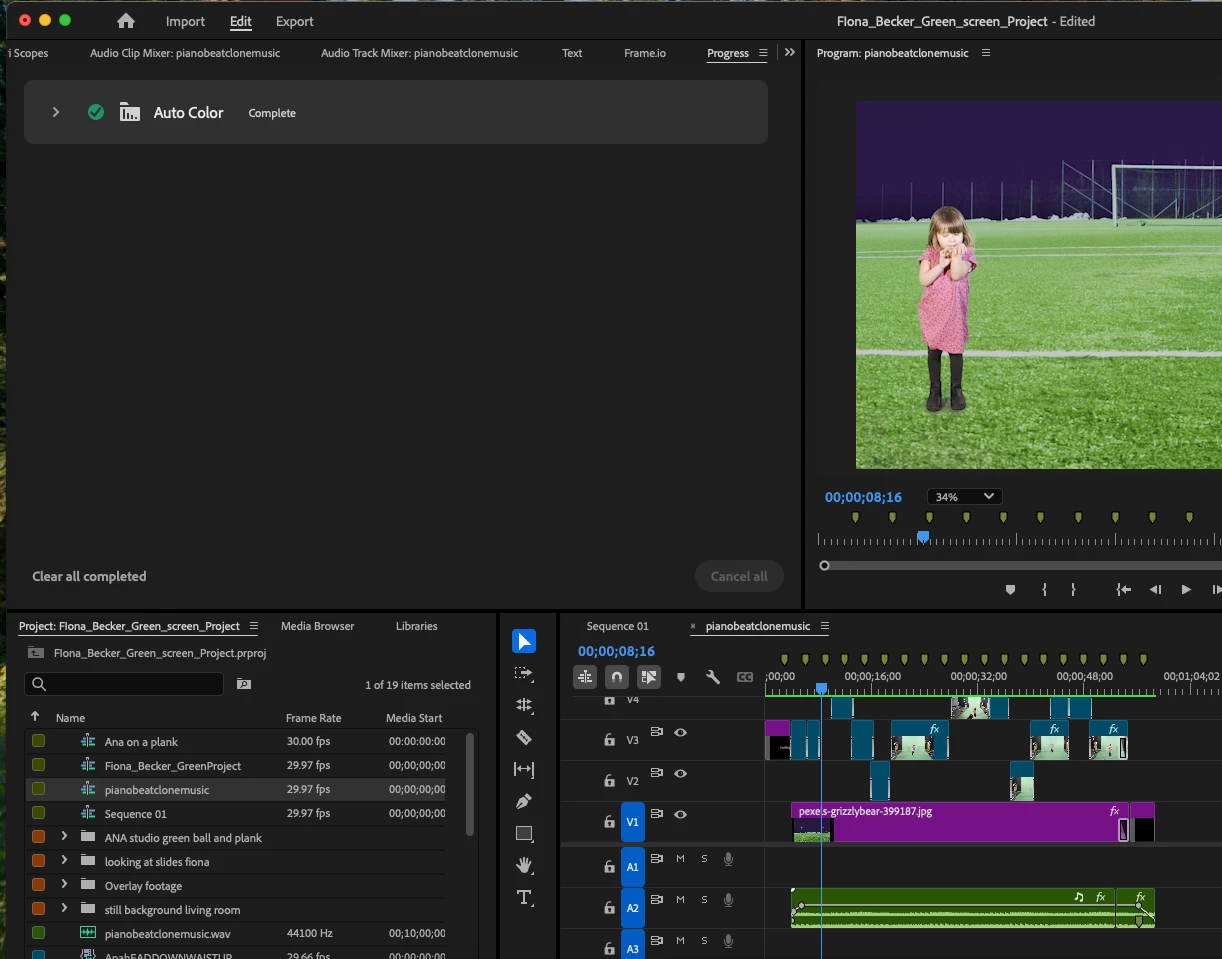
this is what footage looks like after edit when ready for export , followed by what it looks like when exporting/exported. last shot at the end is wondering about the "auto color" setting that seems to have happened upon export
after search online it seems i am not the only one (see you tube video below)
problem is for me when i apply this fix then my greenscreen backdrop shows up in the video.
help please!
Thank you!
 AdChoices