Participant
March 27, 2022
Question

Premiere Pro freezes when trying to open windows file dialog

  • March 27, 2022
  • 7 replies
  • 1728 views

This has happened with the last few versions of Premiere and certainly occurs in the latest version (22.2)

Often (but a restart will at least temporarily fix the issue), when performing a function that will open a file dialog box (e.g.  export media, save as etc), Premiere Pro will just freeze and will need to be killed.

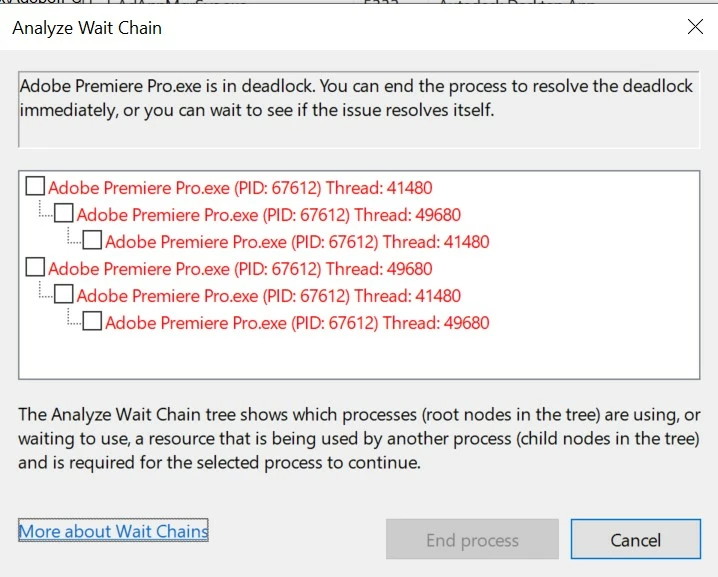
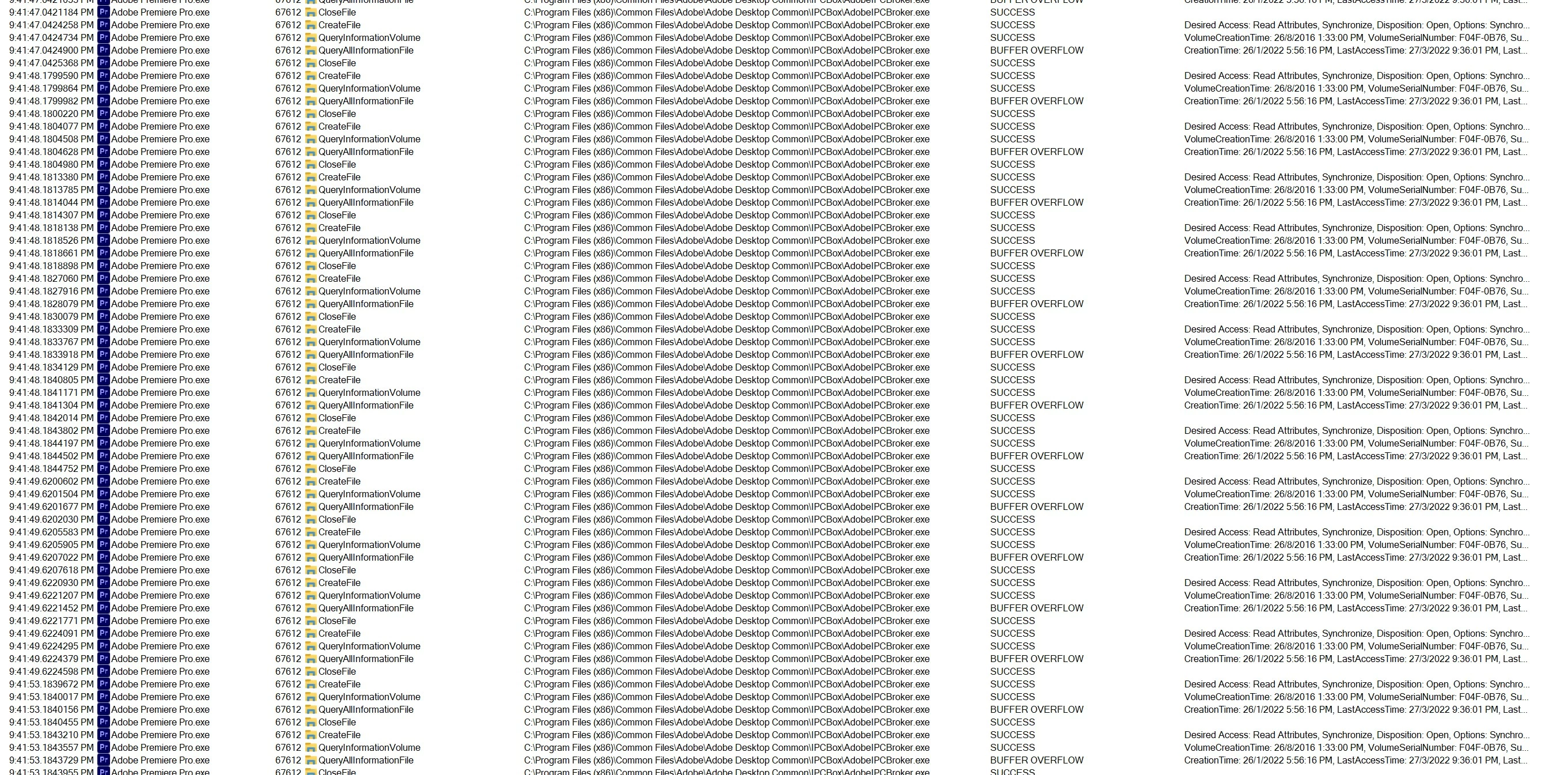
Seems to be some kind of threading deadlock.

Rather frustrating. Please fix.
 

This topic has been closed for replies.

7 replies

Participant
August 5, 2024

We had the same issue. A 230MB TIF file sitting in the downloads folder was causing the crash. I suspect PP was trying to build a cache/preview and didn't like it. For others - please consider other files that may be causing the crash, it could be a large or corrupt file. Adobe need to handle the errors better!

Participant
December 14, 2022

I have the exsact same problem. Anyone know if this has been fixed?

Participant
January 18, 2024

I have the exact same problem. It is now 2024. Are there any innovations or does anyone have a solution? I have already reinstalled my OS, I have also reinstalled Premier.

Participant
January 31, 2024

This issue has been there for years.

Participating Frequently
December 7, 2022

Same problem here - only happening on one computer, but started in PP v19 on Windows 7, and has continued through Win10-11, and PP20-22.  

Most common trigger is trying to select a folder from the export dialog - I have to just export to whatever folder is already selected and move the file later, or risk freezing the program. 

Most recently, in a rush, I've been accidentally missing the clip icon and double clicking just to the left of a clip name... game over.  The session I'm working on takes about 90 minutes to load footage, so this has become more than just a nuissance.  

I *think*, ONE time, it resolved itself after an hour or so and the explorer dialog finally popped up.  Ironically, this has probably led to more wasted time since it gave me hope it might happen again if I just wait long enough.

Participating Frequently
September 15, 2022

I fight this issues every time I use Premire!  It happens across three different workstations and laptops.  I thought maybe it was a windows 11 issue.  It's like the dialogue box is hidden and premire is just frozen.


I've been fighting this for almost a year.  I think i'm going to look and see what other editing options are out there.

Participant
June 6, 2022

I've experienced the exact same issue recently. I'm on latest (22.4.0) and it happens across old and new projects, and with any action that opens the 'Open File' dialog (import file, open project, import title template, etc).


Win10 19043

Christian.Z
Community Expert
Community Expert
March 31, 2022

maybe re-instal your OS?

Chris2040Author
Participant
April 1, 2022

Thats not really a solution. I'm happy to do more to help the dev's debug this issue but need to know what information they need.

nishu_kush
Legend
March 29, 2022

Hi Chris,


Welcome to the community and sorry for your issue.

Does it happen to all the projects? If so, please try changing the permissions as instructed in the following article: https://helpx.adobe.com/in/x-productkb/multi/preferences-folder-read-only-error.html

Let us know if it brings any change.


Thanks,

Nishu

Chris2040Author
Participant
March 29, 2022

Thank you Nishu. Its happening with all projects I've used recently, including newly created projects.


I've checked the permissions and nothing is read-only. What else can I do or check to debug this issue?