
Premiere Pro FREEZES when working with ProRes RAW
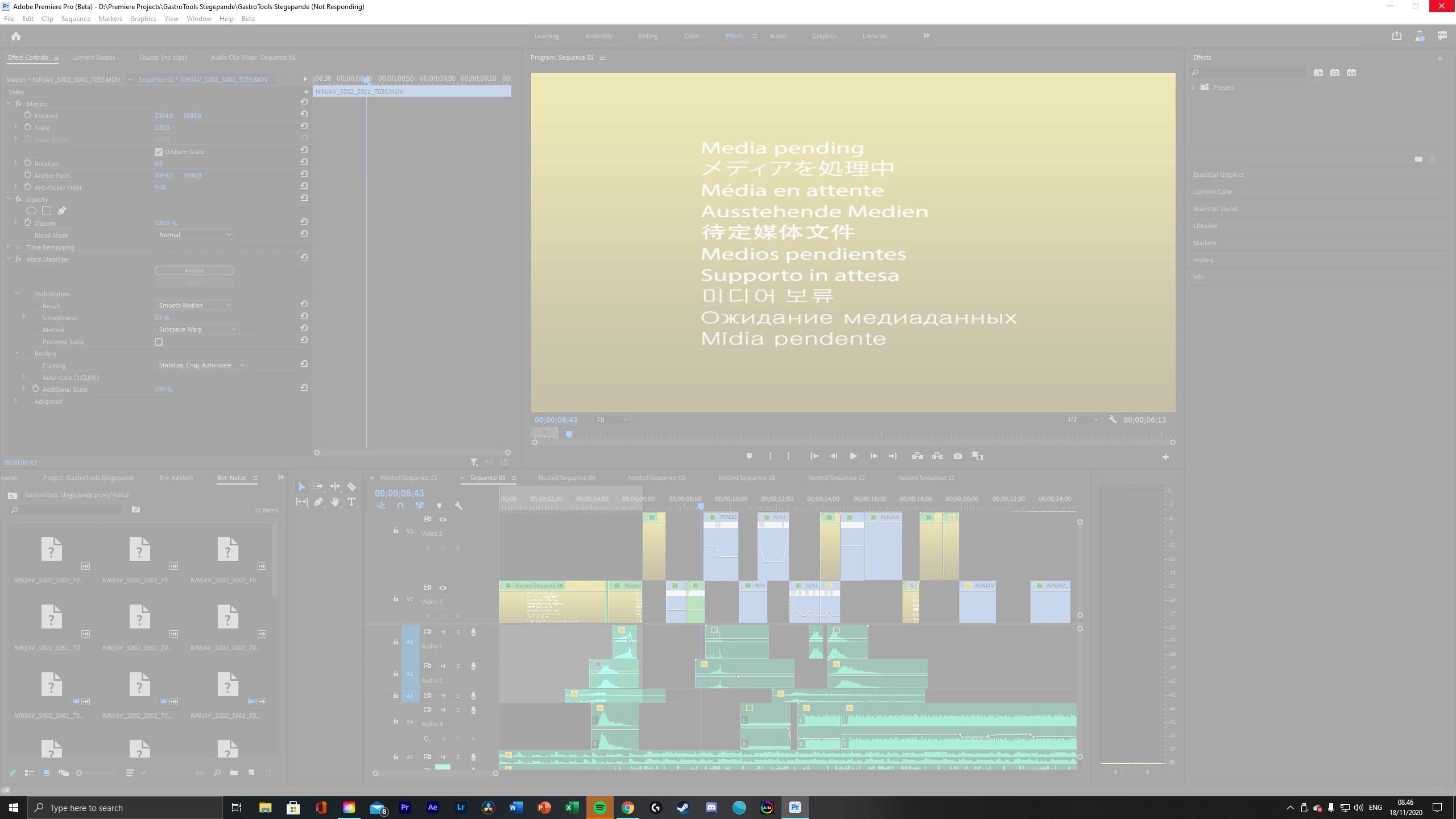
Hi, I have Premiere Pro Beta installed and have been working on the same project for the past 3-4 weeks with no issues. About a week ago I exported my timeline in prores 4444, and have since then been working on a grade in resolve. Yesterday, when I opened up Premiere Pro Beta to fix a couple of things in the edit, the program all of a sudden started freezing as soon as I just clicked on a clip in the project. It just gave me the spinning cursor wheel and a white screen (Check screenshot below). I'm then forced to quit the app... When I try to reopen the app same thing happens. This is a huge problem, because I have a deadline in a few days and I don't know what to do.
My PC specs are as follows - 32GB RAM, Intel I9 CPU and NVIDIA 2070 SUPER. I have tried reinstalling Premiere but that didn't work. Then I thought it might have something to do with me applying Neat Video Denoiser in premiere, but I tried creating a new project and adding the RAW clips in there, and it still crashes. It is only when using RAW footage from my Panasonic S1H. Any help would be very appreciated!
 AdChoices