
Answered
PREMIERE PRO INTERLACING/HORIZONTAL LINES ON EXPORT ONLY
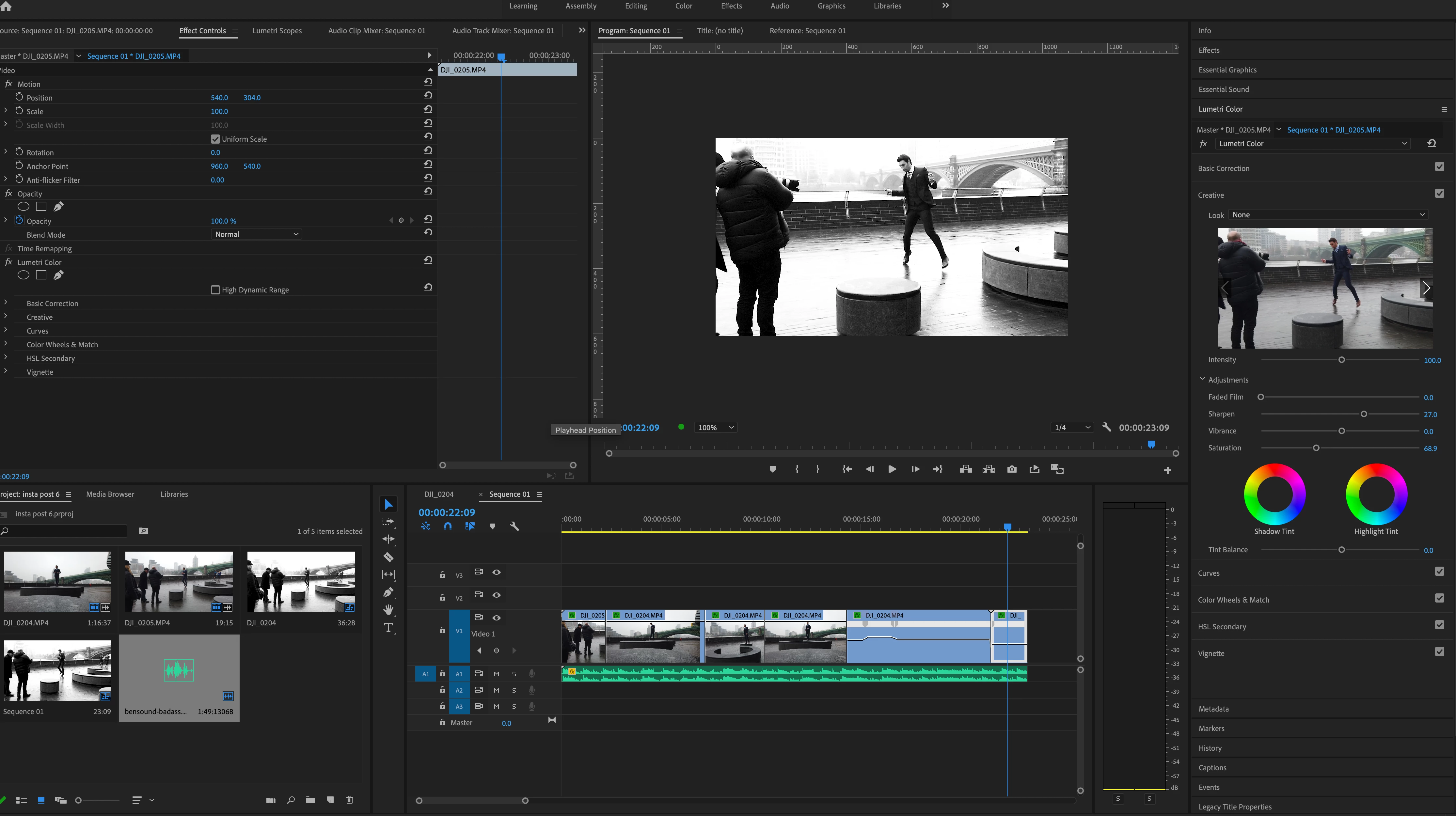
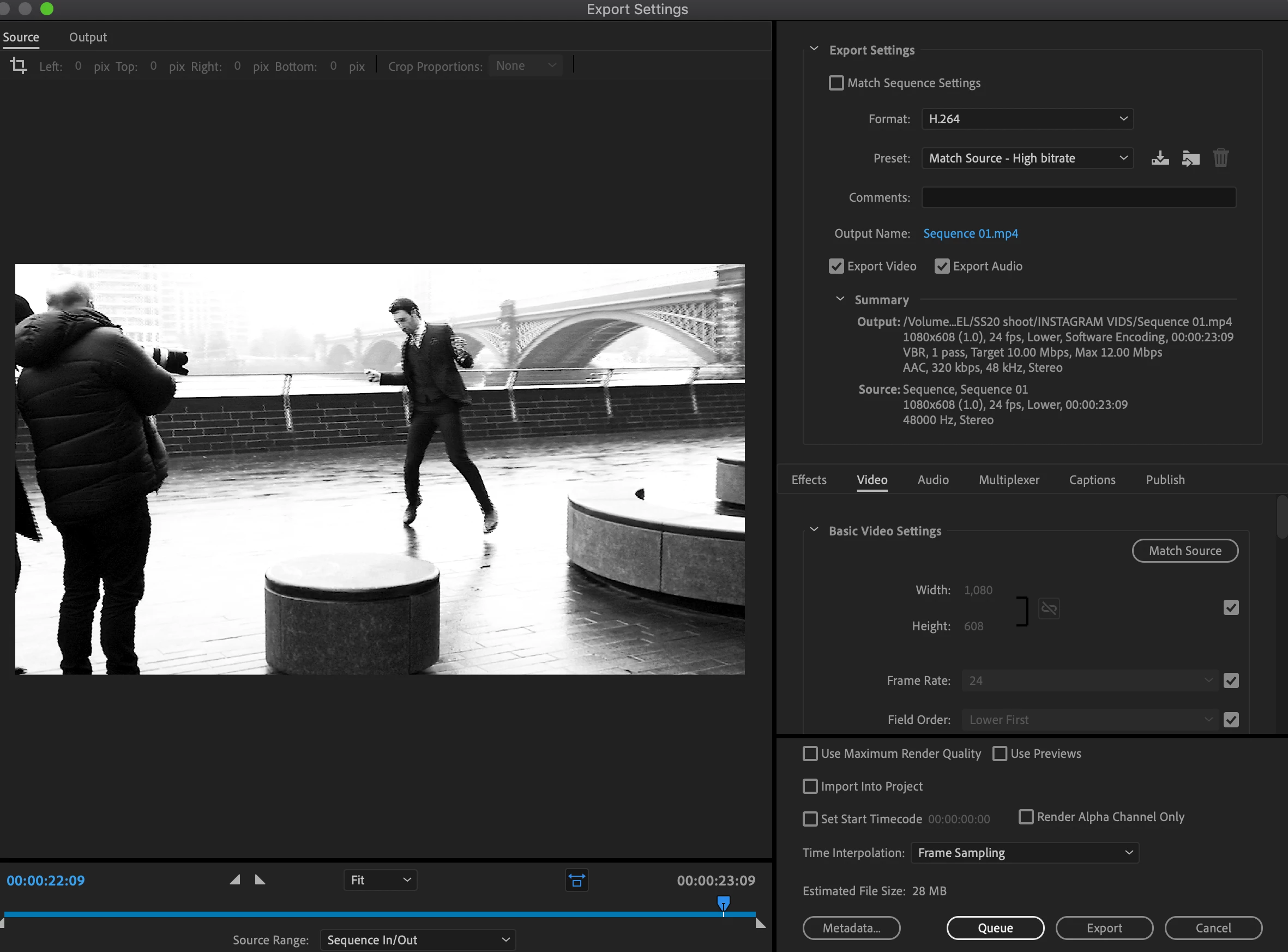
My videos look fine in premiere pro but as soon as i export them they have a strange combing effect which I can't get rid of. The only solution I have is to move my premiere pro into after effects and export from there. I have tried re starting my mac and updating premiere pro but this issue is still happening.
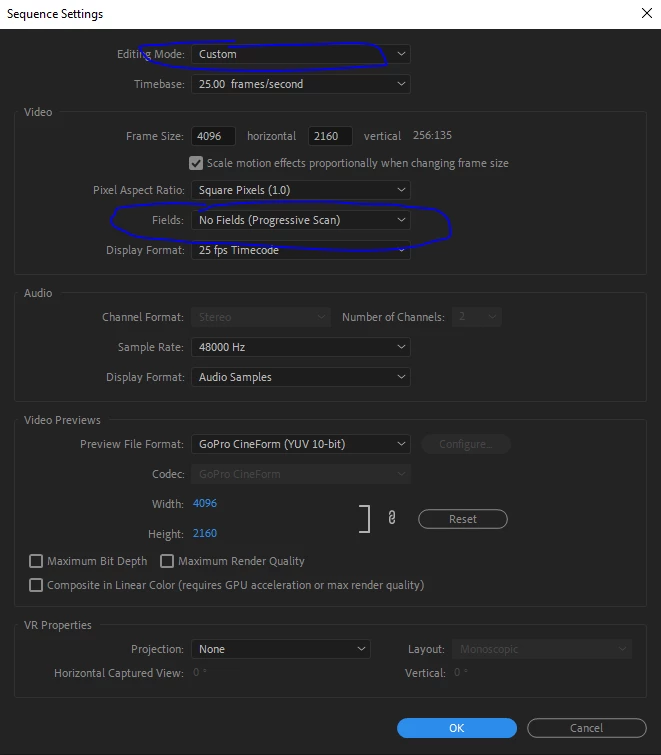
I've never had this problem before and use premiere pro regularly so there must be a setting or shortcut that has caused this issue?
 AdChoices