
Premiere Pro interprets wrong color space for MP4 files.
I noticed that Premiere Pro make wrong color space interpretation for some type of .MP4 files. This produces big color shifts for imported clips.
.MP4 files with 0-255 luminance range at 8 bit which should look exactly as .MOV files, but in Adobe products they interpreted differently for some reason.
Here is raw ARIB color bars outside GH5 with correct Adobe interpretation (for .MOV 0-255 and 10 bit/16-235 MP4 files):
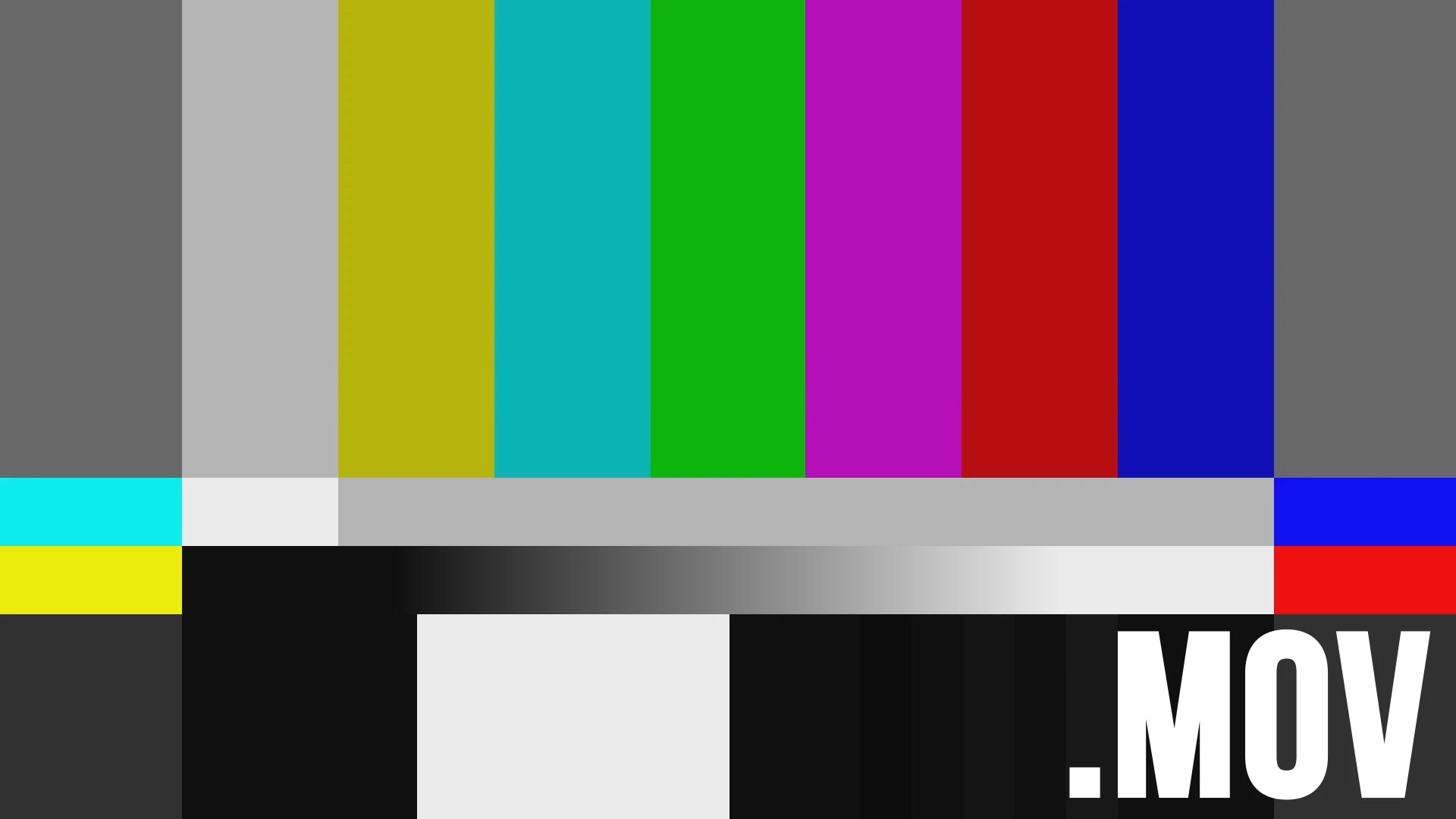
And here is wrong Adobe interpretation with noticeable color shift for 8 bit/0-255 .MP4 files (look at greens, yellows and reds):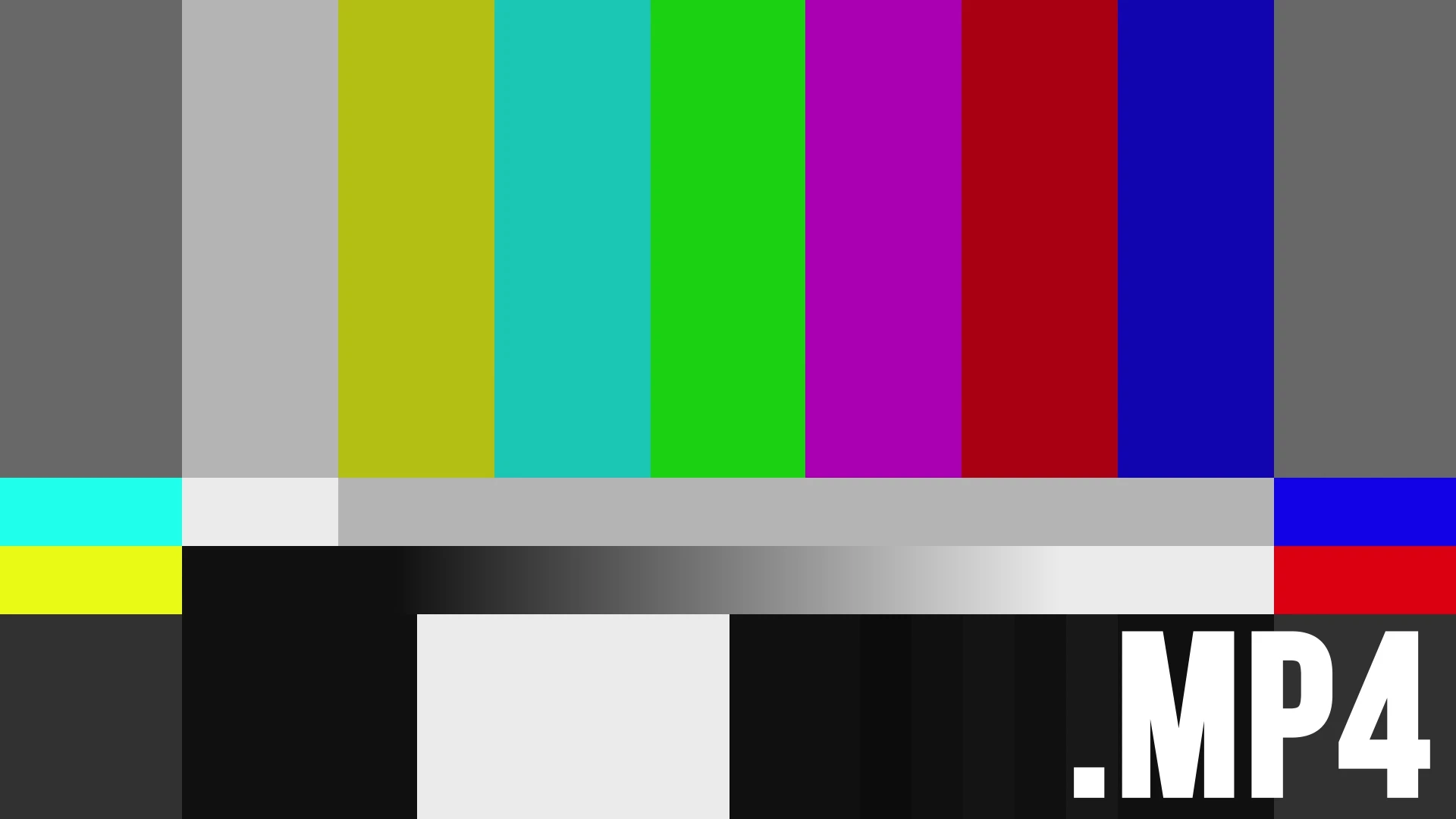
This issue affects only MP4 8bit files with 0-255 luminance. Any MOV files or .MP4 files, but recorded with 10 bit, or any other luminance levels (16-235/16-255) interpreted correctly.
That's not a camera issue, because In software like Davinci Resolve or video players these files looks identically. But in Premiere Pro, After Effects and Photoshop .MP4 files has wrong, shifted colors (looks like they're in Rec.601 space).
This huge issue especially for Panasonic Lumix cameras like G7/G85 and GH4/GH5 which shoot videos in .MP4 at 0-255.
Tested on few different PCs (Win7,Win10 x64) with latest updated Premiere Pro CC. Tested with Lumix G7, GH4 and GH5 cameras.
I can upload raw sample clips with Color Bars for your own test if you need.
Hope, Adobe Tech Team will check this, because I think precise color science is the one of the main features for software like Premiere Pro. Thanks.
 AdChoices