
redhaircrow
Participating Frequently
October 26, 2017
Question

Premiere Pro is Now Crashing My Whole Computer

  • October 26, 2017
  • 2 replies
  • 12875 views

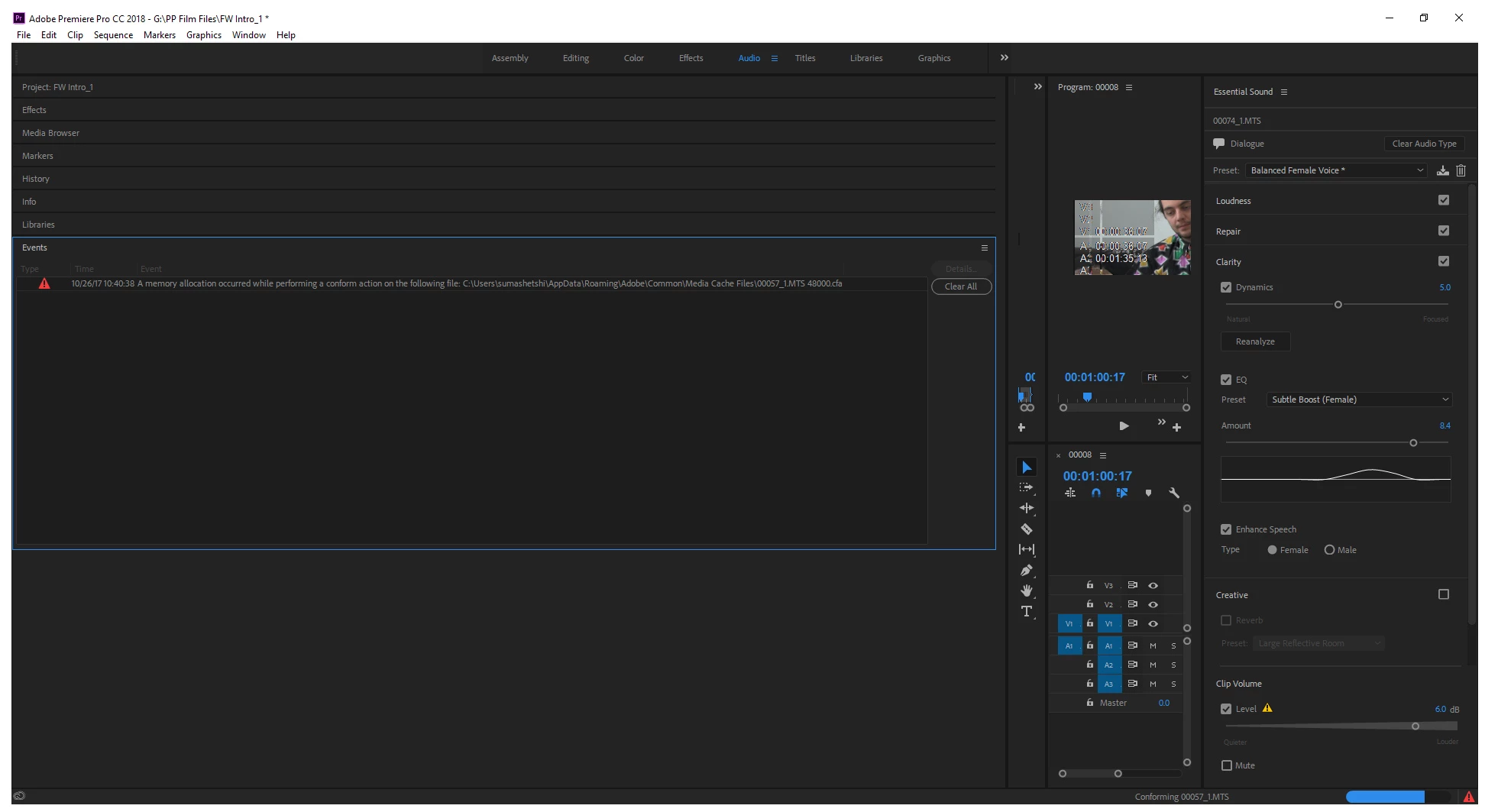
Besides running/crashing issues since the update, where I could open a file to work on, but it would almost immediately stop working, so that I needed to use Task Manager to close it, today I can still open a file but after a series of errors it crashes my whole computer. Errors include "low memory". I have a higher end new Acer laptop, and have never had any problems with this whatsoever, especially as I have two external hard drives as well. There's simply not much on the computer at all, but suddenly now with the new update, my whole drive is full?
This topic has been closed for replies.

2 replies

James vd Beek
Participant
October 2, 2018

I should be sending adobe an invoice of the damages made to my business by making this software available before it is finished.

Kevin-Monahan
Community Manager
Community Manager
October 26, 2017

Hi RedHairCrow,

Terrible news. Is this with a new project or an updated project?
If it's an updated project, can you try a new project?

Thanks,
Kevin

Kevin Monahan - Sr. Community and Engagement Strategist – Adobe Pro Video and Audio
redhaircrow
Participating Frequently
October 27, 2017

I don|t quite understand the question, but it is a feature length documentary I have been working on for years. No, I cannot try a new project. That is impossible to recreate all of that work and minute edits.

redhaircrow
Participating Frequently
October 28, 2017

The new project was for testing purposes.  We're looking to find out if you have any issues when you start fresh, not saying you have to do the work over.  Just test it out.


No, the application freezes then crashes. Also in my case, as soon as you open the program (its loading), and even if you let it just "work"/"load" or whatever it is doing, the used MBs as seen in the Task Manager keep going up and up until the app freezes. If I allow it to run past that point (still doing nothing within the app because you cannot) my computer crashes. I cannot keep allowing that to happen to test something for PP, which would potentially damage my computer and files, which I'm sure Adobe wouldn't replace or pay to get it fixed.

I realize I am not the opening having such issues, as I'm sure Adobe PP can see here and also on its feed at Twitter, where others like myself are in the same position or worse. I know accounts and customer service related to payments is a different department, but there needs to be a system wide announcement regarding these issues so many are experiencing and we need to be compensated with a pro-rated amount, at the very least. For some of us, this is the difference between significant or continuing contracts and funding for our projects, which is our life's work and keeps us housed and fed.