
Premiere Pro Keeps forgetting how to read R3D files
I am currently working on a television project that has multiple cams (GoPro's, Sony's, and a RED Gemini 5k). I have setup all my RAW project files for each day under a production, and have had no problems with any footage, until I began importing R3D files.
I made sure not to change the file structure when copying the files off of the production RAID and onto our company's server. Then, I used the media browser to import all files.
The problem is that every second or thrid time I go to re-open a project with R3D files in it, it does the following things:
1. It will begin relinking media, then stop at a certain percentage, and not go any further.
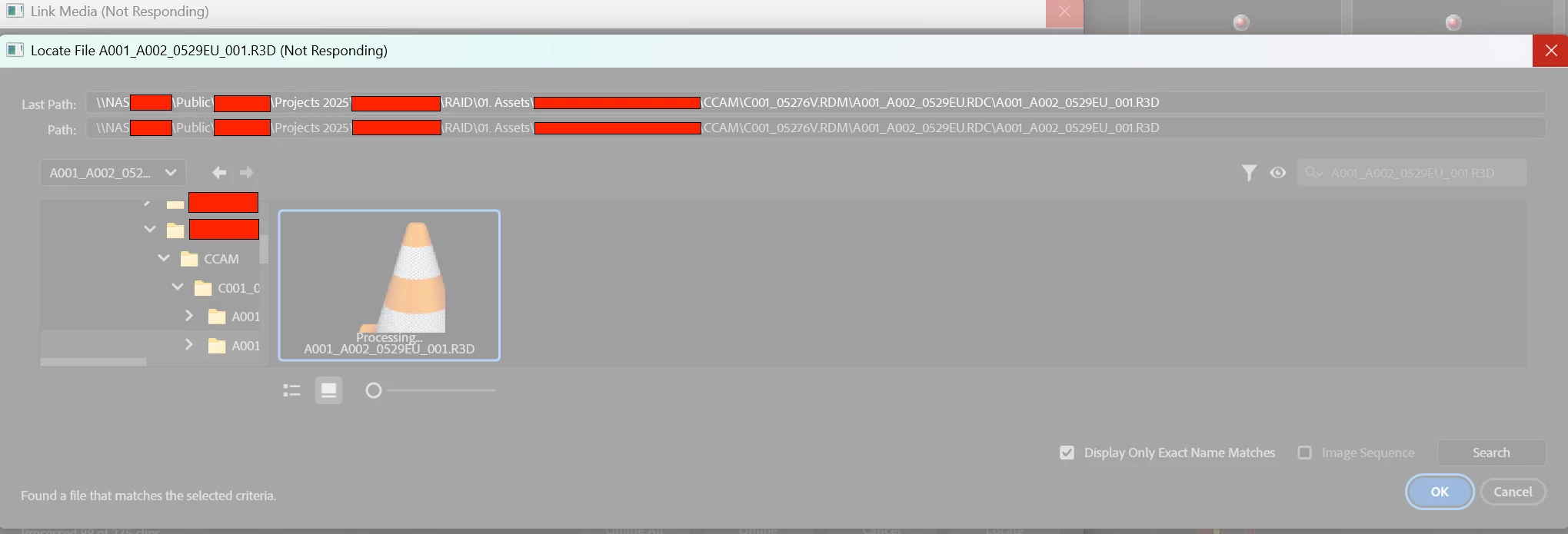
2. If I try to manually relink the R3D files (which have not been moved or touched since first ingest) the program freezes and stops responding until I close it.
I have tried every solution I could find including:
- resetting app preferences
- resetting plugin load order
- deleting my media cache files
- changing my media cache location
- giving the media cache a 745GB limit
- Uninstalling and reinsta.lling
- restarting my computer
- opening on other editors computer (where they link with no issues)
- relinking on other editors computer (relinks no problem)
- updating my NVIDIA drivers to Gaming and Studio
- downloading the RED cine softwares
- duplicating the project, deleting the R3D files, and trying to relink them (when I open the media browser to do so, they appear and then become stuck on "processing" with no thumbnails)
I have run out of things to try, and seemingly after hours of fiddling with it, it'll just work until I close it and try to reopen it the next day. This is a highly frsutrating issue (one of the many that raises my blood pressure and fills my swear jar, while using the Adobe Suite). I would really appreciate some help from the community! Thanks!
Specs:
Processor: 13th Gen Intel(R) Core(TM) i5-13600KF (3.50 GHz)
Installed RAM: 64.0 GB (63.8 GB usable)
System type: 64-bit operating system, x64-based processor
Motherboard: Gigabyte Technology Co. Ltd. Z690 UD AX DDR4 (U3E1)
Edition: Windows 11 Home
Version: 24H2
Graphics Card: NVIDIA GeForce RTX 4070 12GB
Premiere version: 25.3
Storage:
C Drive: 1863GB Samsung SSD 870 EVO 2TB (SATA (SSD)) (0.98TB free of 1.86TB)
New Cache Drive: 7452GB Seagate ST8000DM004-2CX188 SATA III 6.0Gb/s (Empty)
Old Cache Drive: 931GB Western Digital WD Blue SA510 2.5 1TB (SATA (SSD)) SATA III 6.0Gb/s (Empty)
If someone could explain how I can find a Premiere Pro program/event/error log with detailed info on what might be going on, that would be great.
Screenshots of issue:
Stuck on relinking:

File structure remains intact: (duplicated project, offlined everything, all other codec relink normally in the file locator except R3D files
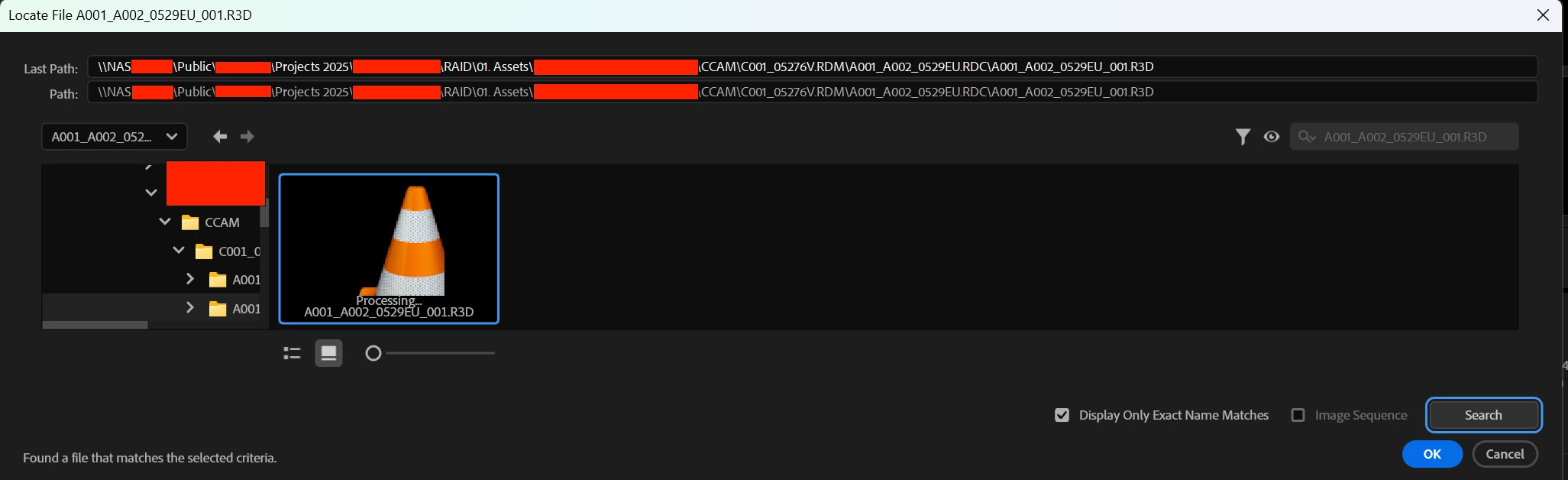
After clicking ok to relink the r3D files it freeezes and crashes:
Duplicated project, deleted all R3D files, went to reimport from media browser panel:
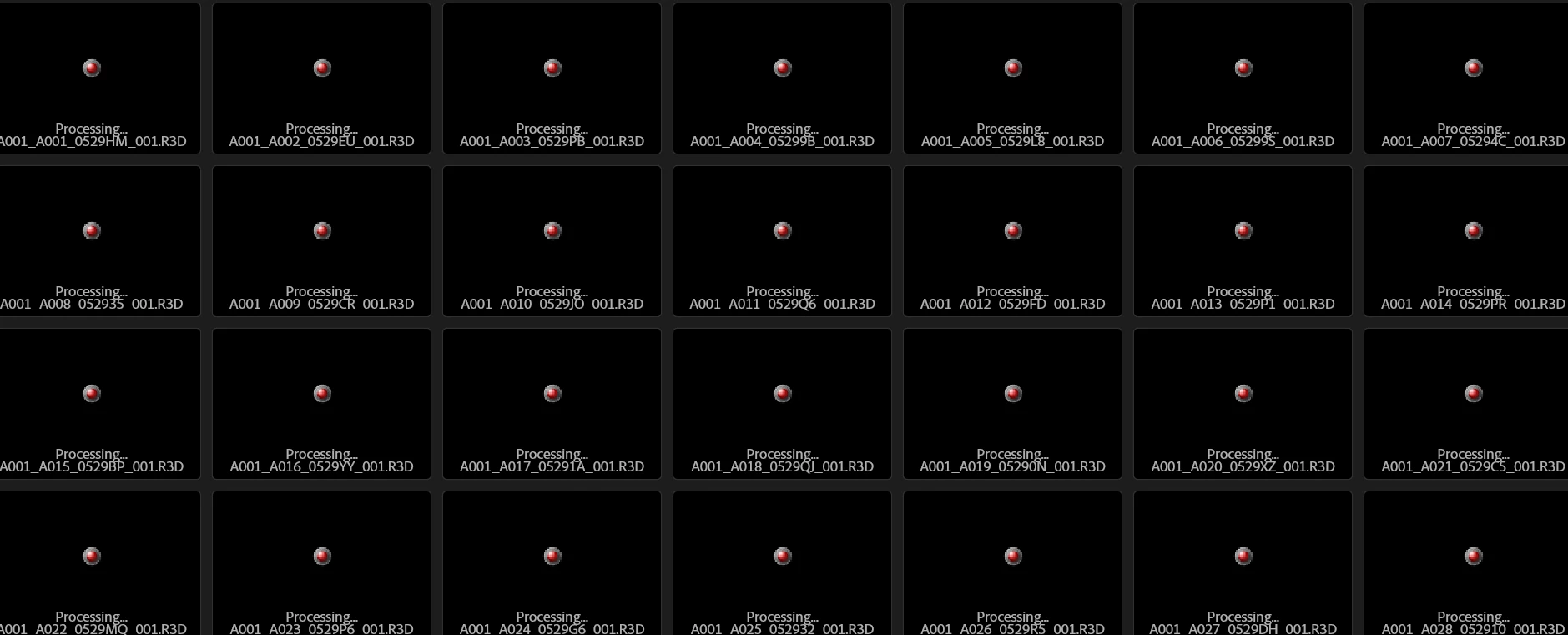
When tryign to import from here, it just gets stuck on a loading bar that never moves saying "importing media"
This is how the files (that worked fine yesterday) appear today in my project panel:
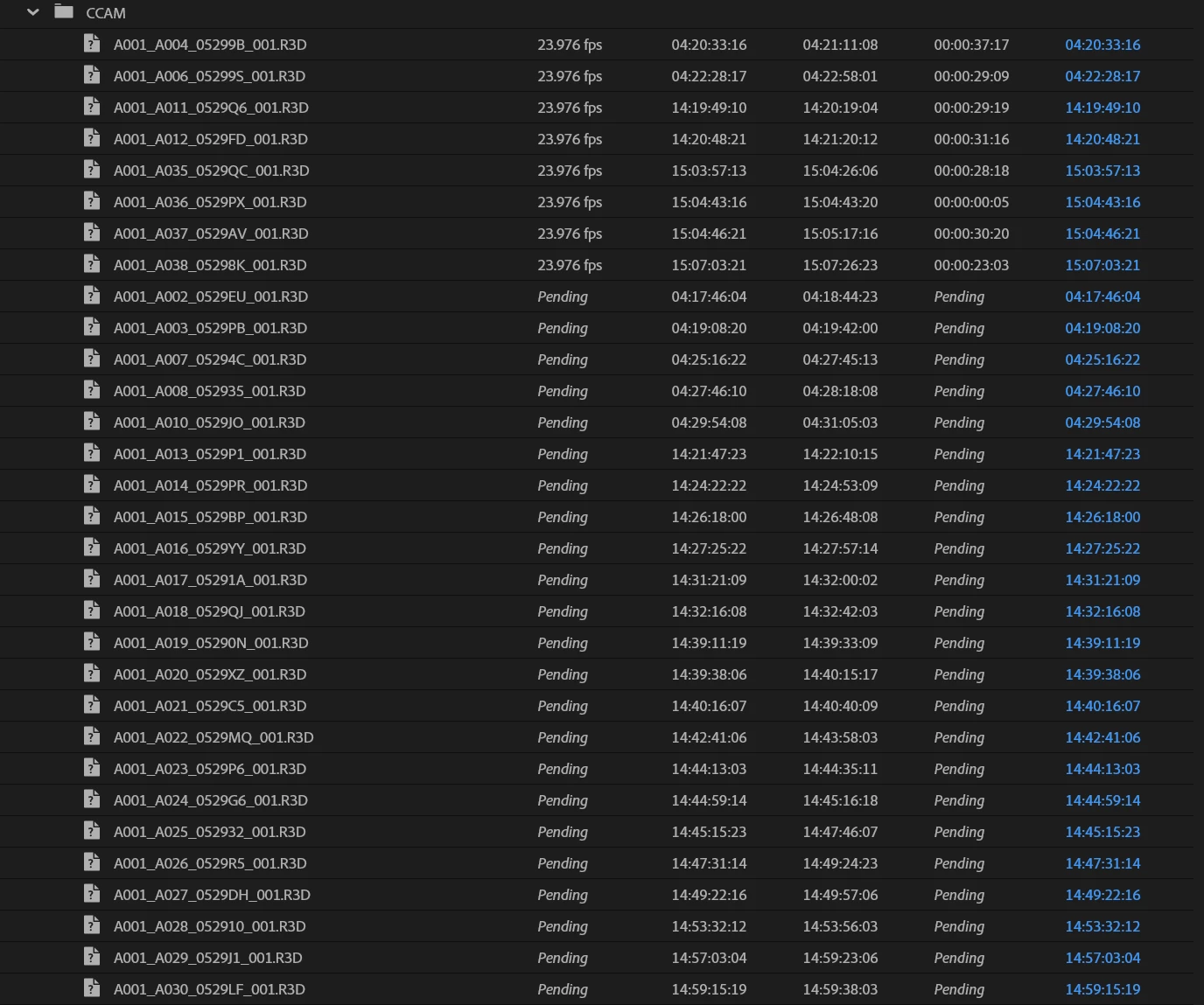
Now it has also seemingly lost a few other clips from the other cameras...but only a few of them. I am at a loss and have no hope for help from the Adobe team so I just wanted to reach out to the community to see if any one else encounters this issue and if you've found a fix yet?
 AdChoices