

yash-lucid
Inspiring
September 23, 2025
Answered

Premiere pro not recognizing video file, shows up as audio

  • September 23, 2025
  • 2 replies
  • 428 views

I have this mp4 file I downloaded via 4K video downloader. It plays perfectly fine on VLC.
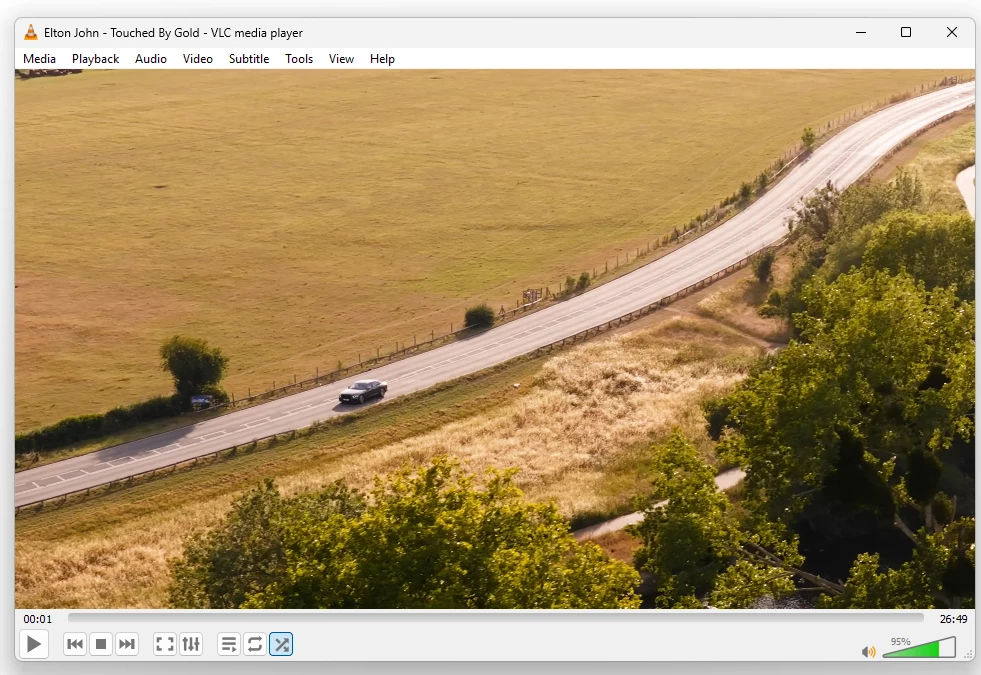
 

However when I import to PPro, it shows as audio
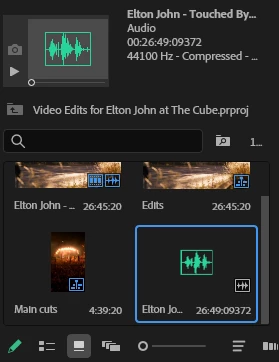
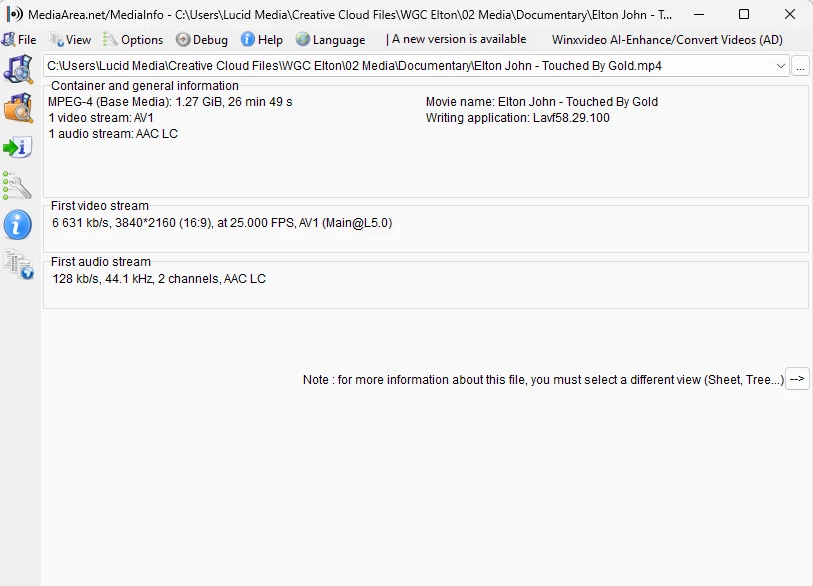
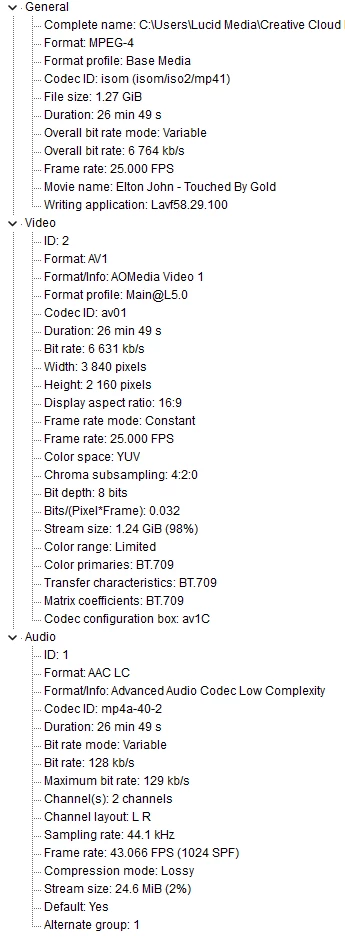
Please help me figure this out? Media info below:
 

SPECS

  • Intel Core i9-14900HX

  • NVIDIA GeForce RTX 4060

  • 64GB DDR5 RAM

  • 1TB SSD

  • All latest Adobe/Win11Pro/and video drivers
  • DELL SE2419HR 24"


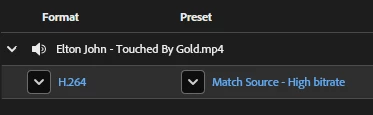
I also can't convert with AME because it also shows as audio only
 

Correct answer jamieclarke

Hi @yash-lucid -  For the latest updates on AV1 video encoding and decoding support, please refer to this community post: Support AV1 Video Encoding and Decoding. 

2 replies

jamieclarke
Community Manager
jamieclarkeCommunity ManagerCorrect answer
Community Manager
September 23, 2025

Hi @yash-lucid -  For the latest updates on AV1 video encoding and decoding support, please refer to this community post: Support AV1 Video Encoding and Decoding. 

Ann Bens
Community Expert
Community Expert
September 23, 2025

Premiere does not support AV1 codec

Need to convert with Handbrake or Shutter Encoder before import.

yash-lucid
Inspiring
September 23, 2025

Thank you. Handbrake worked 👍

Community Manager
September 23, 2025

Glad that you were able to find a workaround! Feel free to reach out if you experience any issues in the future.


Thanks,

Sumeet