
Participant
September 28, 2021
Answered

Premiere Pro Not responding

  • September 28, 2021
  • 6 replies
  • 1048 views

Hi There,


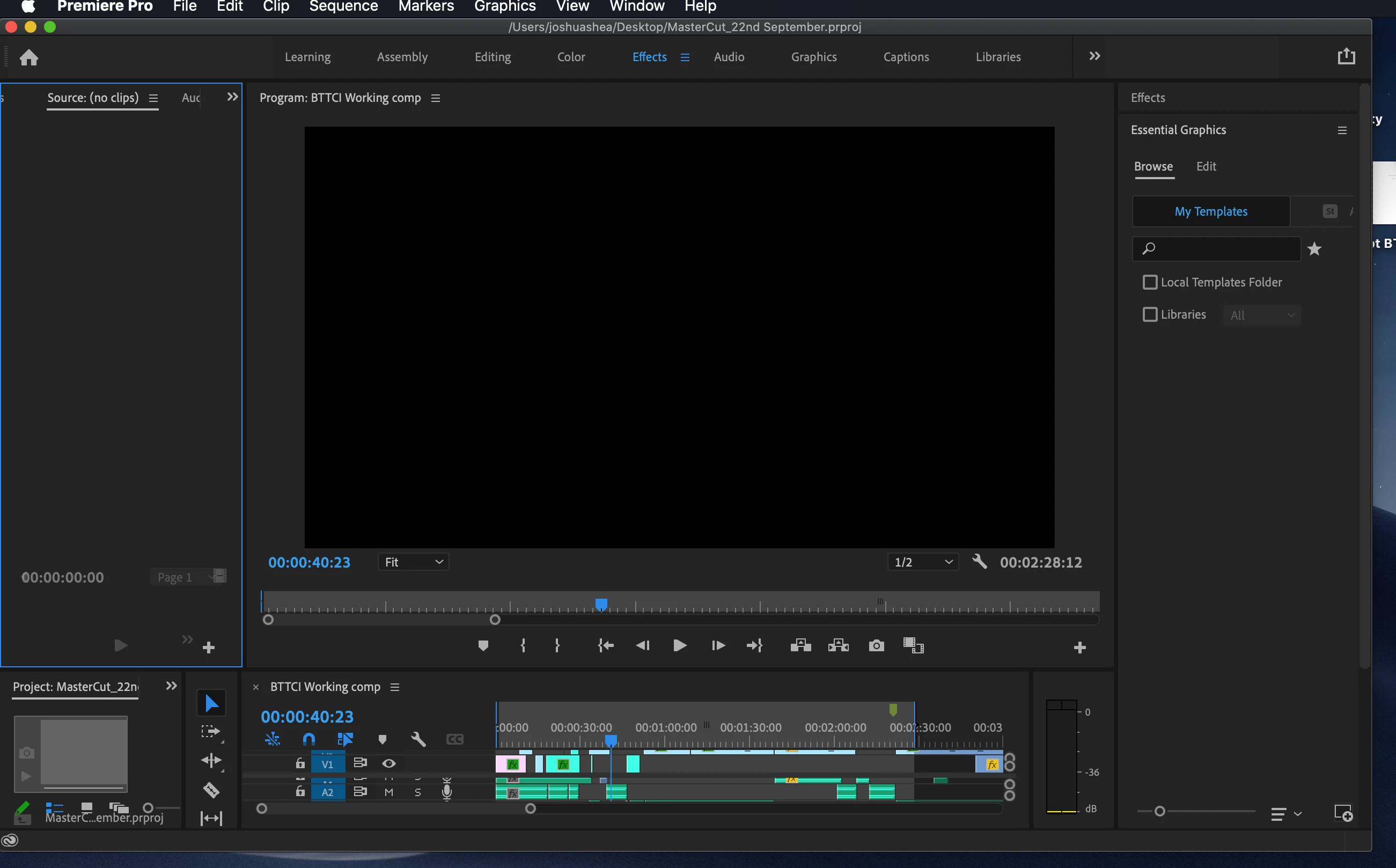
Just been working on a project and then all of a sudden I open the project, the project opens and I can see the timeline but it is completely stuck, with the loading wheel going.

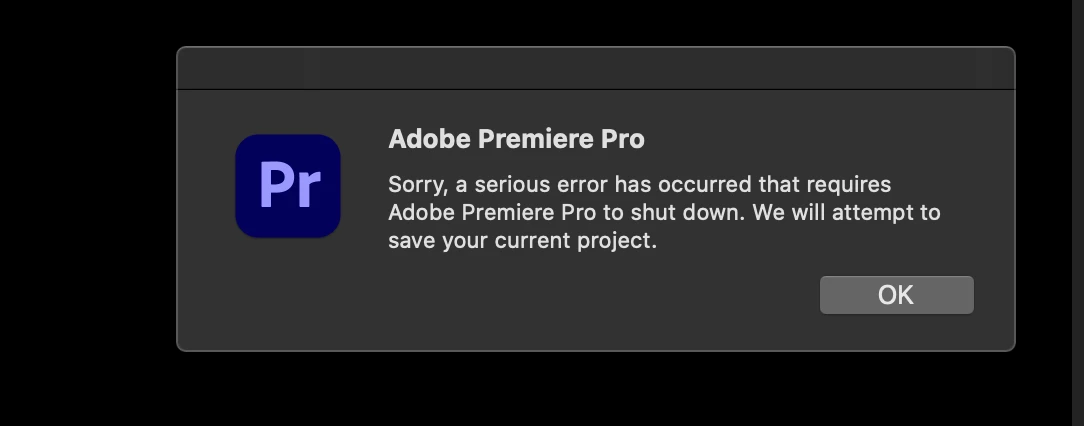
It says that 'the application is not reponding' and the message (see photo) appears...


Tried restarting computer, reintalling Premiere - still not working 😞 


Can someone help?!
This topic has been closed for replies.
Correct answer defaultupcdaavh2r2i

Hi, thanks so much for everyone's help, really appreciate it! -- I actually managed to solve the problem by updating my Macbook Pro to MacOS Big Sur. For some reason Premiere wasn't responding with MacOS Catalina!

6 replies

Kevin-Monahan
Community Manager
Community Manager
October 4, 2021

Give this a few more days. Then we'll close.

Kevin Monahan - Sr. Community & Engagement Strategist – Pro Video and Audio
Kevin-Monahan
Community Manager
Community Manager
October 4, 2021

Hi,

Sorry for the problem last week. We didn't hear back from you, though. Is everything OK? If you are still there, could you please send in or attach a crash log? Here's how: https://community.adobe.com/t5/premiere-pro-discussions/faq-where-do-i-find-premiere-pro-crash-logs-on-windows-or-mac/m-p/9200779#M87986


Thanks,

Kevin

Kevin Monahan - Sr. Community & Engagement Strategist – Pro Video and Audio
defaultupcdaavh2r2iAuthorCorrect answer
Participant
October 4, 2021

Hi, thanks so much for everyone's help, really appreciate it! -- I actually managed to solve the problem by updating my Macbook Pro to MacOS Big Sur. For some reason Premiere wasn't responding with MacOS Catalina!

Christian.Z
Community Expert
Community Expert
September 30, 2021
nishu_kush
Community Manager
Community Manager
September 29, 2021

Hi defaultupcdaavh2r2i,


Are you able to create a new project in Premeire Pro? Does it work fine? You could try resetting the preference. Here's how: https://community.adobe.com/t5/premiere-pro-discussions/faq-how-to-reset-trash-preferences-in-premiere-pro/td-p/8236158

Let us know if it helps.


Thanks,

Nishu

Kartika Rawat
Community Manager
Community Manager
September 29, 2021

Hi there!

Sorry for the trouble. Does it happen with a specific project? Which device did you use to capture footage?


Let us know.

Thanks,

Kartika

Joost van der Hoeven
Community Expert
Community Expert
September 28, 2021

You project might has gotten flakey. Start Pr and create a new clean project. Import your current project into this new one. Does this help?


In the mean time: Can you please share your system info? Like OS and version, CPU, RAM, GPU vRAM, Pr version? Thanks. Also a information about the codec used can be helpful.