


Participant
May 5, 2022
Question

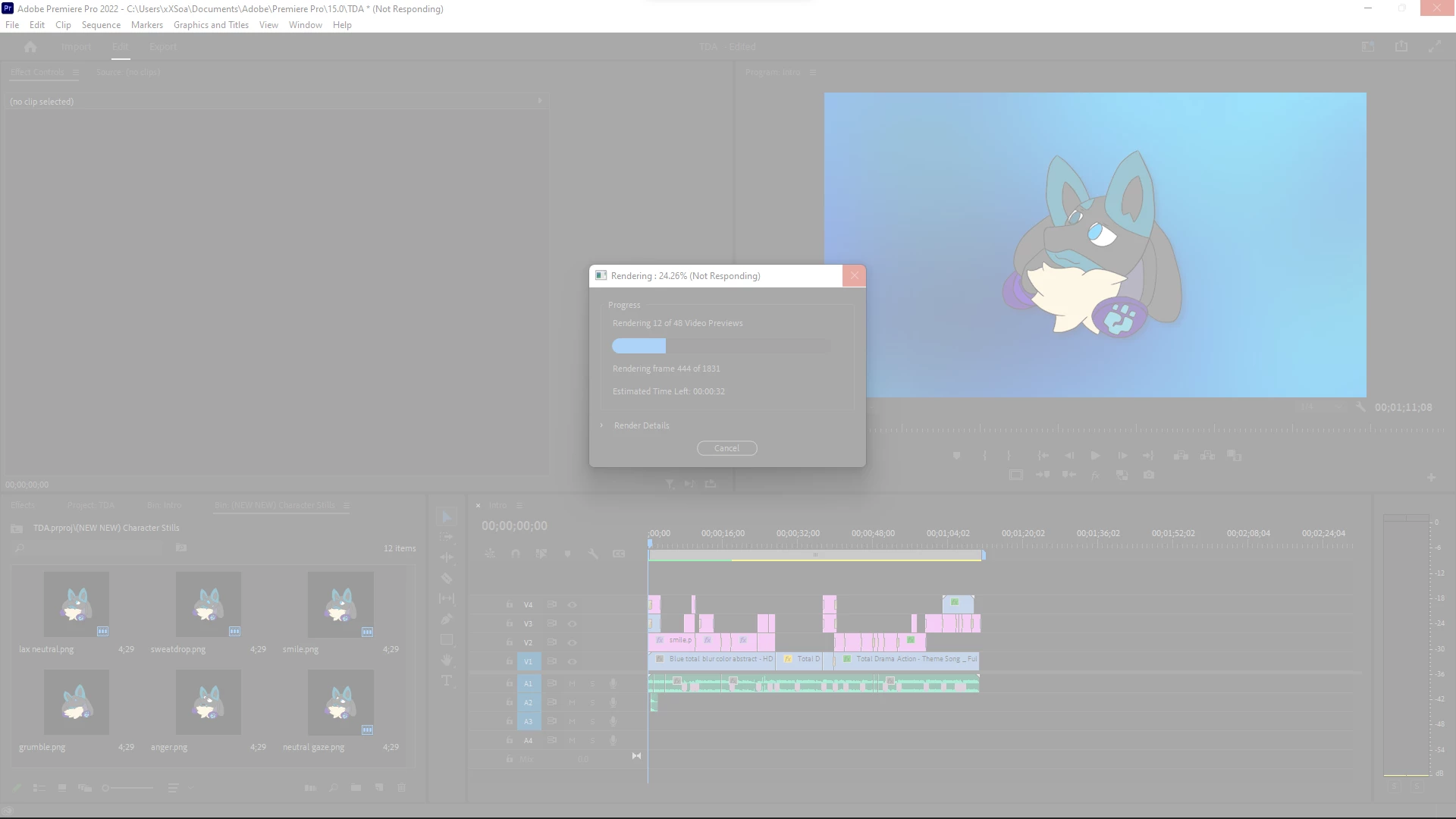
Premiere Pro rendering issues (in timeline and Media Encoder)

  • May 5, 2022
  • 2 replies
  • 347 views

My timeline won't render without stopping and freezing in the background.  When I try to cancel, PP stops responding completely and I have to force quit.  This is an issue for my Media Encoder too when I attempt to make proxy files.  I have both Premiere and my computer at the most recent updates, I've cleared my media cache, turned off growing files, changed scratch disks, reset layouts, moved projects, but nothing is working.  I'm not getting any error messages either, so I'm lost.  Any help?  (also not sure if this is related, but Premiere also makes my mouse and keyboard lack when I use it, inside and out outside the program)


CPU: 11th Gen Intel(R) Core(TM) i7-1165G7 @ 2.80GHz

GPU: Iris Xe Graphics

Memory: 64 GB


This topic has been closed for replies.

2 replies

Inspiring
May 5, 2022

Hi, can you export it using media encoder, i have so many times error like that. By using media encoder, you will get a notif error which tell you where error located. So you can inspect that location, usually ini minutes:second. Delete/change that clip, and re export.

Note : this export to inspect the render error, not only for export error.

######Raizen 7, 40Gb Ram, RTX 3060, Win 11 -- All of Software in the world are just tools. Buy it if it works for you :)
Participant
May 5, 2022

the same thing, the project won't export in premiere or media encoder and gives no error messages.

Community Expert
May 5, 2022

Can you give us information about the media that you're outputting? Size etc?

Participant
May 5, 2022

the project size is 69kb, barely got to start.  just pngs and videos from youtube I've used before with no issues.