
Premiere Pro version 2018 problem with Multicam-sequence making
Hello,
I've just started using Premiere Pro and have the 2018 version on Windows.
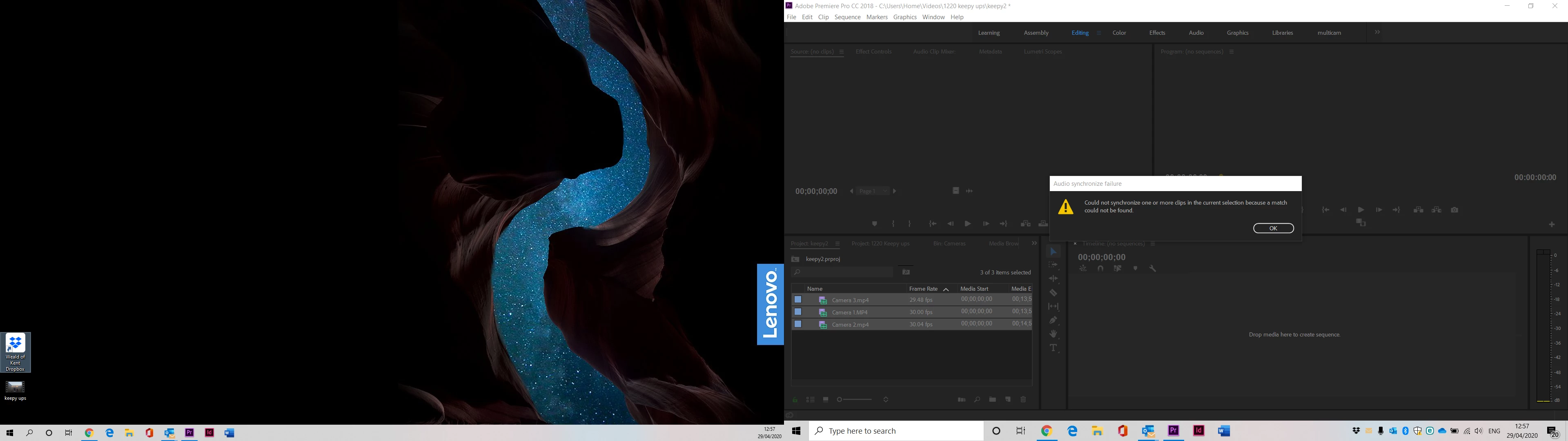
I recorded a clip using three different cameras, imported them, highlighted them, right-clicked and selected "Create Multi-Camera Source Sequence". I then select audio (there's a handclap in the audio of each camera for ref) as synchronize point and select Camera 1 as audio source. I click OK and it says "Audio synchronize failure : Could not synchronize one or more clips in the current selection because a match could not be found." I am not sure what the problem is.
I tried putting all three clips in media encoder and making them exactly the same format, imported them again and got the same message.
Is there another way to create a multicam sequence, that is probably less automatic but more foolproof?
Many thanks
 AdChoices