Inspiring
August 26, 2021
Answered

Premiere Pro won't let me save

  • August 26, 2021
  • 1 reply
  • 17676 views

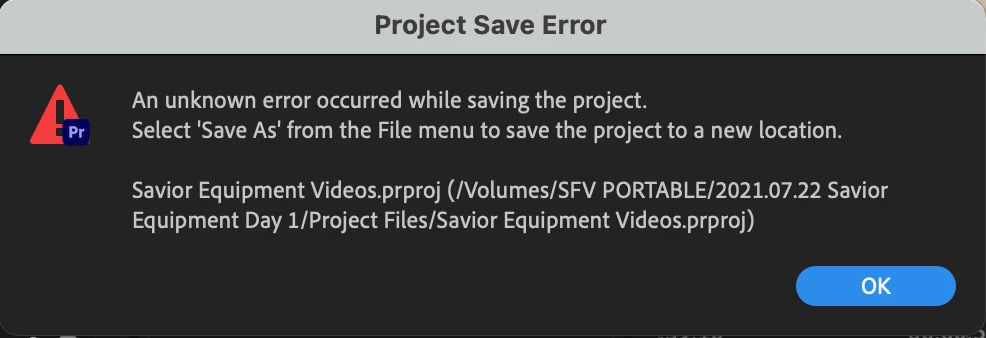
For some reason Premiere Pro won't let me save, save a copy, or save as for my project. I'm literally just stuck and can't save any work I do. I tried closing and restarting Premiere. I tried restarting the whole computer. Every time I open this particular project, it won't let me save any work I do in any form.


Any ideas? Help!


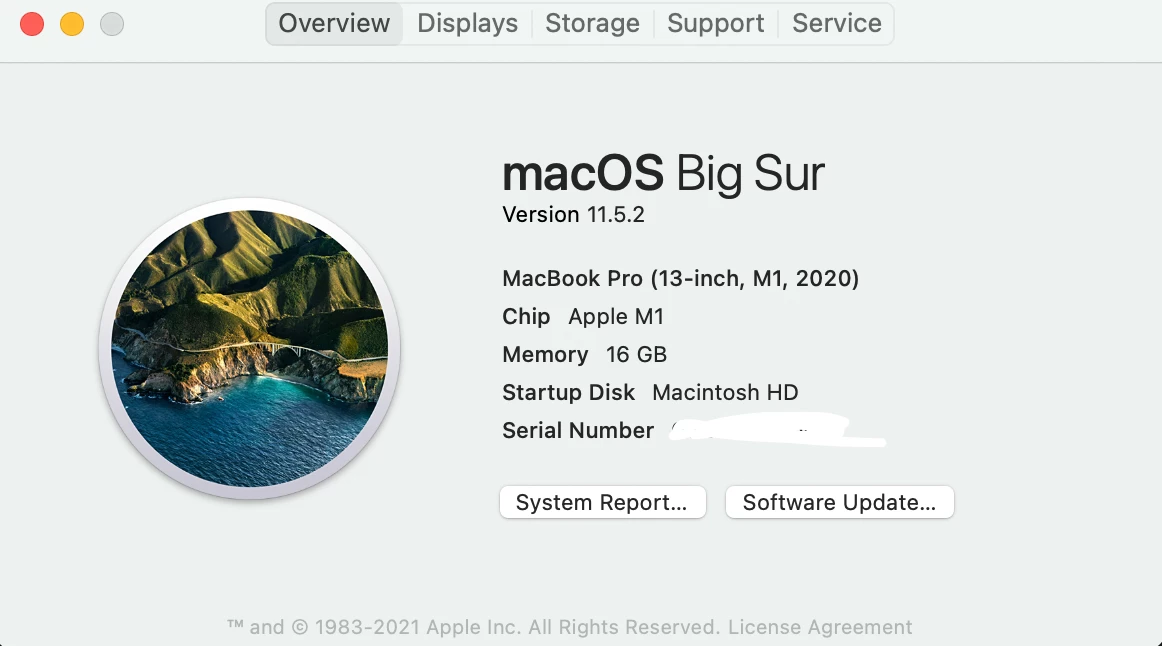
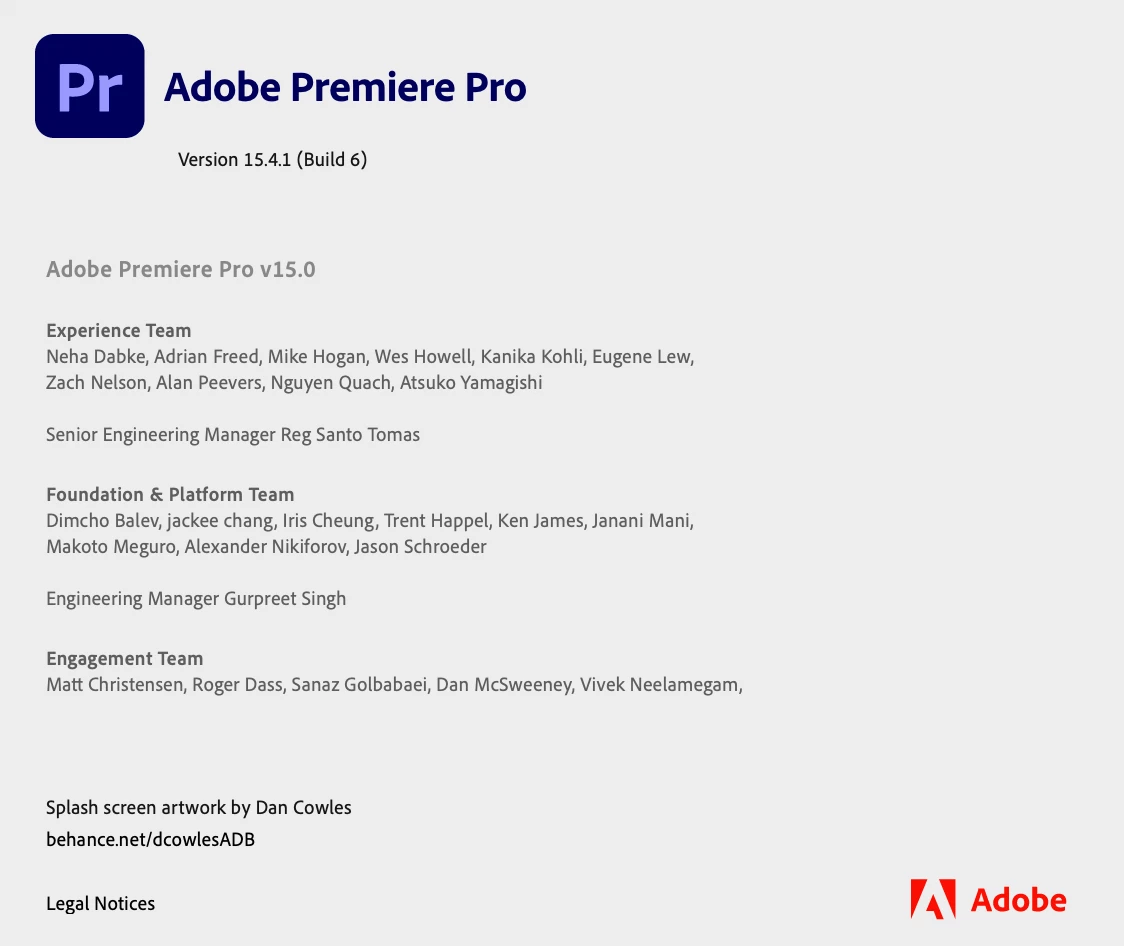
Relevant system information:
Correct answer Srfaye327

SrFaye,

Hi. Sorry. Are you trying to Save and then using an identical name that you are saving over then attempting to "Replace?" When using Save after you've already saved, try incrementing the file name by using _01 or the like. Then Save.


Thanks,
Kevin


Thanks for the help Kevin! I was using an original name. But I did find the answer: it turns out that I had indeed run out of space on the hard drive. I kind of wish the error message in Premiere had explained that it was a hard disk full issue instead of a generic error. Well, at least if anyone else runs into the same problem, they will find the answer a bit faster here! Haha.


Thanks everyone!

1 reply

Community Expert
August 26, 2021

Hmm. Do you have write permissions to the drive? Have you tried saving to other places?

Srfaye327Author
Inspiring
August 26, 2021

That's the weird thing is I had been saving no problems for the whole project and then all of a sudden it stopped working. 

Participant
September 18, 2024

I have that exact same problem!


I'm also having this problem and have plenty of space to on my hard drive. I even transferred the the project and had the same issue on a different drive. Running on a Mac with premiere updated as currently as possible today. Cleared cache, reset preferences as well.