
Question
Premiere stuck on "Rendering Files..."
Hello, hoping someone can help me out. I've started a project a few months ago on a different computer running the newest version of Premiere at that time. Now, I open my file and it says that it was made on an older version and needs to convert the project to a newer version. Fine. I open that, and it does that thing where it loads the images but every time it gets stuck here (hard to see but there's a little progress left) -

Then I try to render. It gets stuck here -
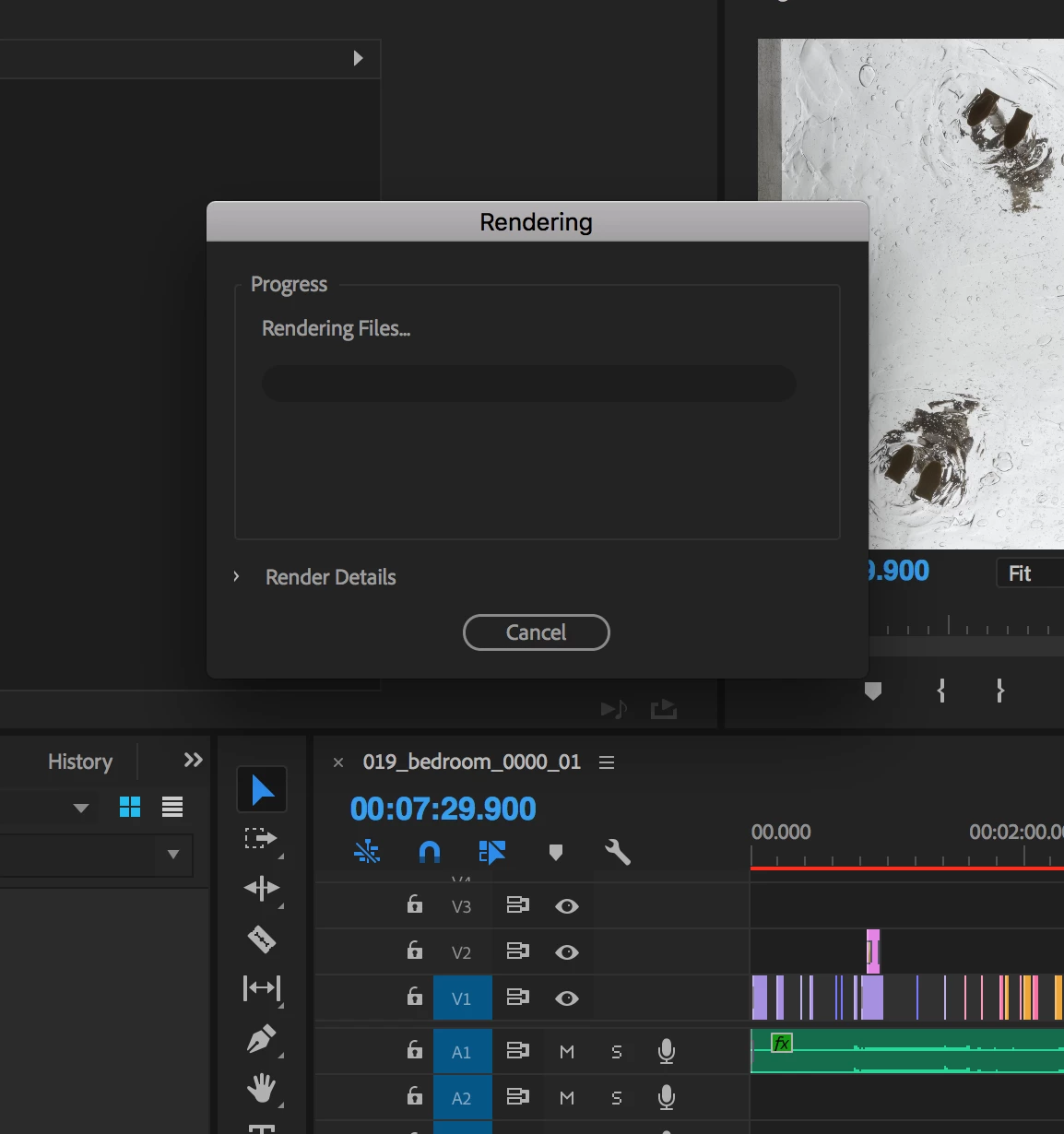
After waiting forever and clicking cancel, I get the rainbow loading wheel and I have to force quit the app.
Any help would be greatly appreciated. I don't know Premiere that well so bear with me. Thanks.
 AdChoices