

Question
Premiere timeline scrubbing issue
I'm having a bizarre issue that just happened while I was in the middle of working on a project. I'm using Premiere Pro CC 2018. Here's a screenshot of what I'm looking at for your reference.
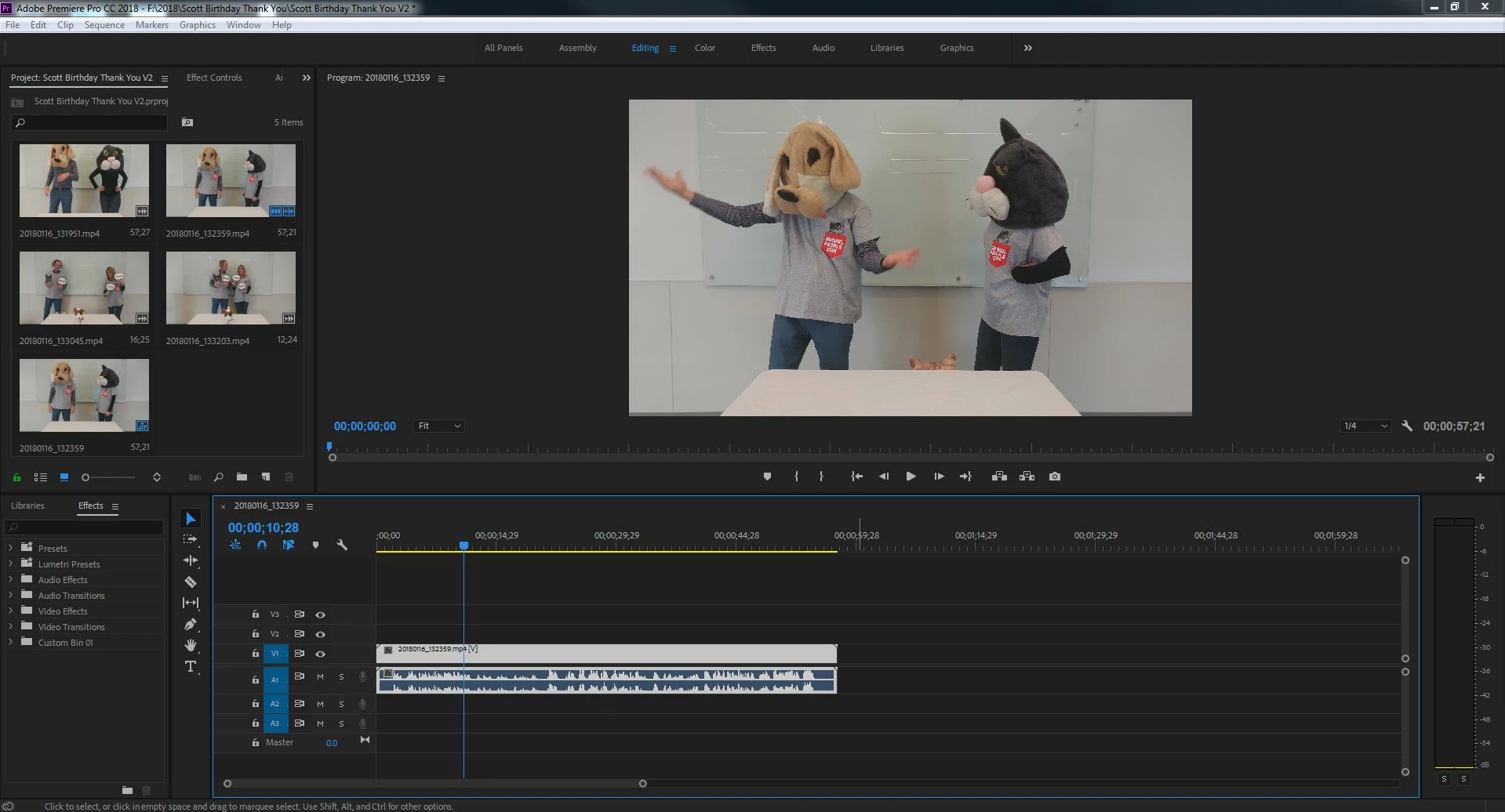
Basically I'm suddenly no longer able to scrub directly on my timeline. To be able to scrub through the timeline I have to use the Program window and when I scrub through from there, it moves my timeline below. This works vice versa, when I try to scrub my timeline it scrubs through in my Program window. This makes splitting very difficult since it's hard to pin point a location.
Some ways I've tried to resolve the issue:
- Restarted Premiere
- Restarted my computer
- Made an entirely new sequence in case of corruption, re-imported videos
- Made a new project
- Cleared all cache within program
Other random issues that popped up along with this one:
- General lag when importing files
- Couldn't see audio waveforms until I clicked above in the toolbar and they appeared.
- When opening this sequence it wouldn't immediately place into my timeline until I clicked above in the toolbar and it appeared
 AdChoices