Amy_KLG
Inspiring
December 7, 2022
Answered

Preview render slow in Pr 2023

  • December 7, 2022
  • 7 replies
  • 1840 views

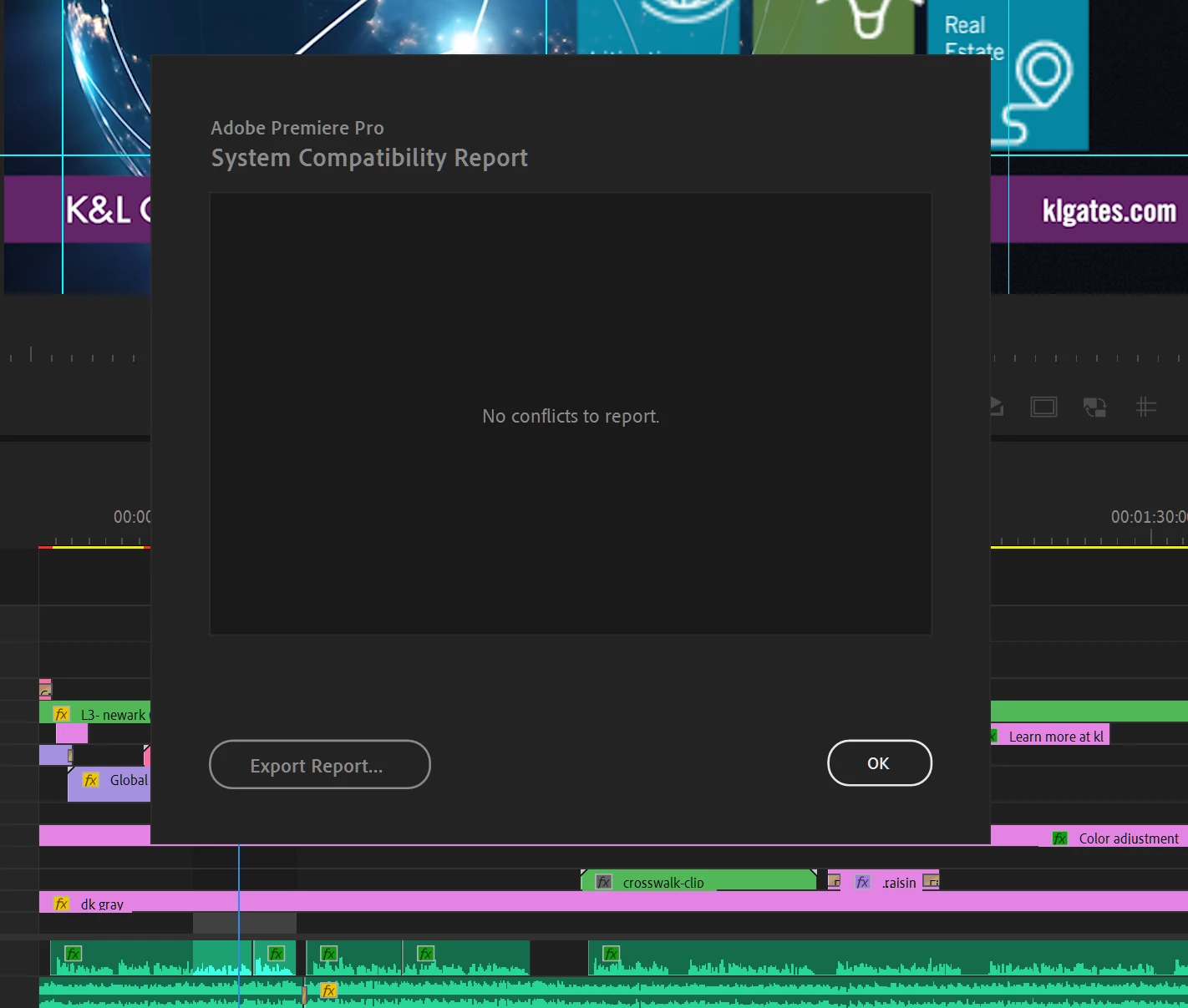
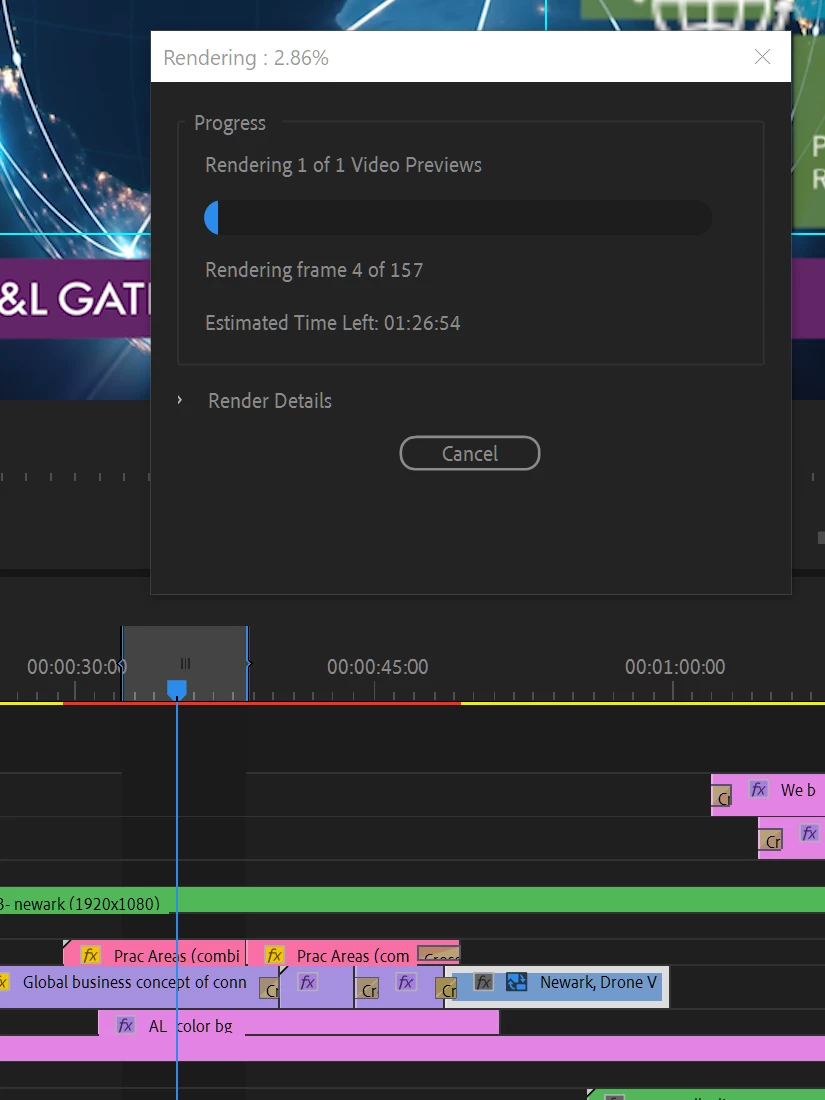
Hello, my preview rendering isn't working properly. I've cleared out all of my cache. Checked the compatability report and can't get my system to speed up. I've tried using proxies, change from Cuda to software only, restarted my computer, updated my Nvidia and it still won't work. Any tips?! Please help! It's telling me 01:26 to view 157 frames. And when I try to live preview nothing animates.
This topic has been closed for replies.
Correct answer Amy_KLG

Wanted to follow up on this initial comment that I made. I think the issue was that my comp size in Ae was too large, so that was slowing things down tremendously. Ohter files that I've imported to Pr from Ae have worked fine. Thank you, Kevin, for your assistance. I'm all set and won't make the mistake of creating such large files! And, sorry to take your time for this goofy mistake.

7 replies

R Neil Haugen
Legend
December 10, 2022

Good catch!


For most any Ae comp work I try to get the Ae part finished, then do a full file export from Ae. I then replace the comp on the Pr sequence with that actual video file.


Simplifies the workload on the system.


Neil

Everyone's mileage always varies ...
Kevin-Monahan
Community Manager
Community Manager
December 10, 2022

Thanks for reporting back, Amy. Yes, oversized comps can have that issue. You can use render and replace next time. That works well for my timelines. Good luck on the project.


Thanks,
Kevin

Kevin Monahan - Sr. Community and Engagement Strategist – Adobe Pro Video and Audio
Amy_KLG
Amy_KLGAuthorCorrect answer
Inspiring
December 8, 2022

Wanted to follow up on this initial comment that I made. I think the issue was that my comp size in Ae was too large, so that was slowing things down tremendously. Ohter files that I've imported to Pr from Ae have worked fine. Thank you, Kevin, for your assistance. I'm all set and won't make the mistake of creating such large files! And, sorry to take your time for this goofy mistake.

Amy_KLG
Amy_KLGAuthor
Inspiring
December 7, 2022

Hi Kevin, yes, I do have the Cuda selected. Could the issue be the After Effects .aep file that I've imported into the piece? 

Kevin-Monahan
Community Manager
Community Manager
December 7, 2022

In File > Project, Settings, are your General Settings set to Video Rendering, and Playback > Renderer > Mercury Playback Engine GPU Acceleration (CUDA) enabled? What is your CPU? What kind of media is this? Is it a screen capture?


Thanks,

Kevin

Kevin Monahan - Sr. Community and Engagement Strategist – Adobe Pro Video and Audio
Amy_KLG
Amy_KLGAuthor
Inspiring
December 7, 2022

Hi Kevin, Thank you for responding so quickly. I did what you asked below and it still doesn't work. My audio plays but the video previews won't play at all. It won't catch up to the playhead. Here's a link to an example of it not working.  https://f.io/grIJOygi
I look forward to your thoughts on how to fix.

Kevin-Monahan
Community Manager
Community Manager
December 7, 2022

Hello Amy,

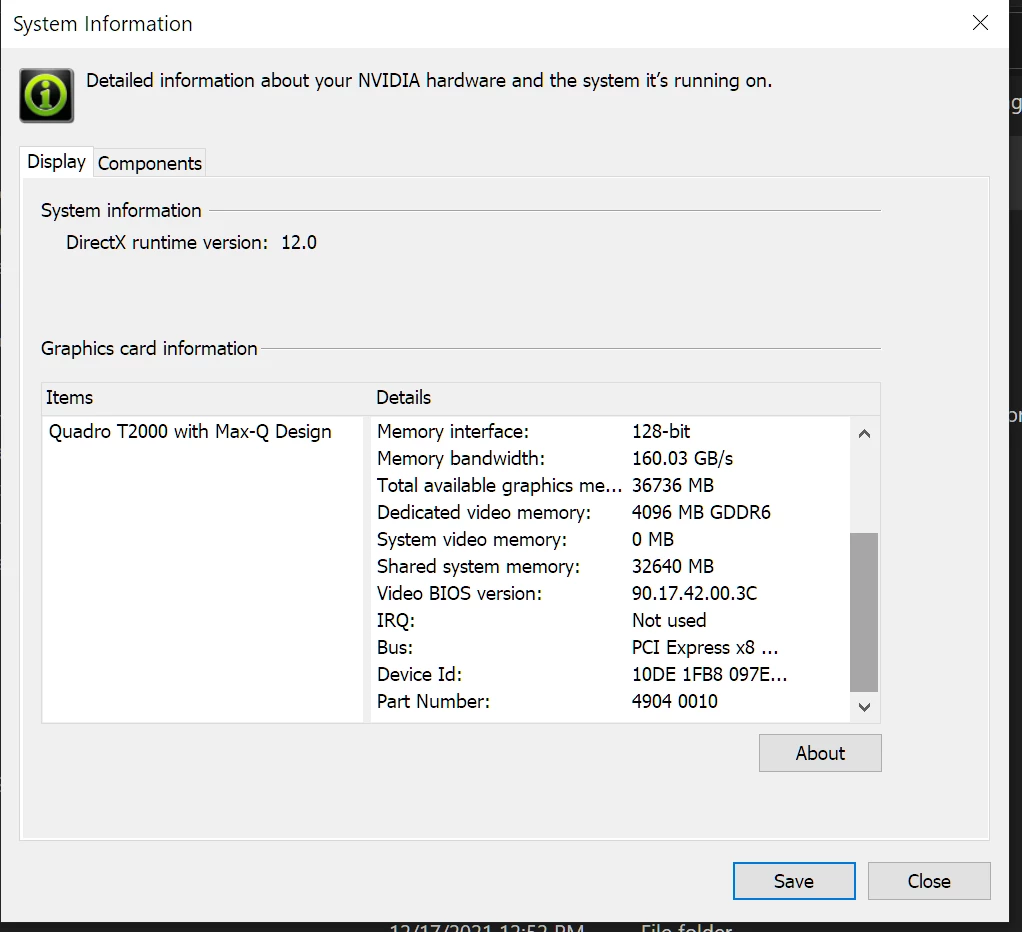
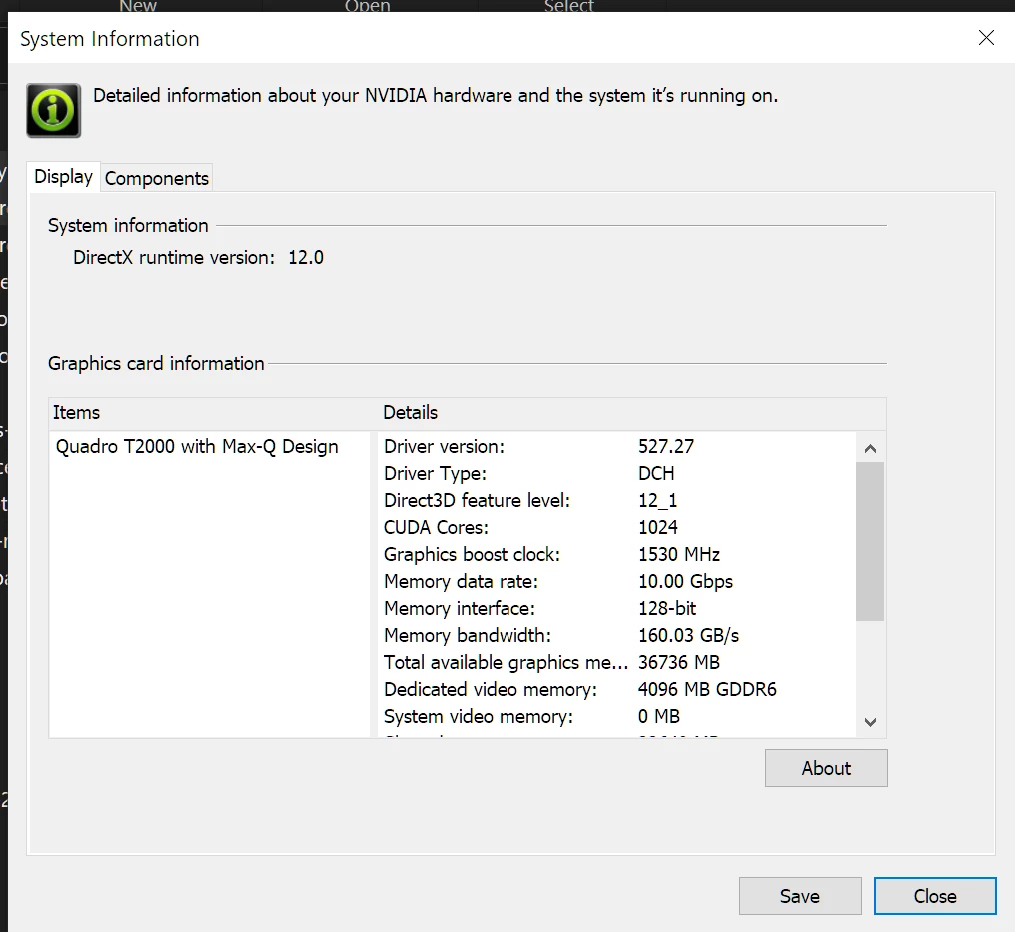
I hope you are doing OK. I am so sorry about the issue. I appreciate your information because it lasers in on a known issue. Your driver version is 527.27. Try a clean reinstallation of 517.xx. Report back after rebooting the computer and restarting Premiere Pro. Let us know if you are free of this issue at that time. I hope it works!


Thanks,
Kevin

Kevin Monahan - Sr. Community and Engagement Strategist – Adobe Pro Video and Audio