
Kyle AMSEIS
Participant
April 22, 2022
Question

Preview Screen Goes Black

  • April 22, 2022
  • 1 reply
  • 638 views

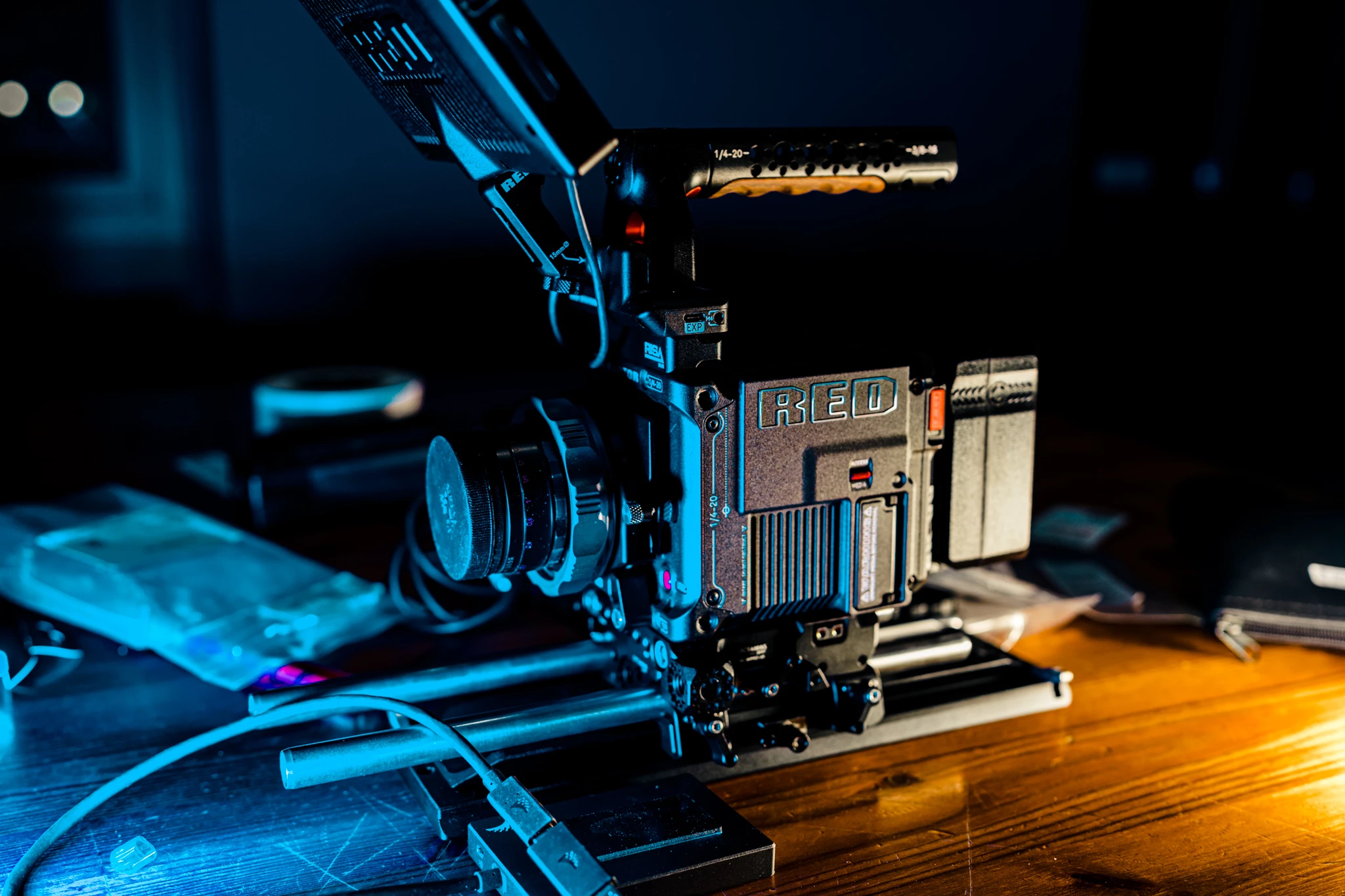
I recently bought a new camera (Red-Vraptor) and shooting some 8K videos in Red RAW R3D format, and I realised every time when I'm editing videos for a couple of minutes, my preview screen will go black completely, I have to restart my premiere pro in order for it to work again, and it constantly repeats like that. I checked on Google and realised I'm not the only one who had these issues, and currently, it seems there's no fixed, my footage is perfectly smooth on Final Cut, and Davinci resolve or at least no black screen issues. 


I also have a pretty decent computer that can handle ARRIRAW footage, I understand playback smoothly are not possible for 8K RAW footage but can anyone fix the black screen issues? 


My PC specs: 

- I9-9900K

- RTX 2080Ti 

- 128G RAM

- Editing on a NVME SSD drive

This topic has been closed for replies.

1 reply

Kyle AMSEIS
Participant
April 22, 2022

PS: I tried to uninstall my GPU driver and replace it with the Studio driver and the problem still persist, I know people say that changing my GPU CUDA acceleration to software only will solve this problem but for me 8K workflow that's just way too slow for me. 

Participant
August 16, 2022

Hi) the same case!!! How you resolve the problem? 🙌

Kyle AMSEIS
Participant
September 20, 2022

Unfornately I did not resolve my problem, I changed my workflow to Davinci Resolve for Red and only used Premiere pro for other cameras atm. It seems that the 8K RED V-raptor footage is just too powerful for a 2080Ti to handle during the CUDA acceleration and cause Premiere pro to go black screen, but Davinci won't. (And also it seems the best graphic card for RED V-Raptor need at least 16G V-ram, so ideally 3090 24G V-ram is the best way to go), since 4090 just came out today, I'm going to switch to 4090 and hopefully will resolve this issue.