

bartonlew
Legend
March 5, 2019
Question

pro res file opens as an audio clip

  • March 5, 2019
  • 2 replies
  • 6450 views

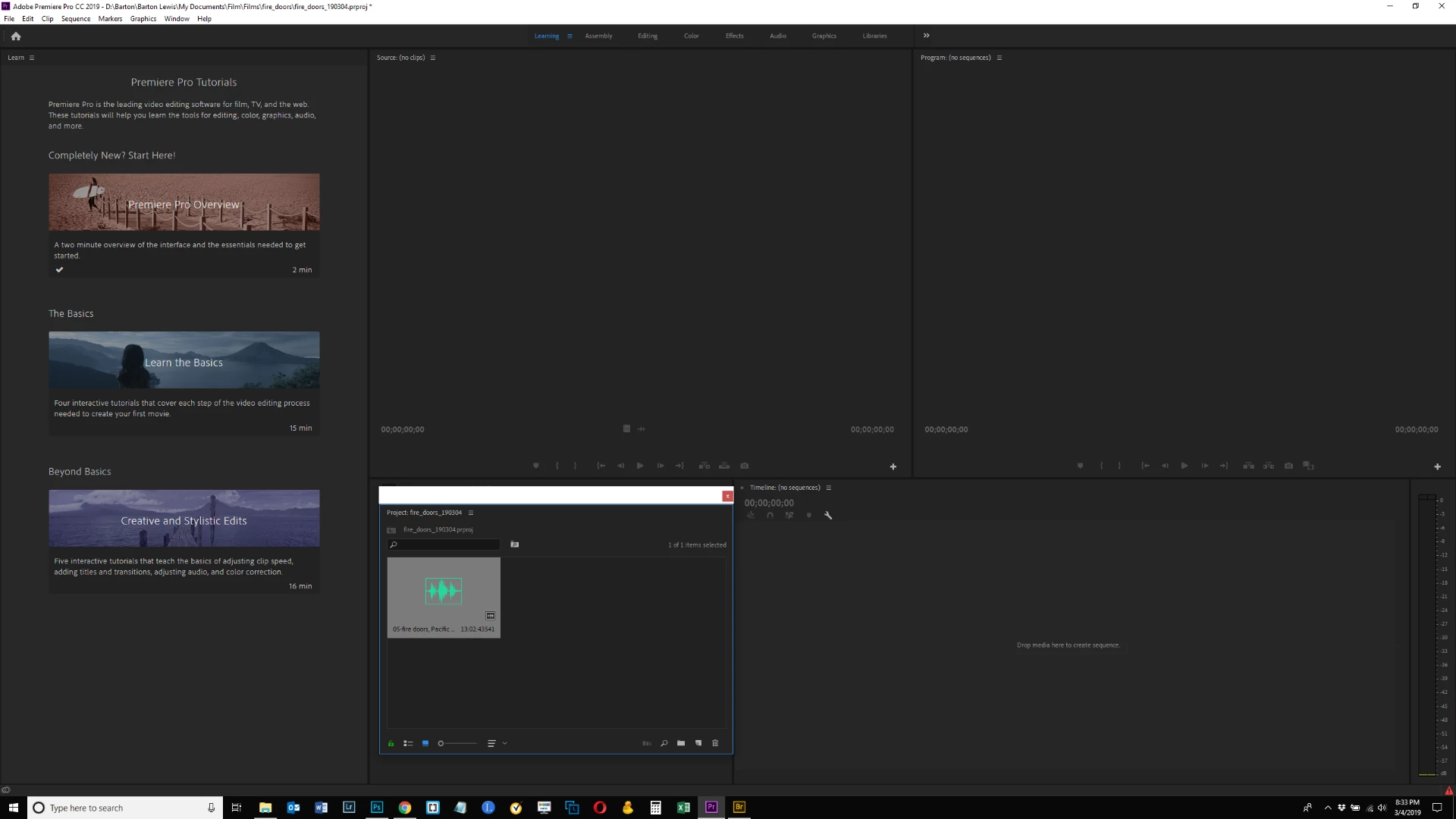
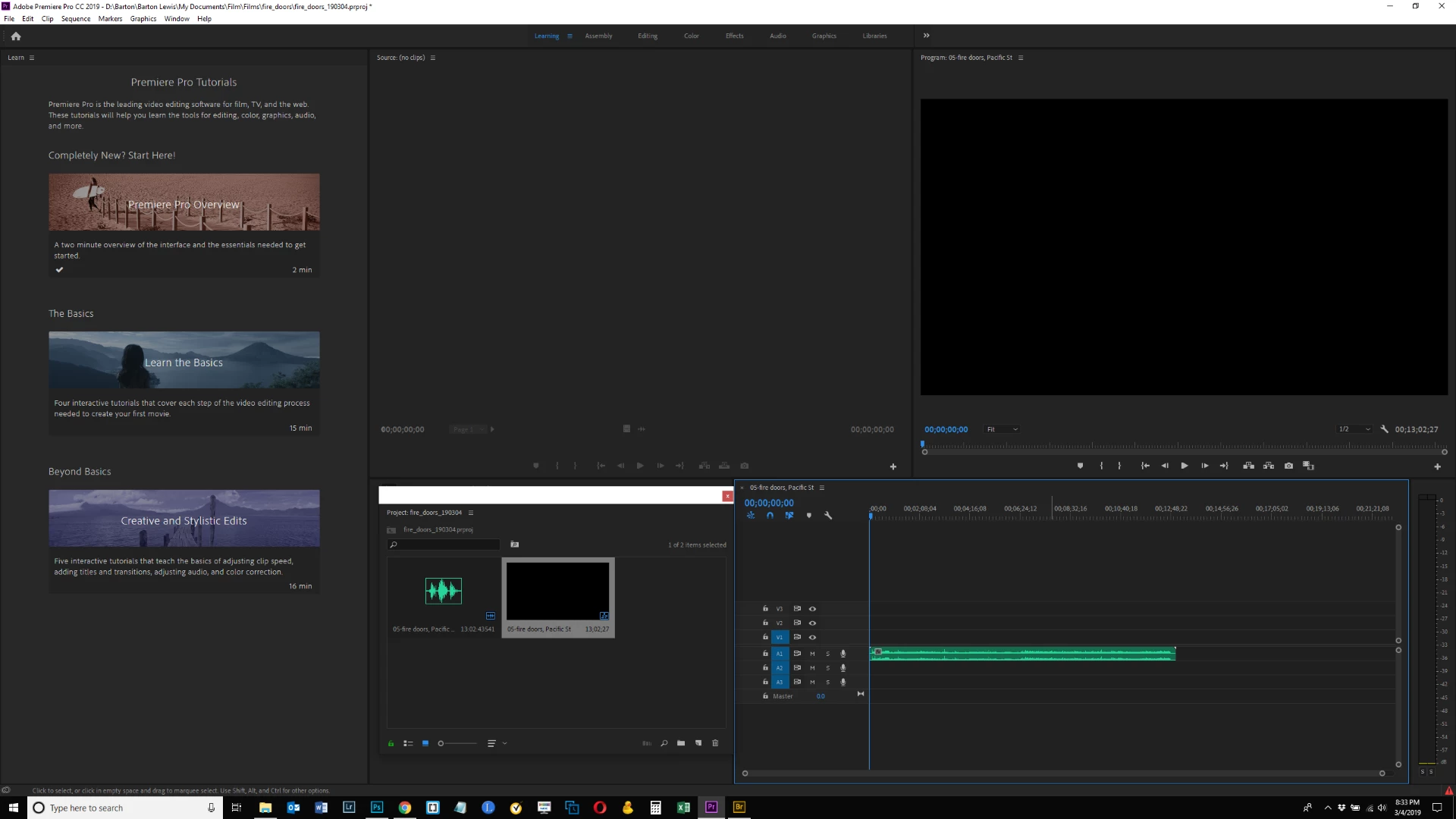
I'm starting a new project with a 22 GB pro res file stored on an external hard drive.  When I import it, it appears as what looks like an audio clip.  And there is no video track showing in the timeline.  What's going wrong here?  I know this file has video as I have accessed it in the past.  Thanks.

browsing to .mov file on hard drive

file comes in as audio only
no video in timeline
This topic has been closed for replies.

2 replies

Participant
September 15, 2021

I figured this out without having to export in quicktime or purchase compressor.


Put a blank gap in the very first part of the fcpx timeline. Or make sure it is black for a second or less. 


Premiere will then accept this.   That easy.

Participant
February 9, 2022

I use Windows OS, I had a same issue while importing file, it showed import fail "File contains more than one image descriptor".

I've tried re-encoding through Premiere pro, and Media Encoder, through native codec or 3rd party codec extension... None of them worked, Adobe can't import anything from the beginning.

I guess the 'inserting blank' while exporting from Mac - Final cut pro x, should avoid this issue, but i don't have a Mac.


Here I share my solution, it works for me, hope it can helps who ever reading this.

The software called handbreak it's clean and free. I use it to export .mp4 files, then import in premiere. Unfortunatly it only support h264 or MPEG for output, but at least I can read my files.


Cheers


bartonlew
bartonlewAuthor
Legend
March 5, 2019

I get the error message below after awhile.  If there is more information I need to add about my file, please let me know.  I do not have the quicktime pro res codec downloaded to my current machine and i am not sure it is still supported by Apple.  So I'm not entirely sure how I would access information about or play this file. 

Participating Frequently
March 5, 2019

The red triangle with ! in the very bottom right of the app is an indicator of an error. Click on the red triangle to open the Events panel (or go to Window menu > Events. The Events panel should list what the error is. Select the error and click Details... button to get more information.

Hope this helps.

bartonlew
bartonlewAuthor
Legend
March 5, 2019

I'm sorry, you're seeing a red triangle in the last screen shot I sent?  I'm looking everywhere for it and don't see it.  Can you send a screen shot back with it circled?  Sorry and thanks - but I've really looked hard for it.  Can't imagine how I'm missing it.