Participating Frequently
May 23, 2017
Question

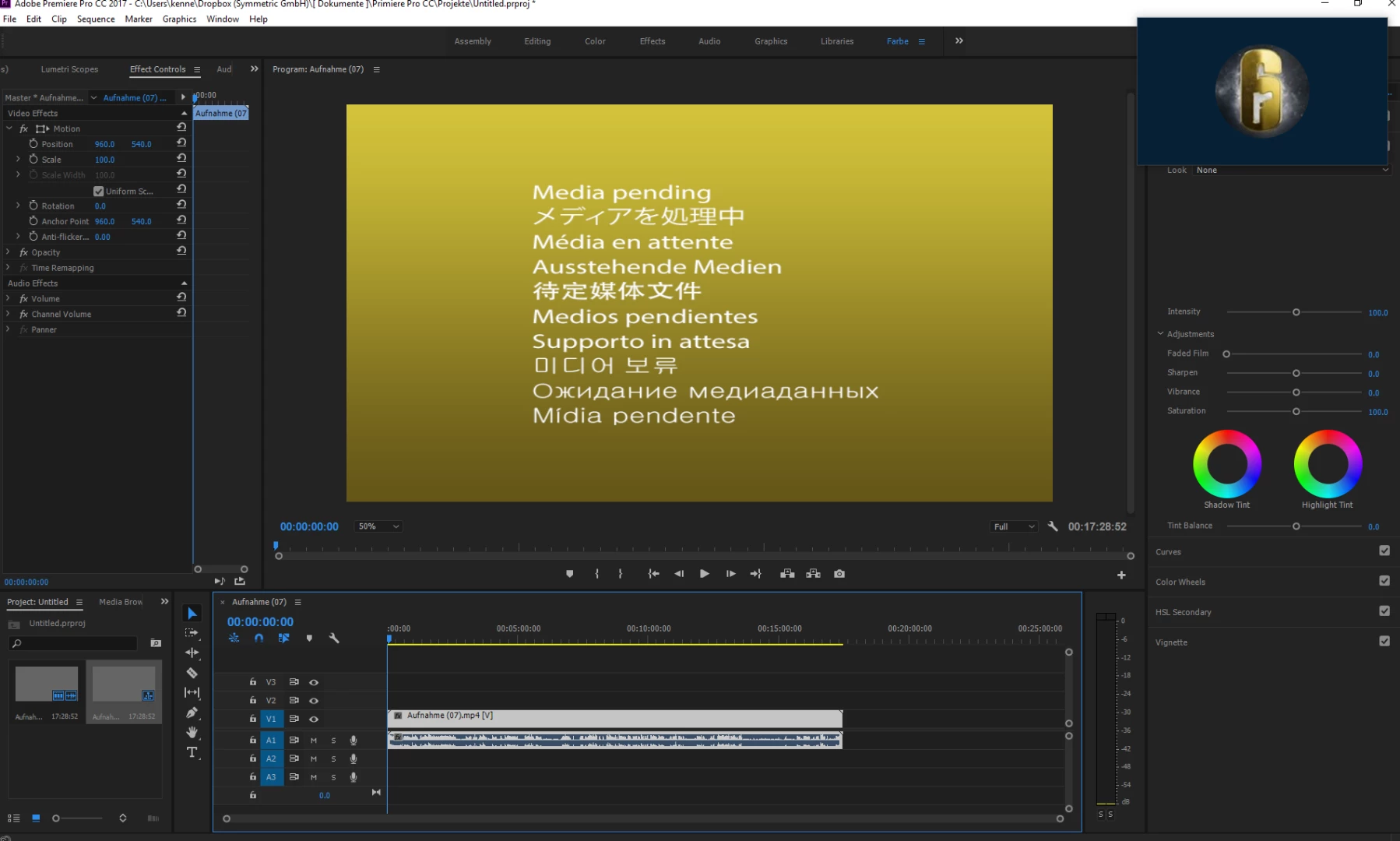
Problem in Premiere Pro CC (Media offline)

  • May 23, 2017
  • 2 replies
  • 1875 views

I have a problem,

every time I pull a file, it goes extremely slowly and it comes a yellow picture (See photo) but 4 weeks ago it's still perfect gone.

PC components: GTX 970, Intel Core i7 8 processor, V8 cooler ... and so on

    This topic has been closed for replies.

    2 replies

    Legend
    June 8, 2017

    I pull a file

    What exactly does that mean?

    Participating Frequently
    June 10, 2017

    So whenever I a file move purely then it needs for the moment very long to it is loaded, and if it is loaded then and then I on play click load it again and jerk and I have a very good PC.

    Legend
    June 10, 2017

    Dude, that grammar makes no sense.

    I'm guessing English is not your primary language.  You might want to find someone for whom it is.

    Inspiring
    May 23, 2017

    I moved this from the After Effects to the Premiere forum.

    Have you tried clearing your media cache? Check out this article for how to do that: https://www.provideocoalition.com/clean-those-adobe-media-cache-files/

    Have you tried importing the problem clip into a brand new project? You said "every time I pull a file," but I want clarify whether you mean this happens every time with the ​same​ clip or with all ​clips.

    Participating Frequently
    June 7, 2017

    With all clips

    Inspiring
    June 7, 2017

    Did you try either of the suggestions above?