

Problems with masks, video transitions, and frame holds
I'm using PP CC 2017 and I'm running into two issues that I can't seem to resolve. I'm creating a video tutorial and I want to draw attention to a something in the software so I created a black color matte, placed it on video track 2, changed the opacity to 98%, added a mask to the color matte, positioned the mask to the area I want to draw attention, set the mask to invert, and added film dissolve transition on both sides of the matte so as the video plays the area outside the matte becomes dark.
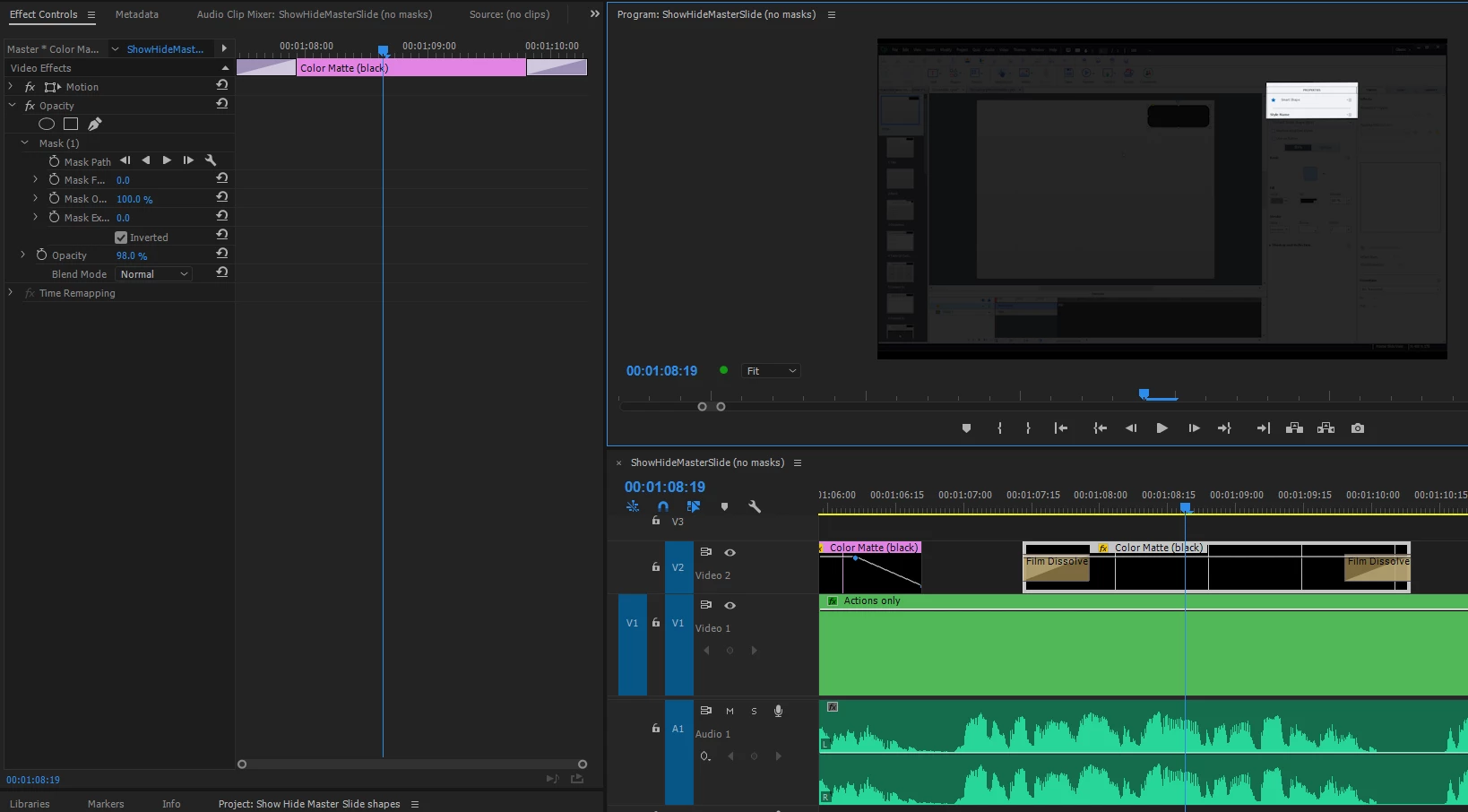
The issue I'm seeing is that when I'm playing back the video the screen flashes white for one frame as soon as the timeline hits the color matte in the timeline. If I stop playing the video and backup to just before the matte then it doesn't flash. The same thing occurs when I'm just scrubbing the timeline and after the flash of white the matte doesn't do it anymore.
I wouldn't mind the flash except that it appears in the final render as well. I've found that the problem only occurs when I'm using a combination of a mask and a video transition. If I delete the mask or delete the transition, then the flash doesn't occur. If I remove the transition and keyframe the opacity so it's doing the same thing as the video transition, then the white flash doesn't appear.
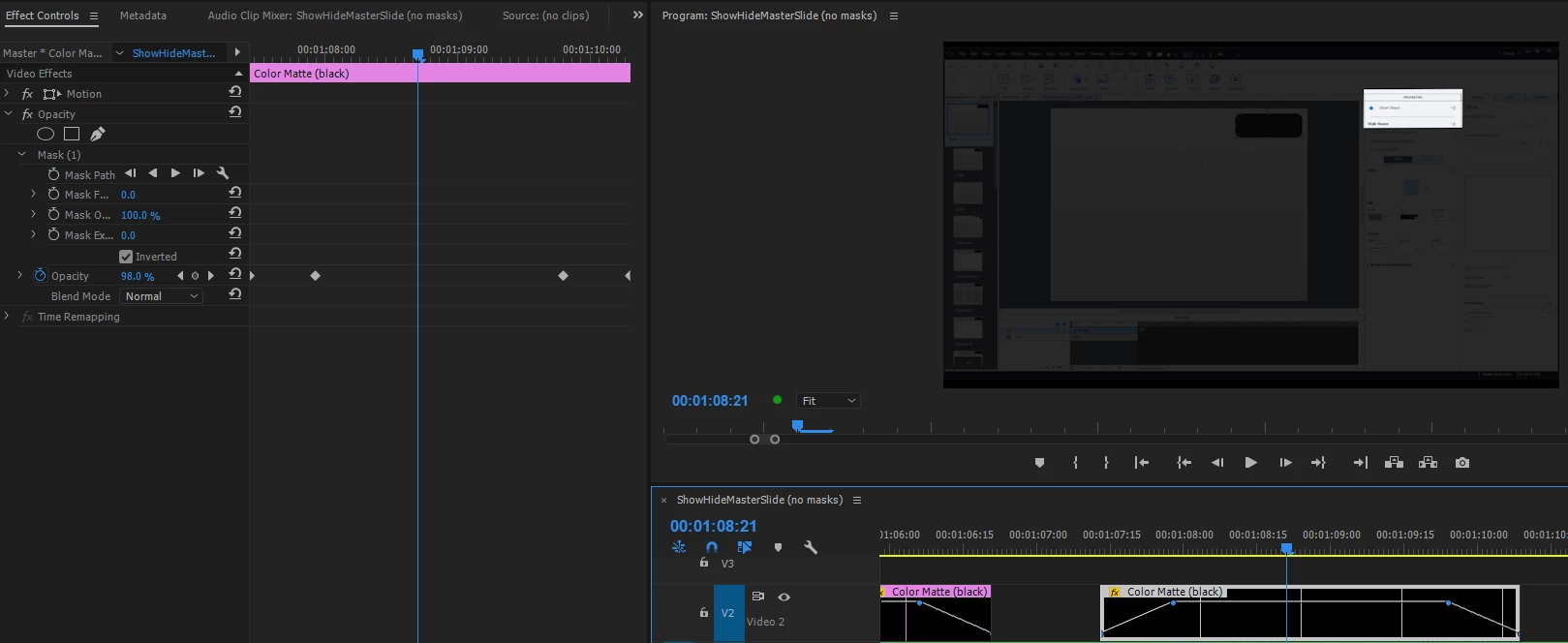
Obviously I would prefer to just use video transitions than having to change the opacity key frames for each matte, but I can't come up with any reason as to why it's having this problem.
The second issue is somewhat related to the first. I have a few segments of the video I want to hold while the narration plays out. If I use a frame hold on the video so I'm holding on a single frame of the video while my narration continues to play and then I go back to the rest of the video, the frame hold segment works perfectly. However, if I place anything else on a track above the frame hold segment and apply a video transition to the end of it, the frame hold clip on the track below becomes black as soon as the ending transition is finished. If i delete whatever is on the upper track, then the frame hold goes back to normal.
As I was trying to figure out what was going on with the frame holds, I found that if I placed the frame hold clip on a track above an edit that's using a video transition, that the lower transition part of the video acts like it's above the frame hold track.
I've tried this on two different computers with different specs and the same problem occurs on both of them. My main computer is an i7-5820 3.30Ghz 6-core, 32G Ram and an Nvidia Titan GPU, so power shouldn't be a problem.
 AdChoices