Answered
Problems with Premiere 2023 - MP4 Video is reproduce as all green
Hello everyone:
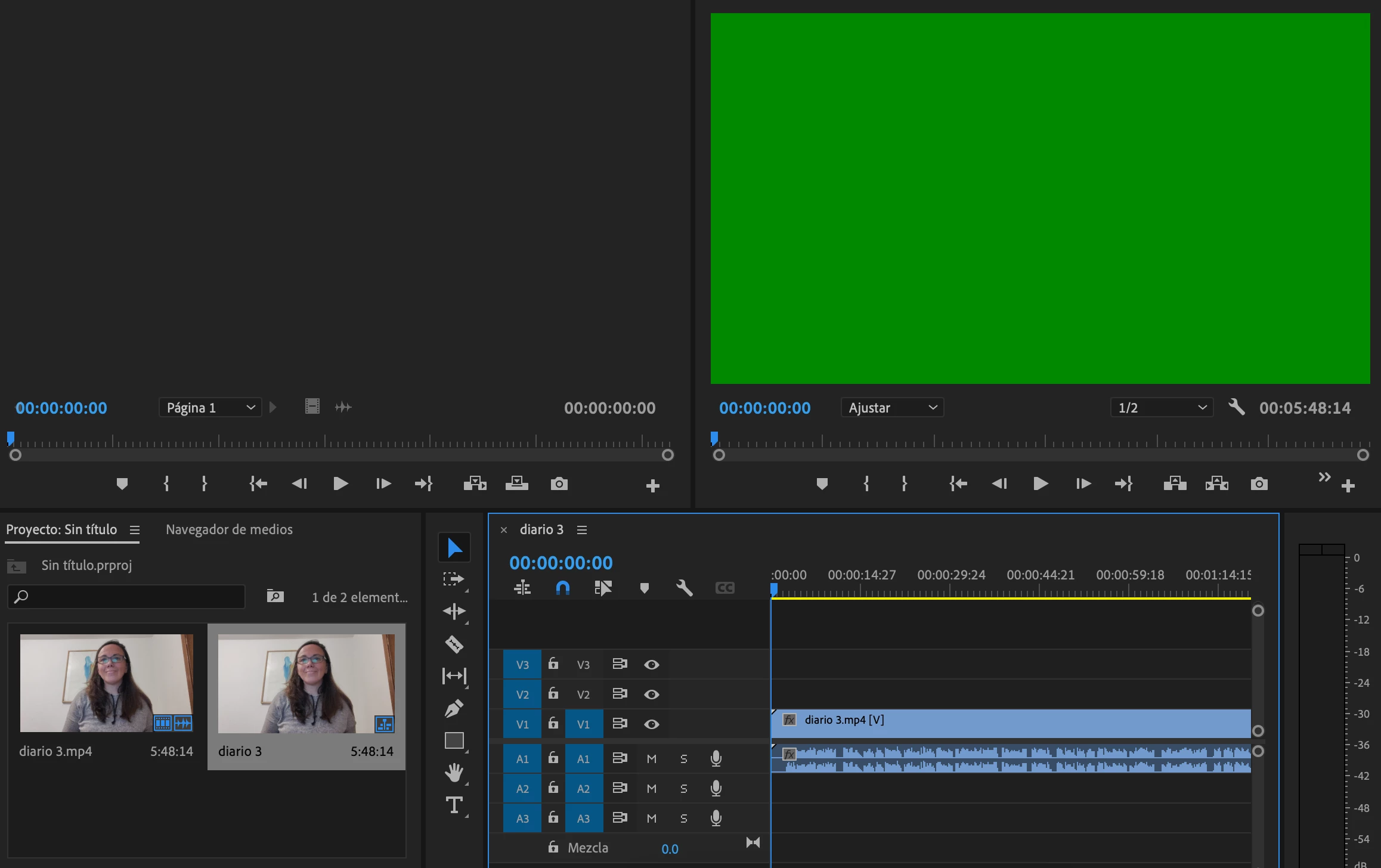
Since I installed Premiere 2023 I cannot see correctly the video. Screen turns all green.
Any suggestions?
Thanks.

Hello everyone:
Since I installed Premiere 2023 I cannot see correctly the video. Screen turns all green.
Any suggestions?
Thanks.
It is a common issue if the application is not able to playback the clips with the respective Graphics driver.
It can be fixed by updating the Graphics driver to the latest version. You can check the manufacturer's website for an update of your graphics card.
To test the issue, you can try to switch the renderer(GPU) to the Software only which will only process the playback without the GPU on the software level.
Steps to change the Renderer:
Navigate to the location into Premiere Pro - Select File > Project Settings > General > Renderer and change the setting to Mercury Playback Software Only.
For reference and other playback and performance issue you can refer the below article:
Troubleshooting issues related to playback and performance (adobe.com)
Already have an account? Login
Enter your E-mail address. We'll send you an e-mail with instructions to reset your password.
 AdChoices