
Question
Program and Source windows play footage with glitches
-This doesn't happen right away, just after having Premiere open and running for a bit. But high quality footage always ends up glitchy in the program and source windows. *see photos*
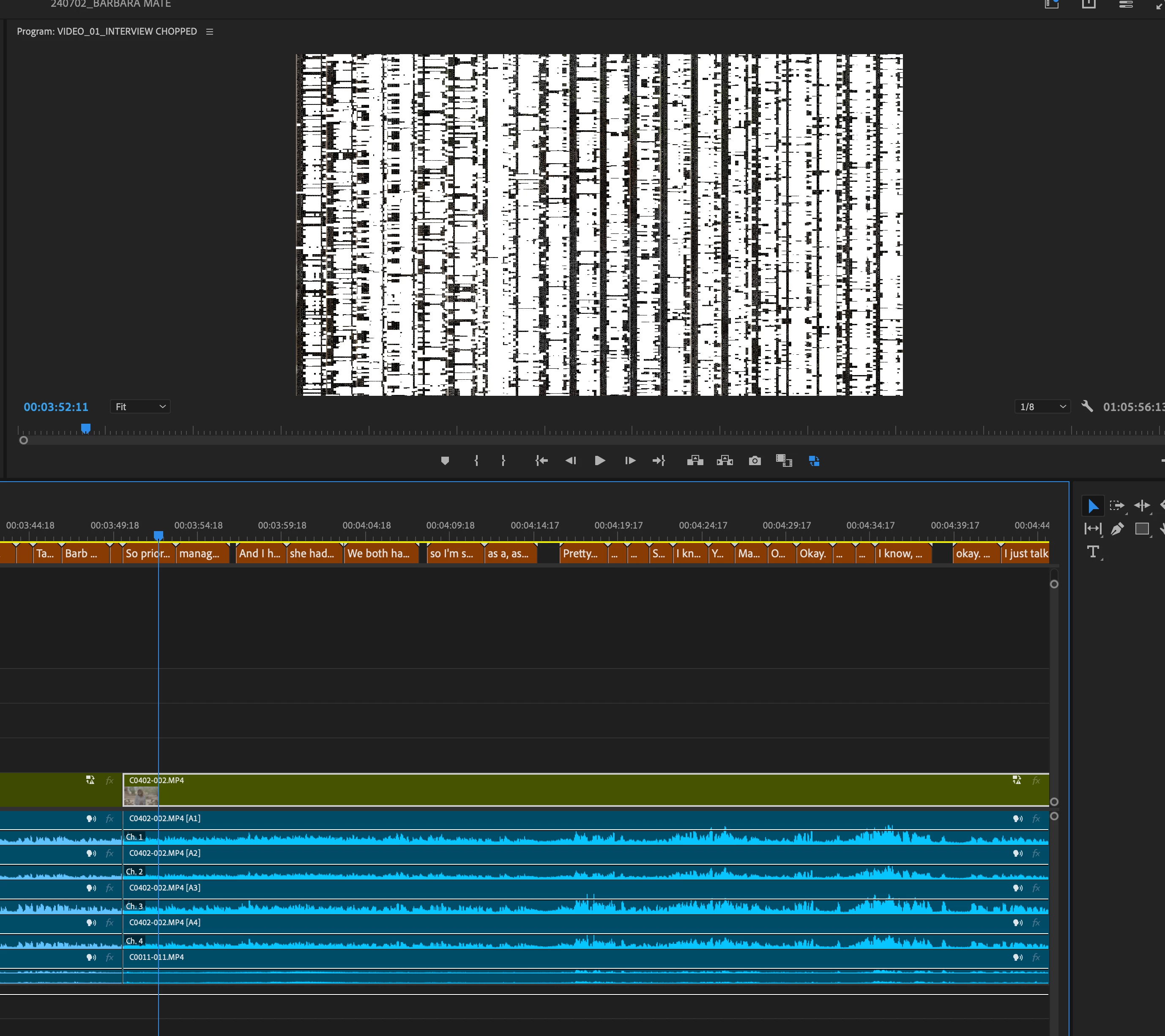
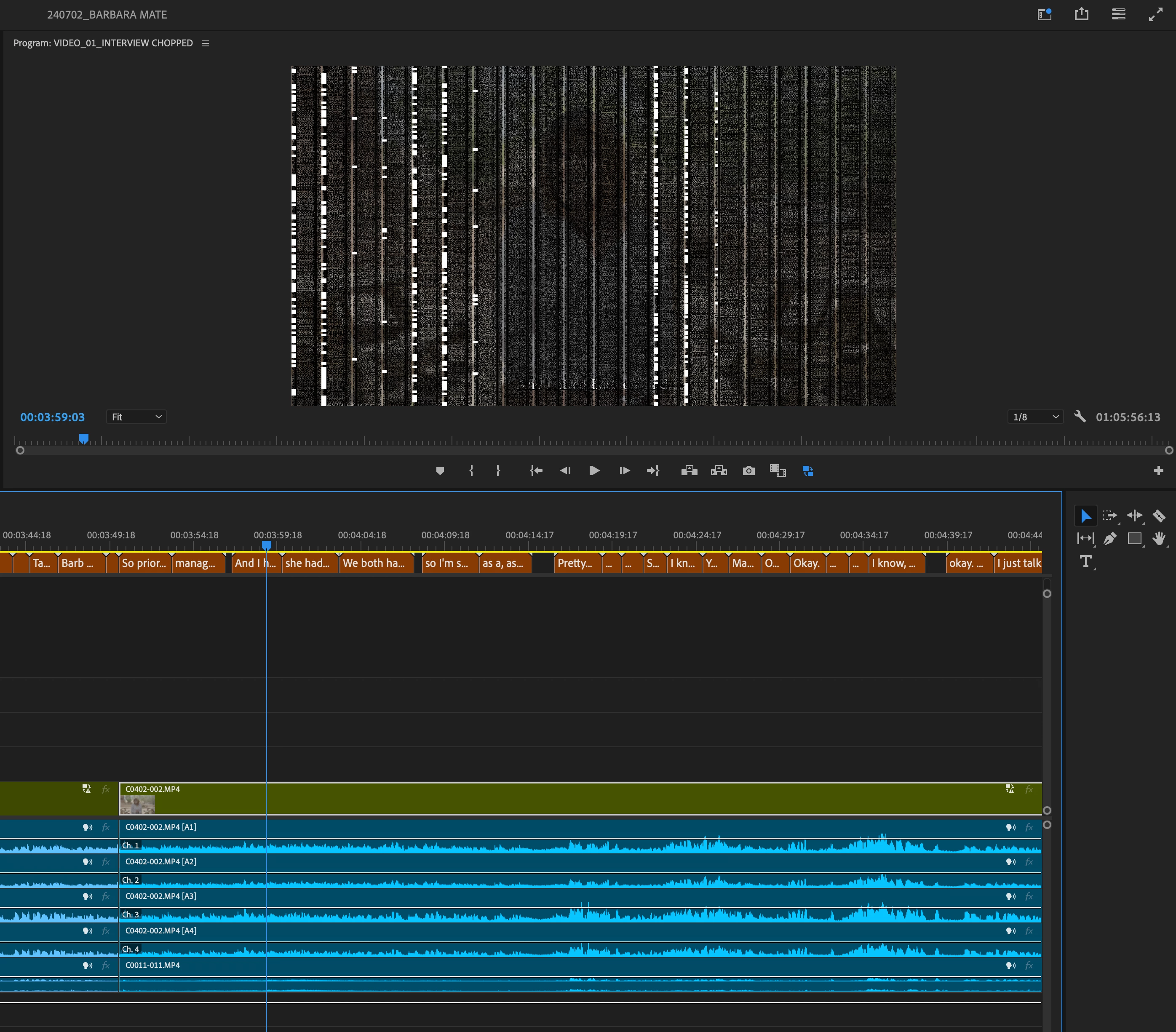
-Additionally, these glitches can sometimes appear when creating proxies.
-Furthermore, these glitches appear only on certain shots when exporting from Premiere.
Has anyone else encountered this? Is this a Premiere problem, or is my system just getting old?
SYSTEM SPECS:
Processor: 3.6 GHz 10-Core Intel Core i9
Graphics: AMD Radeon Pro 5700 XT 16 GB
Memory 128 GB 2667 MHz DDR4
MacOS: Sonoma 14.4.1
Thank you 🙂
 AdChoices