
Copy link to clipboard
Copied
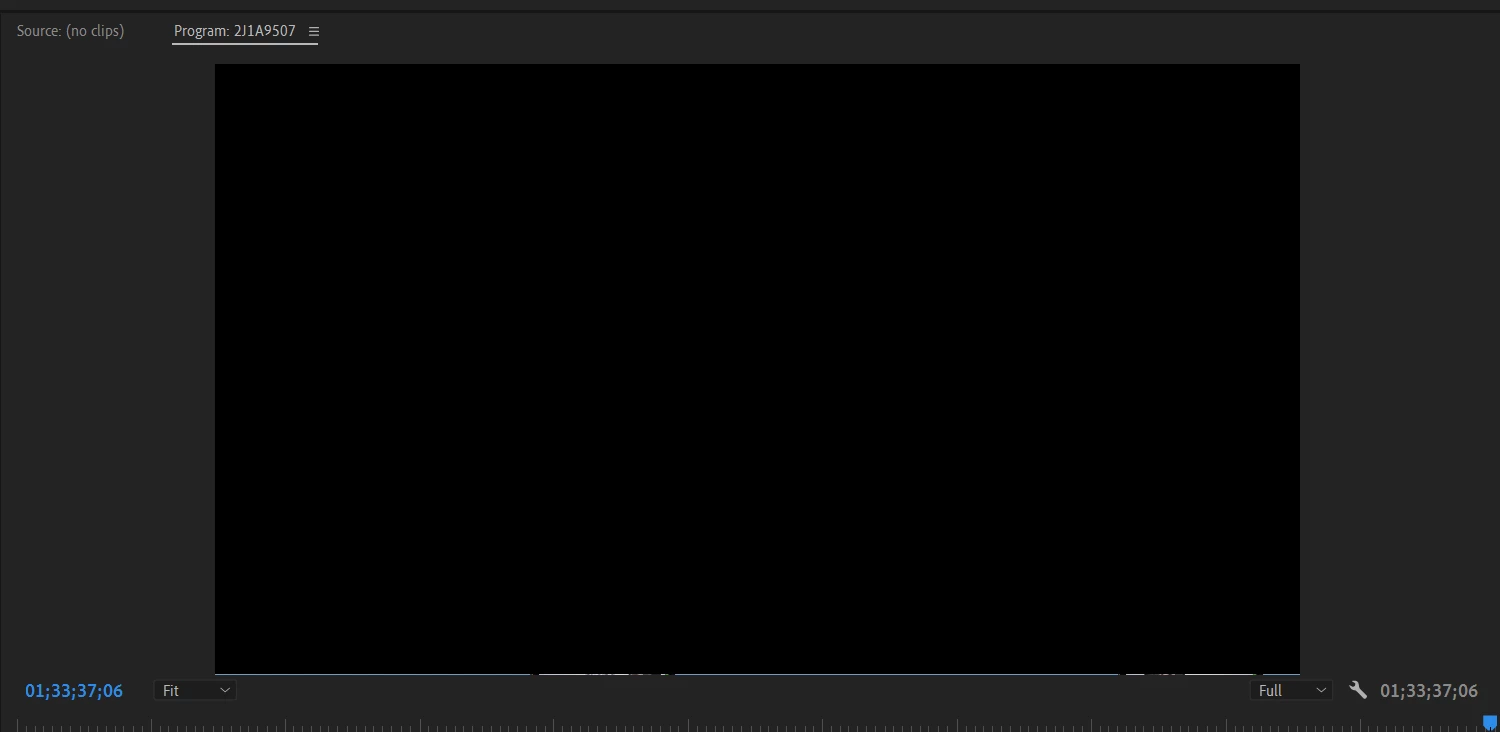
A bug or glitch can be seen on the bottom side of the program monitor, which is the part of the timeline that is visible in the screenshot. Every time I launch Premiere, this bug or glitch appears. Can someone assist me with this problem?
Copy link to clipboard
Copied
Resize a bit manually and its gone.
Copy link to clipboard
Copied
Thank you, and would you kindly offer a permanent solution for this?
Copy link to clipboard
Copied
Hi Rahul,
I am sorry. Is this a custom layout or one of the stock ones? Have you tried resetting the workspace? Window > Workspaces > Reset to Saved Layout? Let us know if it works.
Thanks,
Kevin
Copy link to clipboard
Copied
Hi Kevin,
Resetting to the saved layout gives a temporary solution; could you provide a permanent one?
I am using a custom layout; could that be a reason?
Copy link to clipboard
Copied
Yes, Rahul. It's possible. Do you have dual monitors? If so, if the UI touches the second monitor, it can cause issues. Let me know if you would like to file a bug with the team if the solutions you find here are unsatisfactory.
Thanks,
Kevin
Copy link to clipboard
Copied
I see this once in a while. Cannot pinpoint the cause.
Copy link to clipboard
Copied
Hi, Rahul,
Please let us know the details of your system. You can post it in this thread: How do I write a bug report?
We'll move the post into the bug reports forum afterward.
Thanks,
Kevin
Copy link to clipboard
Copied
Yes, I would like you to file a bug, and I am not using dual monitors.
Get ready! An upgraded Adobe Community experience is coming in January.
Learn more