
Nick Varley
Participating Frequently
June 27, 2024
Answered

Program window sliders missing in 24.5

  • June 27, 2024
  • 1 reply
  • 2210 views

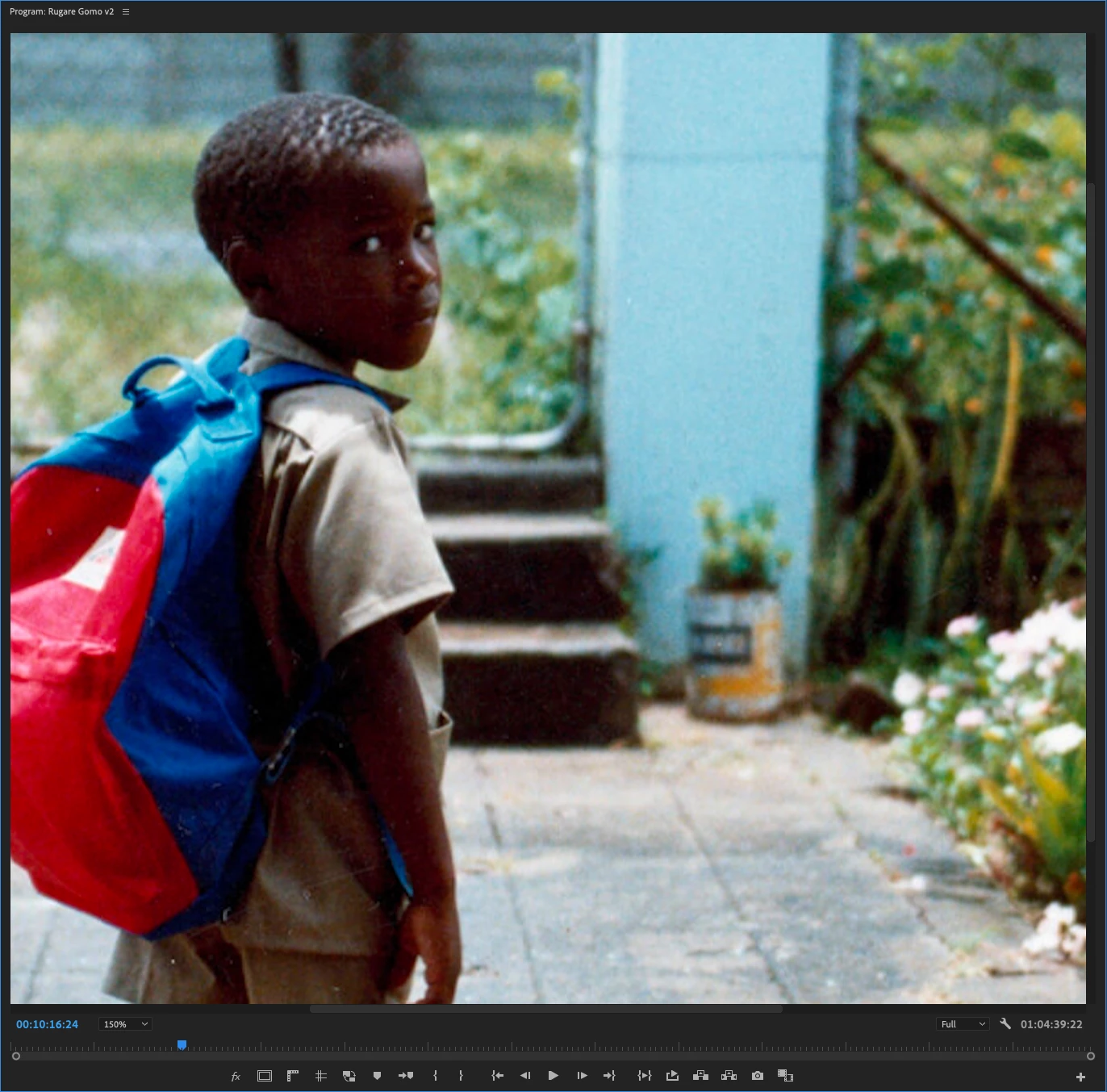
In previous versions of Premiere Pro, when you zoom the Program window in any higher than the "Fit" level, sliders appear on the bottom and right of the window allowing you to move around the frame (see below).
 

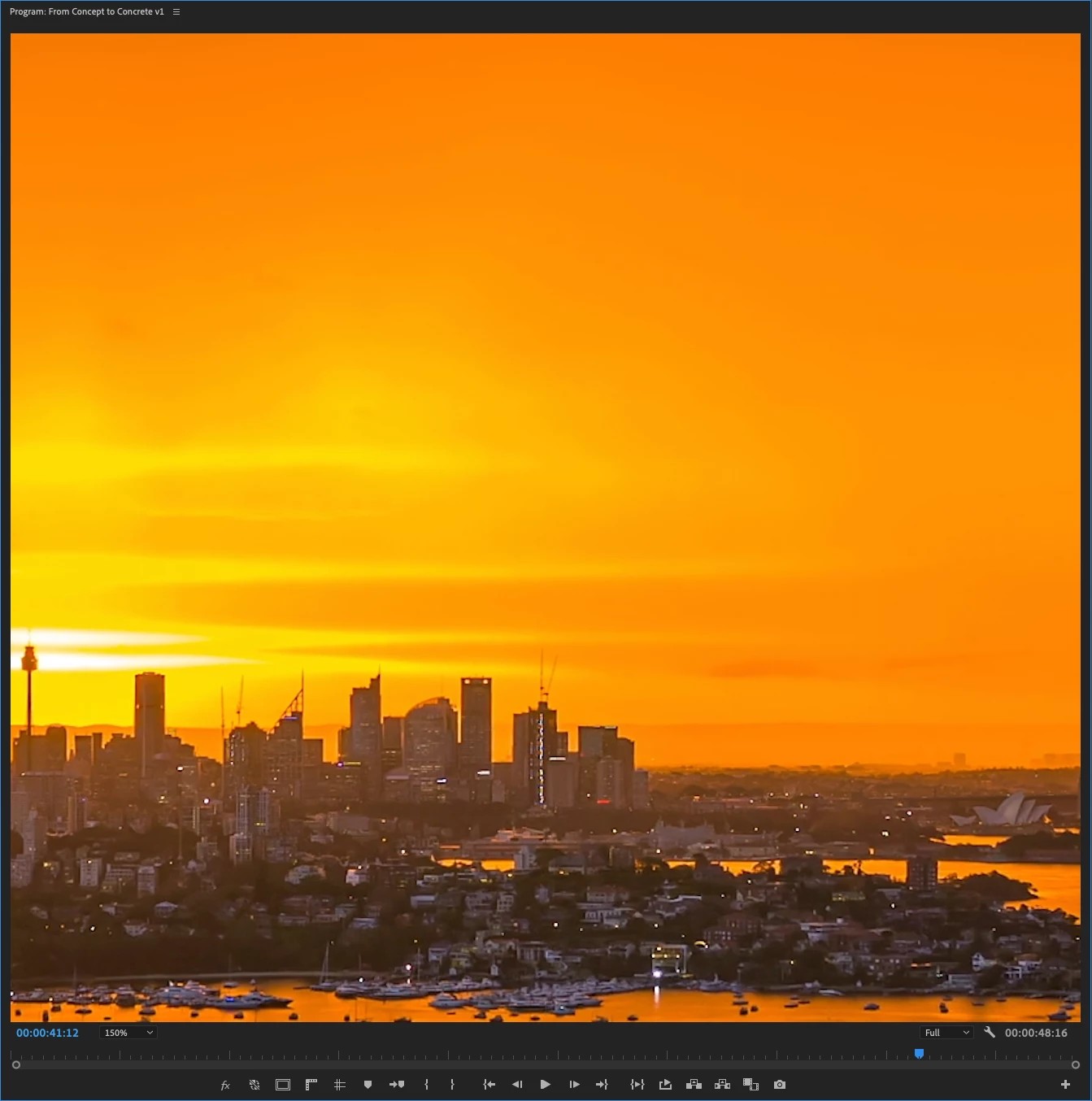
In Premiere Pro 24.5, the sliders don't appear and there is no way to move around the frame once you are zoomed in (see below).
 

macOS Ventura 13.6.7

M2 Pro Mac mini 32GB

Correct answer sh222

I just found the options to turn the scroll bars back on. I clicked the wrench next to the playback resolution dropdown. In there just checked 'Show Scroll Bars'.  Hope this might be what you guys were looking for. I am running version 25.1.0, but my scroll bars dissappeared when I upgraded, until I found this.

1 reply

R Neil Haugen
Legend
June 27, 2024

Actually, yes, you can easily move around ... tap the H key for the Hand tool, click & drag the image as you wish.


The change was to save screen space as they had added the ability to zoom the image in/out by mouse scroll action. 


However, I would prefer to still have the scroll bars myself.

Everyone's mileage always varies ...
Nick Varley
Participating Frequently
June 28, 2024

The Hand tool, of course!  I forgot about that thing.